





Why This “Older” Storage Standard Still Matters in 2026
Even in 2026, when NVMe PCIe SSDs and DDR5 memory dominate headlines, Твердотельные накопители 2,5″ SATA remain a critical component in many PC builds and enterprise deployments. But where exactly do they fit in today’s computing landscape?
1️⃣ SATA SSDs: Where They Stand Today
SATA (Serial ATA) SSDs were the first affordable and high-speed upgrade from traditional HDDs. Compared with hard drives, they offer: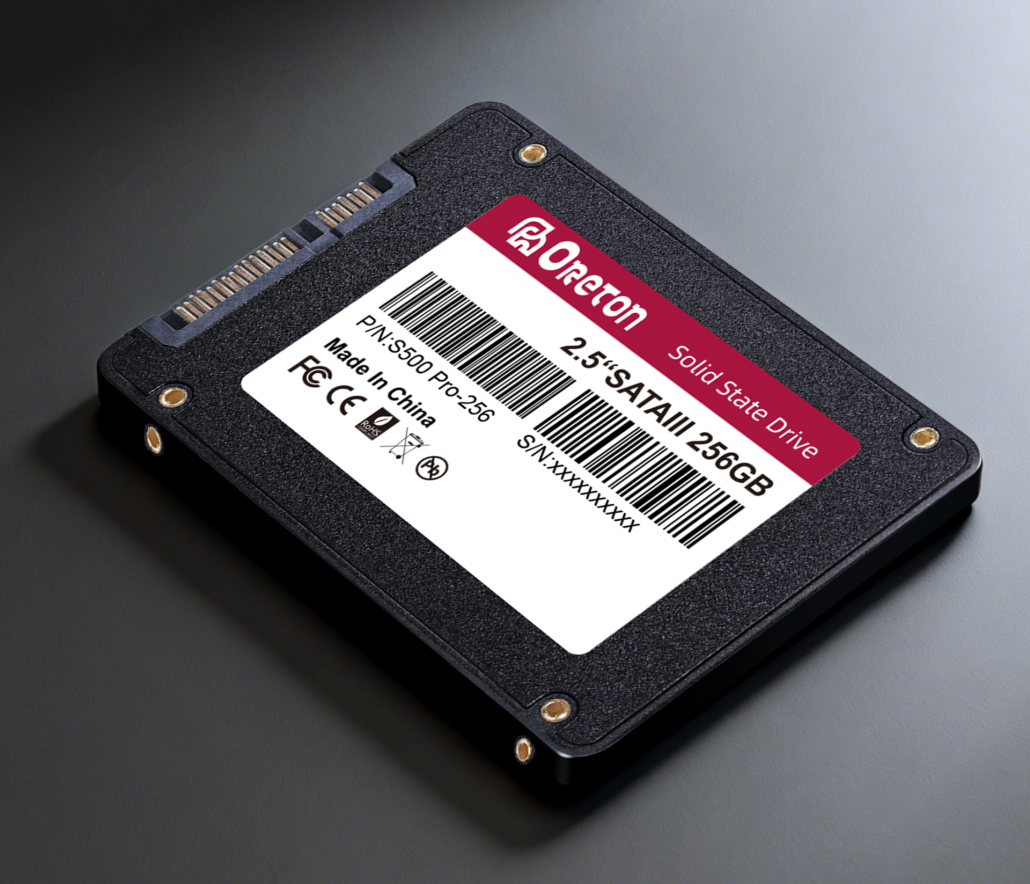
- ✅ Faster boot and application launch times
- ✅ Lower power consumption
- ✅ Silent operation
- ✅ Improved durability (no moving parts)
Note: While PCIe NVMe SSDs achieve higher sequential speeds, SATA SSDs are still widely used because they are compatible with virtually all PCs, including:
- Legacy desktops and laptops
- Budget systems
- Office workstations and thin clients
- Systems where PCIe lanes are limited
Вынос: SATA SSDs remain the go-to solution for cost-effective, reliable storage, especially where extreme speed is not the top priority.
2️⃣ Compatibility Across Systems
A major advantage of SATA SSDs is broad compatibility:
| Aspect | Advantage | Примечания |
|---|---|---|
| Интерфейс | Standard SATA III (6 Gb/s) | Compatible with almost all motherboards produced in the last 10+ years |
| Форм-фактор | 2.5″ drive or M.2 SATA | Works in desktops, laptops, and NAS devices |
| BIOS/UEFI Support | Native support | Plug-and-play; no special drivers usually needed |
| Power & Cooling | Low power, minimal heat | Ideal for small form factor PCs or systems without advanced cooling |
Наблюдение: For users upgrading older laptops or office PCs, SATA SSDs are the easiest drop-in solution.
3️⃣ Typical Usage Scenarios in 2026
SATA SSDs excel where reliability, cost, and compatibility matter more than extreme speed:
- Budget Laptops and Desktops
- Ideal for students or office setups where boot speed and application responsiveness are key.
- Enterprise Office Workstations
- Offices deploying hundreds or thousands of PCs can maximize value and reduce deployment risk.
- Secondary Storage / Backup Drives
- Works in combination with NVMe drives for a storage hierarchy: NVMe for OS/games, SATA SSDs for large files and archives.
- Legacy or Mixed Hardware Environments
- Some older systems do not support PCIe 4.0/5.0, making SATA SSDs the only practical upgrade path.
4️⃣ Performance Expectations
While SATA SSDs cannot match NVMe drives for sequential throughput, their производительность при случайном чтении/записи is sufficient for most daily workloads:
| Workload | SATA SSD Performance | Примечания |
|---|---|---|
| Загрузка ОС | 15–25 seconds | Comparable to NVMe for everyday tasks |
| Application launch | Мгновенный | Word, Excel, Chrome, Photoshop (moderate workloads) |
| File transfer | 400–550 MB/s | Slower than NVMe, but sufficient for office/data tasks |
| Gaming load times | Slightly slower | NVMe is faster for AAA games, but SATA SSDs remove HDD bottlenecks |
Ключевой момент: SATA SSDs are often “fast enough” for everyday computing and mid-tier professional workloads.
5️⃣ Why SATA SSDs Are Still a Smart Choice
- 💰 Cost-effective – more storage for the same budget
- ✅ Надежный – proven technology with low failure rates
- 🖥️ Compatible – works on most desktops, laptops, and enterprise PCs
- ⚡ Sufficient speed – real-world tasks rarely demand PCIe-level throughput
6️⃣ Conclusion
Despite the rise of PCIe 4.0 and 5.0 SSDs, SATA SSDs continue to play a crucial role in modern PCs. They offer:
- Affordable performance for everyday users
- Reliable deployment for enterprises
- Seamless upgrades for legacy systems
Whether you are upgrading a personal laptop, equipping an office, or building a budget gaming rig, SATA SSDs remain a practical and dependable choice in 2026.
Оретон
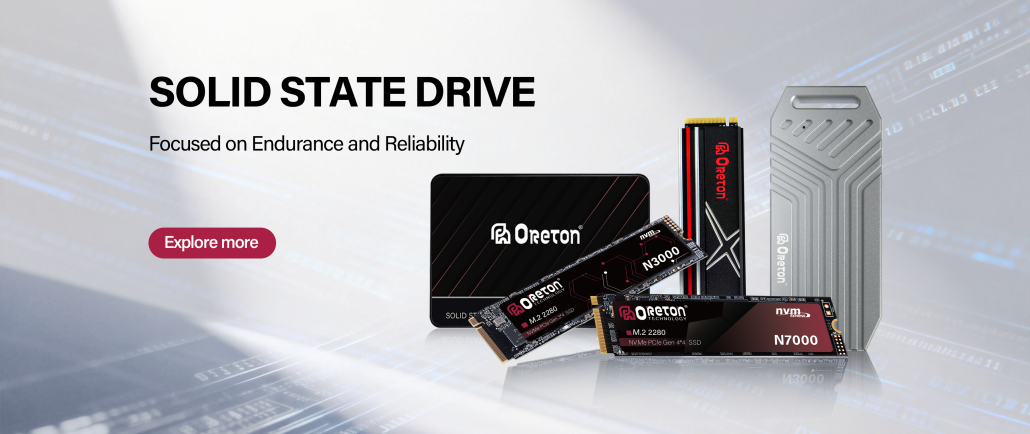
Oreton provides 2.5″ SATA SSDs and high-quality NVMe drives designed for long-term stability, low failure rates, and real-world performance. С сайта budget-conscious daily PCs на enterprise-scale deployments, Oreton ensures your storage investment is reliable and consistent.