





Choosing Memory Based on Real-World Applications
When selecting memory for a PC, many buyers naturally focus on capacity or frequency. It’s common to ask questions like: Is 32GB better than 16GB? Should I choose DDR5-6000 instead of DDR5-5600?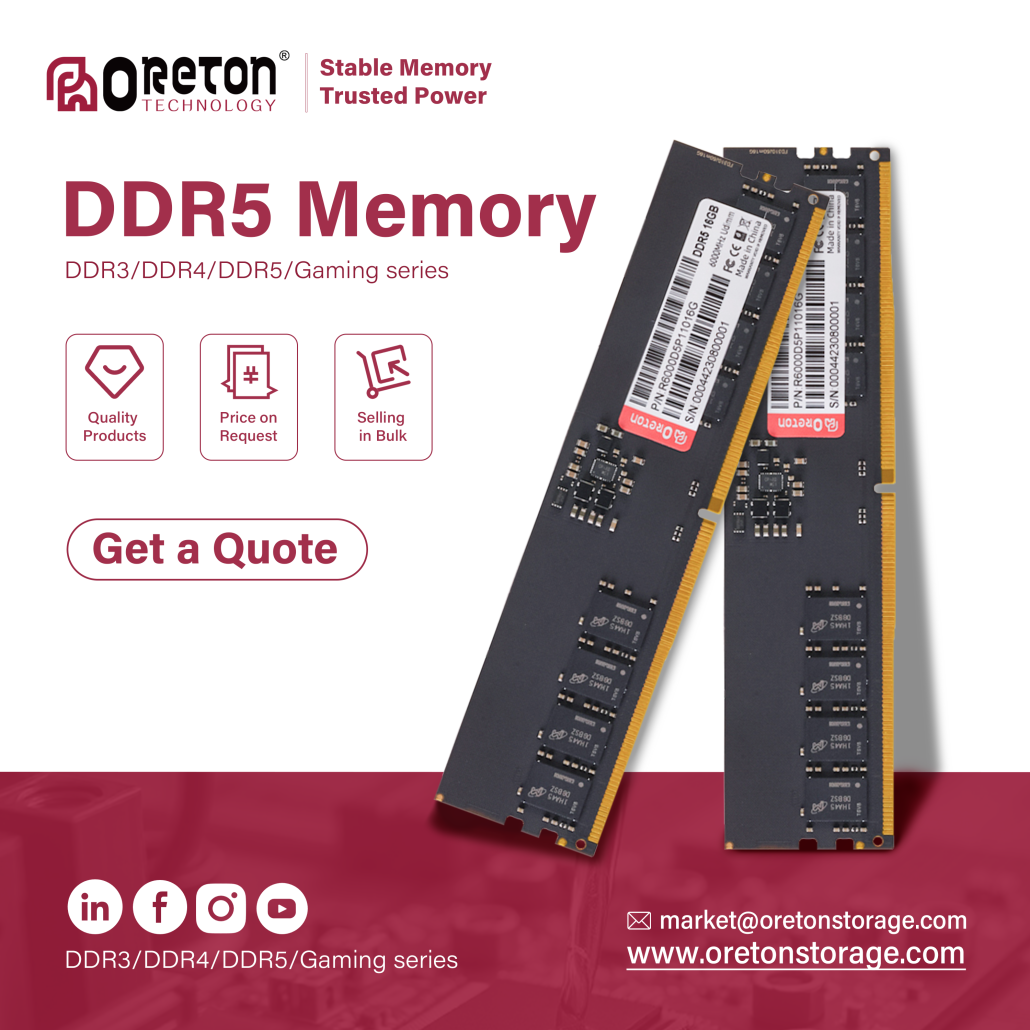
In reality, the answer depends less on the specifications themselves and more on the workload the system is designed to handle.
For OEMs, system builders, and channel partners, choosing the right memory is about creating a balanced platform that delivers reliable performance while staying within budget. Understanding how different workloads utilize memory can help avoid unnecessary costs and improve the overall user experience.
Office PCs: Prioritize Stability and Compatibility
Office systems spend most of their time running web browsers, office software, email clients, video conferencing, and multiple background applications.
In these environments, stability is usually more valuable than pursuing the highest memory frequency. A well-tested memory configuration ensures consistent performance during long working hours while minimizing compatibility issues across different hardware platforms.
For most office deployments:
- 8GB is suitable for basic office tasks.
- 16GB provides a smoother experience for multitasking and modern business software.
- Higher capacities are generally unnecessary unless users work with larger datasets or specialized applications.
For large-scale deployments, compatibility and long-term reliability often outweigh peak benchmark performance.
Education Systems: Built for Diverse Software Environments
Educational PCs are expected to support a wide variety of software—from web-based learning platforms to programming environments and multimedia applications.
Since usage varies significantly between classrooms and institutions, flexibility becomes more important than maximizing specifications.
A balanced memory configuration helps ensure smooth operation across different learning scenarios while keeping overall system costs under control.
Content Creation: Capacity Becomes More Important
Creative workloads place much greater demands on system memory.
Photo editing, video production, graphic design, and multitasking between multiple creative applications can quickly consume available RAM.
As projects become larger and more complex, additional memory helps reduce interruptions caused by constant data swapping and allows applications to keep more assets readily available.
In these workloads, increasing memory capacity often delivers a more noticeable improvement than pursuing higher memory frequency alone.
Industrial and Embedded Systems: Reliability First
Industrial computers frequently operate under continuous workloads for extended periods, often in environments where stability is critical.
Unlike consumer gaming systems, industrial platforms typically prioritize:
- Stable long-term operation
- Platform compatibility
- Consistent performance
- Reliable component quality
For these systems, selecting validated memory with dependable quality control is often far more important than choosing the fastest specifications available.
Capacity and Speed Should Work Together
Memory capacity and memory speed are not competing specifications—they complement each other.
Higher capacity allows more data to remain readily available for applications, while higher frequency improves how quickly that data can be accessed.
The ideal balance depends on the intended workload rather than pursuing the highest numbers on a specification sheet.
For many commercial systems, choosing a balanced configuration often delivers better real-world value than simply selecting the fastest memory available.
Choosing Memory with the End User in Mind
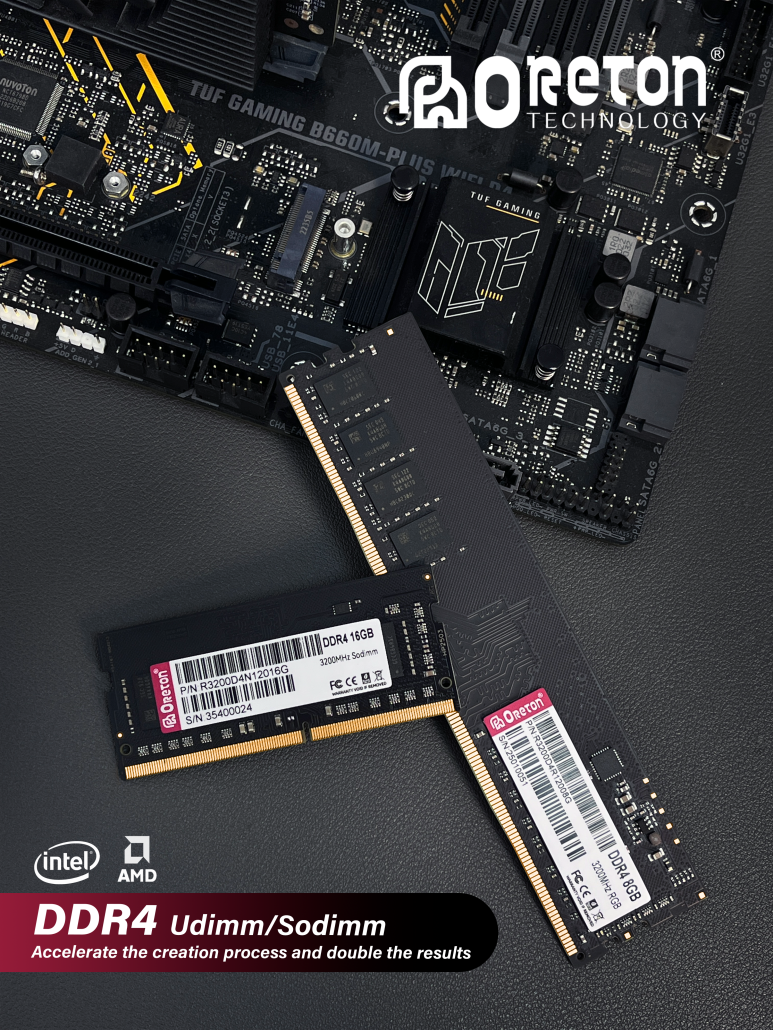
Every application has different priorities.
An office PC values stability.
A classroom values flexibility.
A creative workstation benefits from additional capacity.
An industrial platform demands long-term reliability.
Understanding these differences enables OEMs and system integrators to build systems that better match customer expectations while maintaining competitive costs.
Instead of asking “Which RAM is the best?”, a more valuable question is:
“Which RAM is the best fit for this workload?”
Because in real-world computing, the right memory is not defined by the highest specification—it is defined by how well it supports the system it is built for.
Заключение
Selecting memory is no longer simply about choosing the largest capacity or the highest frequency. As workloads continue to diversify, successful system design depends on balancing performance, compatibility, stability, and cost.
For OEMs and channel partners, understanding how memory requirements differ across office, education, creative, and industrial applications leads to better product positioning and more efficient hardware solutions.
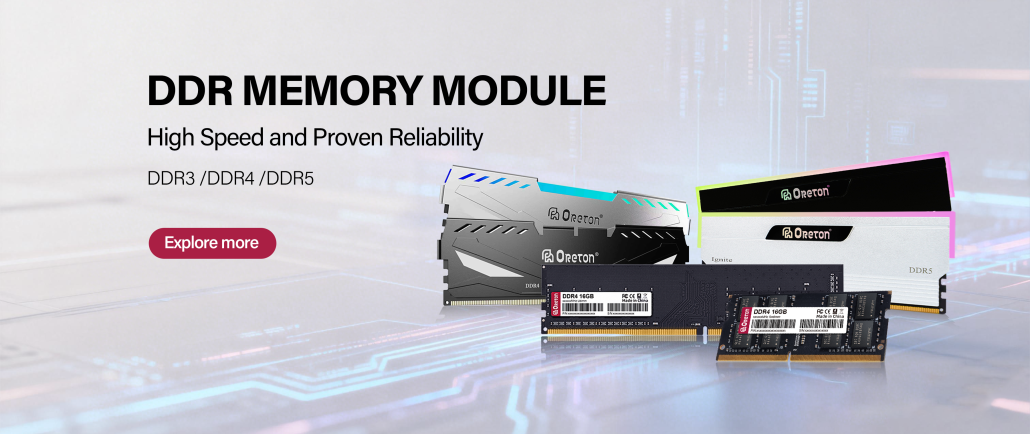
At Oreton, we believe that dependable memory is built not only through specifications, but also through careful component selection, validation, and consistent quality control—helping partners build systems that perform reliably in real-world deployments.