




Building or upgrading a gaming PC involves many decisions, but RAM and SSD are two components that are often misunderstood.
A faster SSD does not automatically mean higher FPS, and choosing RAM with the highest frequency does not always guarantee the best gaming experience. The right choice depends on several factors, including capacity, speed, latency, compatibility, storage interface, and your overall PC configuration.
For most gamers, the goal is not to buy the most expensive memory and storage available. It is to find the right balance between capacity, performance, compatibility, reliability, and price.
This guide explains what to look for when choosing RAM and an SSD for a gaming PC.
1. What Do RAM and SSD Do in a Gaming PC?
RAM and SSD both store data, but they serve very different purposes. 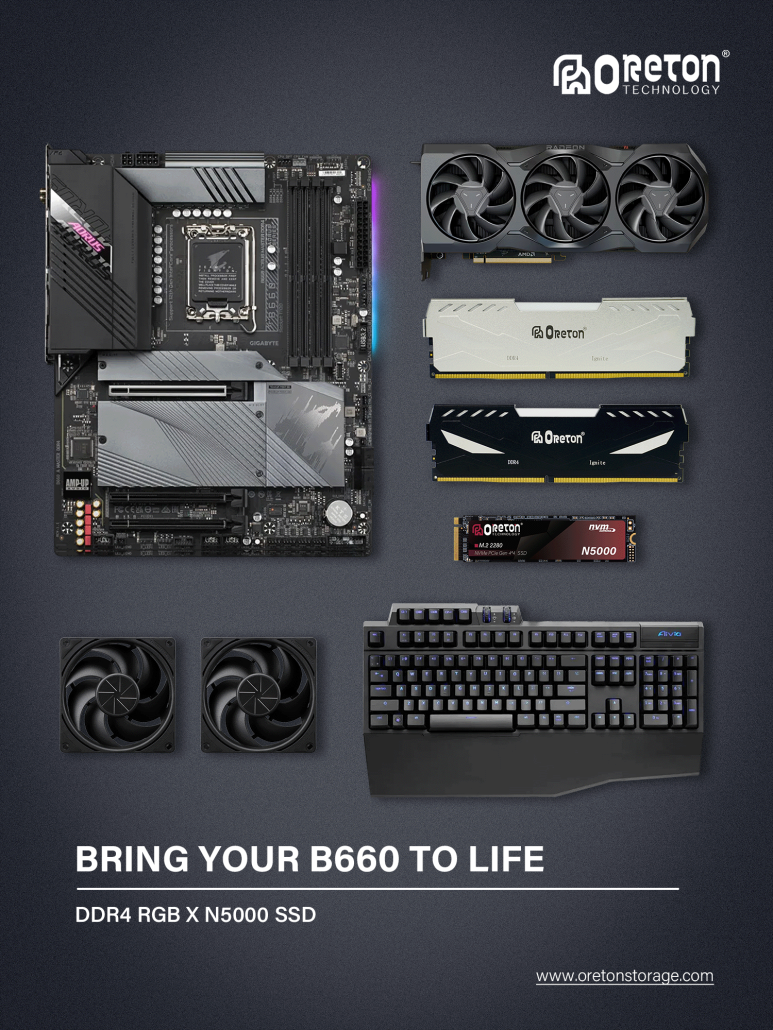
RAM (Random Access Memory) is temporary working memory used by the CPU and applications. When you launch a game, the system loads the data it needs into RAM so the CPU can access it quickly.
An SSD (Solid State Drive) is long-term storage. Your operating system, games, applications, and personal files are stored on the SSD even when the PC is turned off.
In simple terms:
- RAM helps your PC handle active game data and multitasking.
- SSD stores your games and helps reduce loading and file-transfer times.
- CPU and GPU remain the primary components responsible for game processing and graphics performance.
This means upgrading RAM or an SSD should not be expected to dramatically increase FPS in every game. However, having sufficient RAM and a fast, reliable SSD can make the overall gaming experience smoother and more responsive.
2. How Much RAM Do You Need for Gaming?
RAM capacity is one of the first things gamers should consider.
8GB RAM
8GB can be limiting for modern gaming PCs. Some less demanding games may run, but Windows, background applications, launchers, browsers, and communication software can quickly consume available memory.
For a new gaming PC, 8GB is generally not the capacity we would recommend unless the system is designed for very light gaming or future upgrading.
16 GB DE RAM
16GB remains a reasonable starting point for mainstream gaming.
It can handle many modern games while leaving enough memory for normal background applications. However, demanding games combined with streaming, browsers, Discord, recording software, or other applications may push memory usage higher.
32 GB DE RAM
For many modern gaming PCs, 32GB is a comfortable choice.
It provides more headroom for demanding games and multitasking and can be particularly useful if you frequently run a game together with streaming, voice chat, browsers, or other applications.
64GB RAM and More
64GB is generally unnecessary for gaming alone, but it can make sense for users who combine gaming with video editing, 3D work, content creation, virtual machines, or other memory-intensive workloads.
Quick Reference
| Capacidade de RAM | Typical Gaming Use |
|---|---|
| 8 GB | Basic or light gaming |
| 16 GB | Mainstream gaming |
| 32 GB | Recommended for many modern gaming PCs |
| 64 GB ou mais | Gaming + heavy multitasking/content creation |
The important point is that more RAM is not automatically faster RAM. Once you have enough memory for your workload, other specifications become more important.
3. Does RAM Speed Matter for Gaming?
RAM speed is usually expressed in MHz or MT/s, depending on the memory specification and platform.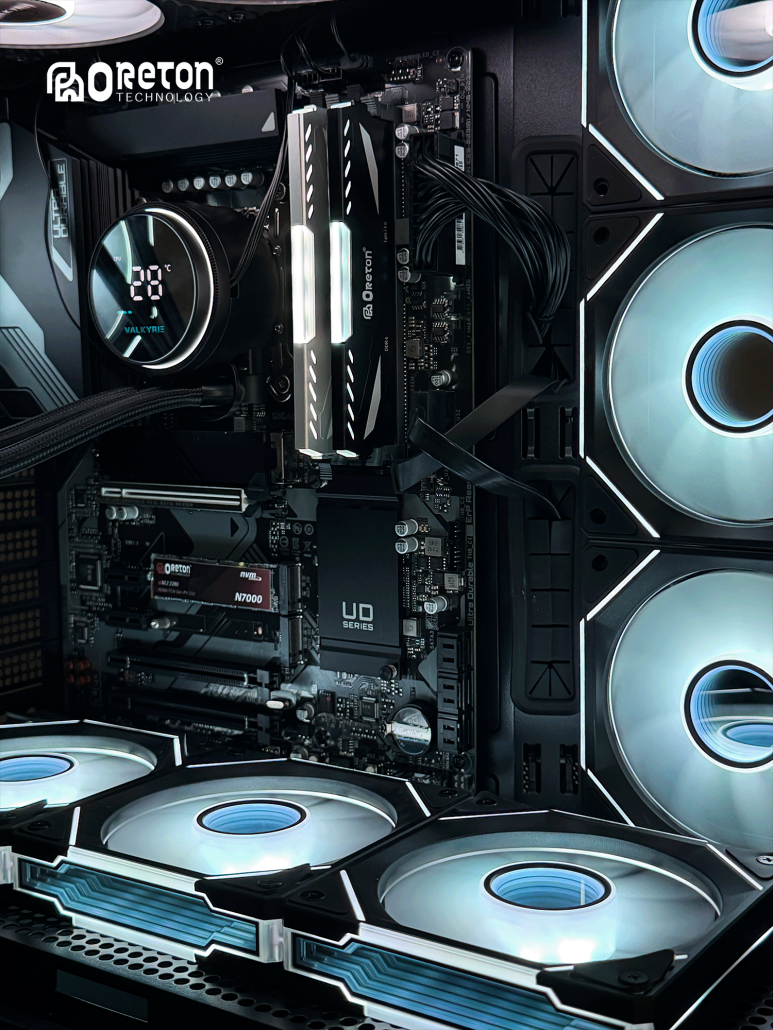
For example, DDR5 memory may be available at speeds such as:
- DDR5-4800
- DDR5-5600
- DDR5-6000
- DDR5-6400
- DDR5-6800
Higher memory speed can increase memory bandwidth, which may benefit certain workloads and games.
However, the real-world impact depends on the CPU, motherboard, memory configuration, game engine, and other system components.
Therefore, choosing RAM should not be based on frequency alone.
Por exemplo:
DDR5-6400 is not automatically a better choice than DDR5-6000 in every gaming PC.
The overall memory configuration matters.
4. RAM Speed vs. Latency: Which Matters More?
Another important RAM specification is Latência CAS (CL).
A memory module may be described as:
DDR5-6000 CL30
Here, 6000 represents the memory data rate, while CL30 represents its CAS latency.
Lower latency can reduce the time required for certain memory operations, while higher frequency increases available memory bandwidth.
This means gamers should consider frequency and latency together, rather than focusing on either number independently.
For example, comparing:
- DDR5-6000 CL30
- DDR5-6000 CL36
is more meaningful than simply comparing two modules with the same 6000 rating.
The best configuration depends on the platform and the balance between speed, latency, compatibility, and cost.
5. DDR4 vs. DDR5: Which Is Better for Gaming?
DDR4 and DDR5 are different memory generations and are not interchangeable.
DDR5 generally offers higher memory bandwidth and is designed for newer platforms. If you are building a new gaming PC, DDR5 is usually the more suitable choice for a modern platform.
DDR4 can still be a practical option when upgrading an existing system that already supports DDR4.
The choice should therefore begin with your motherboard and CPU.
DDR4
- Mature and widely supported
- Suitable for many existing systems
- Can be cost-effective for upgrades
- Lower platform requirements in older systems
DDR5
- Higher memory bandwidth
- Designed for newer platforms
- Better suited to new PC builds
- Greater long-term platform relevance
The key rule is simple:
Check your motherboard and CPU compatibility before purchasing RAM.
You cannot install DDR5 into a DDR4-only motherboard or vice versa.
6. Why Dual-Channel RAM Matters
Memory configuration can also affect performance.
A dual-channel configuration allows the memory controller to access two memory channels rather than relying on a single channel.
For example, using:
2 × 16GB
can provide a different memory configuration from:
1 × 32GB
even though both provide 32GB of total capacity.
For compatible gaming systems, using two matched memory modules is often a practical way to take advantage of dual-channel operation.
However, exact memory support depends on the CPU and motherboard.
When building a gaming PC, consider both:
Total capacity + memory configuration
rather than capacity alone.
7. How Much SSD Storage Do You Need for Gaming?
Modern games can require a significant amount of storage space.
In addition to the game itself, you also need space for operating system files, updates, patches, downloadable content, applications, and personal files.
500GB SSD
A 500GB SSD can work for a budget gaming PC with a relatively small game library.
However, available capacity can become limited quickly if you install several large games.
1TB SSD
1TB is a practical starting point for many gaming PCs.
It provides enough space for the operating system, applications, and a reasonable collection of games without requiring an immediate upgrade.
2TB SSD
For gamers with a large game library, 2TB can be a more comfortable choice.
It reduces the need to constantly uninstall and reinstall games when new titles are added.
4TB and Above
Large-capacity SSDs are useful for users with extensive game libraries, large media collections, or additional content-creation workloads.
Quick Reference
| SSD Capacity | Suitable For |
|---|---|
| 500GB | Budget gaming systems |
| 1TB | Mainstream gaming |
| 2TB | Large game libraries |
| 4TB+ | Extensive libraries and heavy storage needs |
For most new gaming PCs, 1TB or 2TB provides a good balance between capacity and cost.
8. NVMe SSD vs. SATA SSD for Gaming
There are two common types of SSD interfaces you may encounter in gaming PCs: SATA and NVMe.
SSD SATA
SATA SSDs use the SATA interface and generally offer much higher performance than traditional hard disk drives.
They remain useful for:
- Budget gaming PCs
- Secondary game storage
- Sistemas mais antigos
- General-purpose upgrades
NVMe SSD
NVMe SSDs communicate through PCIe and can provide significantly higher bandwidth than SATA SSDs.
Modern NVMe SSDs are particularly attractive for new gaming systems because they offer:
- High sequential read/write performance
- High bandwidth
- Fast file transfers
- Fast installation and update performance
- Strong overall system responsiveness
For a new gaming PC, an NVMe SSD is generally the preferred choice when the platform supports it.
9. PCIe 3.0 vs. PCIe 4.0 vs. PCIe 5.0 SSDs
NVMe SSDs are available across different PCIe generations.
Typical high-performance examples include:
| Geração PCIe | Approx. Sequential Read Performance* | Gaming Position |
|---|---|---|
| PCIe 3.0 | Up to around 3,500 MB/s | Budget / older platforms |
| PCIe 4.0 | Up to around 7,000+ MB/s | Mainstream gaming |
| PCIe 5.0 | 10,000+ MB/s | High-end systems |
*Actual performance varies by SSD model, controller, NAND, firmware, and system configuration.
This leads to an important question:
Do gamers need a PCIe 5.0 SSD?
Não necessariamente.
A PCIe 5.0 SSD can deliver extremely high sequential speeds, but that does not mean every game will load twice as fast as it would from a PCIe 4.0 SSD.
For many gaming PCs, a good PCIe 4.0 NVMe SSD already provides an excellent combination of performance, capacity, compatibility, and cost.
PCIe 5.0 can be attractive for high-end systems, demanding workloads, and users who want the latest storage technology.
10. Does SSD Speed Affect Game Loading Times?
SSD manufacturers often highlight sequential read speeds because they are easy to compare.
Por exemplo:
- 3.500 MB/s
- 7,400 MB/s
- 14,000 MB/s
But game loading is more complicated than simply comparing these numbers.
Real-world loading performance can also depend on:
- Random read performance
- CPU performance
- Game engine design
- File compression
- Operating system
- Game optimization
- DirectStorage support
- SSD firmware
- Atividade do sistema em segundo plano
Therefore:
A 14,000 MB/s SSD does not automatically provide twice the gaming experience of a 7,000 MB/s SSD.
For gaming, SSD speed matters, but it should be considered together with the rest of the system.
11. Does SSD Capacity Affect Gaming Performance?
SSD capacity itself does not directly increase FPS.
However, SSDs can experience performance changes when they become heavily filled.
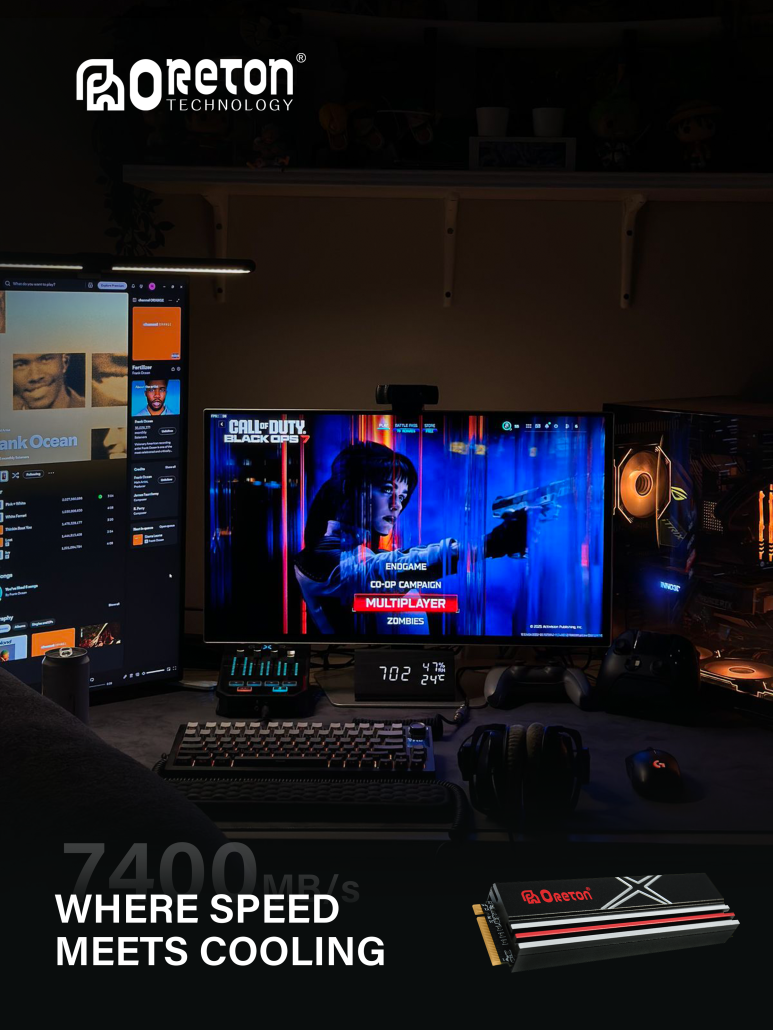
Keeping reasonable free space can help maintain performance and provide room for:
- Atualizações do jogo
- Temporary files
- Operating system operations
- SSD internal management
- New game installations
This is why choosing a larger SSD can sometimes be more practical than buying the fastest small-capacity SSD available.
Por exemplo:
2TB PCIe 4.0 SSD
may be a more useful gaming upgrade for some users than:
1TB PCIe 5.0 SSD
if the latter does not provide meaningful benefits for their workload.
12. What Should You Look for in a Gaming SSD?
When comparing gaming SSDs, consider the following factors.
1. Capacity
Choose enough storage for your current game library and expected future needs.
For many users, 1TB or 2TB is a practical range.
2. Interface
Check whether your motherboard supports:
- SATA
- PCIe 3.0
- PCIe 4.0
- PCIe 5.0
3. Sequential Performance
Sequential read/write speeds are useful for comparing overall storage bandwidth, large file transfers, installations, and other workloads.
4. Random Performance
Random read performance can be particularly relevant to workloads involving many smaller files.
5. NAND Flash
NAND type affects performance, endurance, cost, and overall product behavior.
TLC NAND is commonly considered a strong balance for performance and endurance, while QLC can provide higher capacity at a lower cost for suitable workloads.
6. SSD Controller
The controller plays an important role in how the SSD manages NAND flash, data transfers, caching, and other operations.
7. Firmware
Firmware can affect compatibility, performance, power management, and overall SSD behavior.
8. Thermal Management
High-performance NVMe SSDs can generate significant heat under sustained workloads.
A suitable heatsink or thermal solution can help maintain stable performance.
13. What Should You Look for in Gaming RAM?
When selecting gaming RAM, look beyond the capacity printed on the package.
1. Capacity
16GB can be suitable for mainstream gaming, while 32GB provides more headroom for modern games and multitasking.
2. DDR Generation
Make sure the memory generation matches your motherboard.
DDR4 and DDR5 are not interchangeable.
3. Frequency
Higher memory speed can increase bandwidth, but the practical benefit depends on the platform.
4. CAS Latency
Consider latency together with frequency rather than evaluating either specification alone.
5. Channel Configuration
A compatible dual-channel configuration can provide higher memory bandwidth than a single-channel setup.
6. Compatibility
Always check the motherboard and CPU memory specifications.
7. XMP or EXPO Support
Some gaming memory kits support technologies such as Intel XMP or AMD EXPO, which allow compatible systems to apply tested memory profiles more easily.
14. Recommended RAM and SSD Combinations for Gaming PCs
There is no single configuration that is perfect for every gamer, but the following combinations can serve as a useful starting point.
Budget Gaming PC
16GB RAM + 500GB/1TB SSD
Suitable for users who want to control the overall system cost while maintaining a reasonable gaming experience.
Mainstream Gaming PC
32GB DDR5 + 1TB/2TB PCIe 4.0 NVMe SSD
For many new gaming PCs, this offers a strong balance between capacity, performance, and price.
High-End Gaming PC
32GB/64GB DDR5 + 2TB PCIe 4.0/5.0 NVMe SSD
Suitable for high-end systems, large game libraries, heavy multitasking, and users who want additional performance headroom.
The right configuration ultimately depends on the CPU, GPU, motherboard, games, budget, and other workloads.
15. RAM or SSD: Which Should You Upgrade First?
If you already have a gaming PC and want to upgrade it, the answer depends on your current configuration.
Upgrade RAM First If:
- Your system frequently uses almost all available memory
- Games stutter because of memory pressure
- You multitask heavily while gaming
- You are using 8GB and need more capacity
- You regularly run games together with streaming or other applications
Upgrade SSD First If:
- Your current drive is nearly full
- You are still using an HDD
- Game loading times are inconvenient
- Game installation and update times are slow
- Your existing SSD has insufficient capacity
- You want faster overall system storage
However, if your main goal is to increase gaming FPS, check your CPU and GPU first. RAM and SSD upgrades do not automatically solve CPU- or GPU-limited performance.
16. Common Mistakes When Choosing Gaming RAM and SSD
Mistake 1: Buying the Highest SSD Speed
A higher sequential read speed looks impressive, but it does not automatically translate into proportionally shorter game loading times.
Mistake 2: Choosing RAM Based Only on MHz
Frequency matters, but latency, capacity, memory configuration, and platform compatibility matter too.
Mistake 3: Ignoring Compatibility
The fastest RAM or SSD is useless if your motherboard does not support it properly.
Sempre verifique:
- RAM generation
- Memory speed support
- M.2 slot type
- PCIe generation
- NVMe/SATA protocol
- CPU and motherboard specifications
Mistake 4: Choosing Too Little Storage
A small SSD may appear cheaper initially, but constantly managing game installations can become inconvenient.
Mistake 5: Assuming More RAM Always Means More FPS
Once you have enough RAM for your workload, adding more capacity may have little effect on gaming performance.
17. A Simple Buying Checklist
Before purchasing gaming RAM, ask:
- Is the capacity sufficient?
- Is it DDR4 or DDR5?
- Does it match my motherboard?
- What frequency does it support?
- What is the CAS latency?
- Can I use dual-channel memory?
- Does it support XMP or EXPO where applicable?
Before purchasing a gaming SSD, ask:
- Is the capacity sufficient?
- Is it SATA or NVMe?
- Which PCIe generation does it support?
- What are the sequential read/write speeds?
- How does it perform in random workloads?
- What NAND type does it use?
- Which controller does it use?
- Does it have suitable thermal management?
- Is it compatible with my motherboard?
Conclusion: Choose the Right Balance, Not Just the Highest Numbers
Choosing RAM and an SSD for a gaming PC is not simply a matter of finding the highest frequency or fastest sequential read speed.
For RAM, prioritize:
Capacity → Compatibility → Channel Configuration → Speed → Latency
For SSDs, consider:
Capacity → Interface → Compatibility → Performance → NAND → Controller → Thermal Management
For many modern gaming PCs, 32GB of DDR5 RAM combined with a 1TB or 2TB PCIe 4.0 NVMe SSD provides a practical balance of performance, capacity, and value.
Higher-end options such as faster DDR5 memory or PCIe 5.0 SSDs can make sense for specific systems and workloads, but they should be selected based on actual requirements rather than specifications alone.
The best gaming PC configuration is not necessarily the one with the biggest numbers on the box.
It is the one where RAM, SSD, CPU, GPU, motherboard, and budget work together as a balanced system.