





Modern PCs come with a bewildering array of options: PCIe 3.0, 4.0, 5.0, DDR3, DDR4, DDR5… How do you know what actually makes a difference for your daily use? Not all upgrades deliver tangible benefits, and some can even be overkill.
PCIe Generations: Real-World Impact
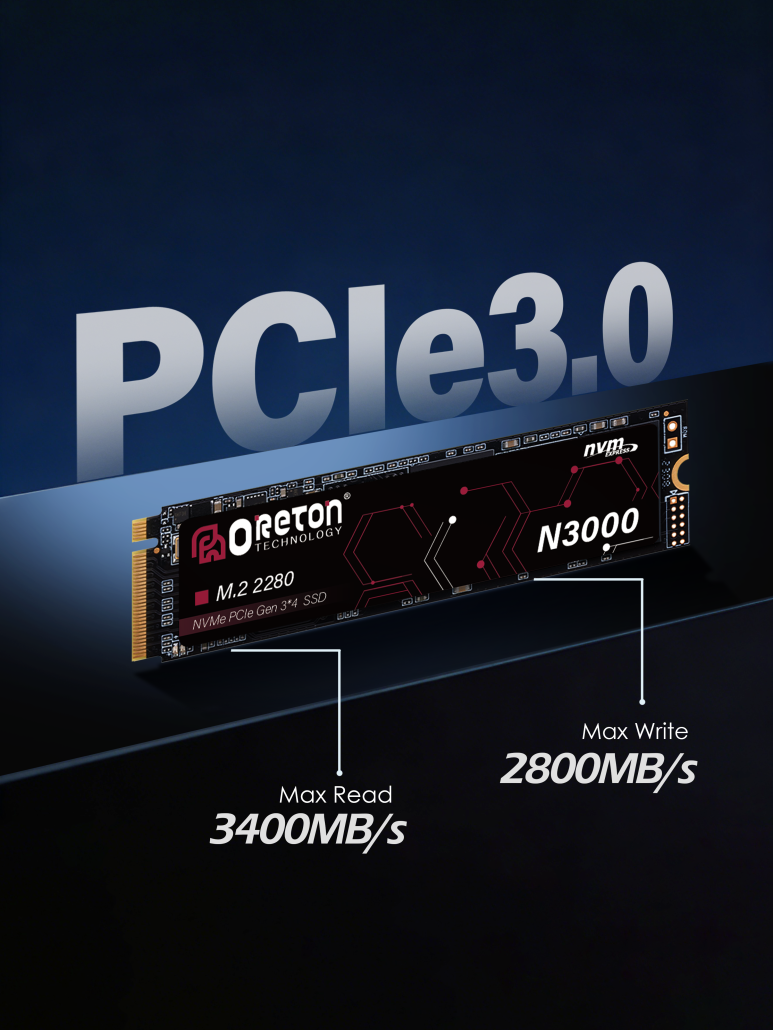
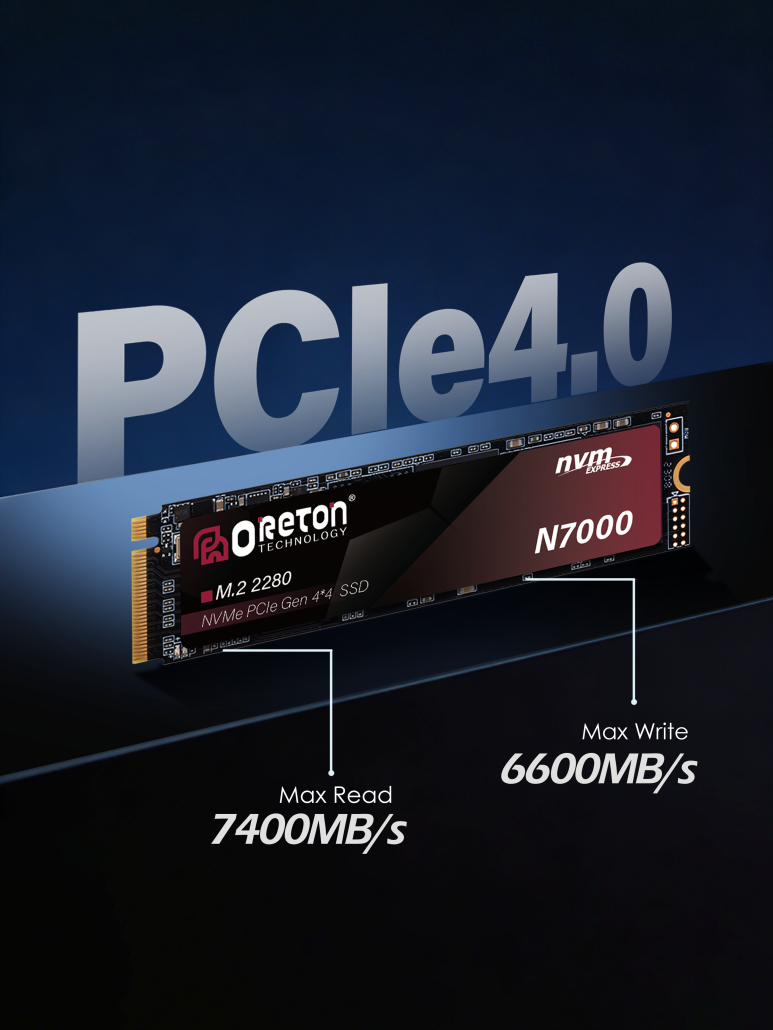
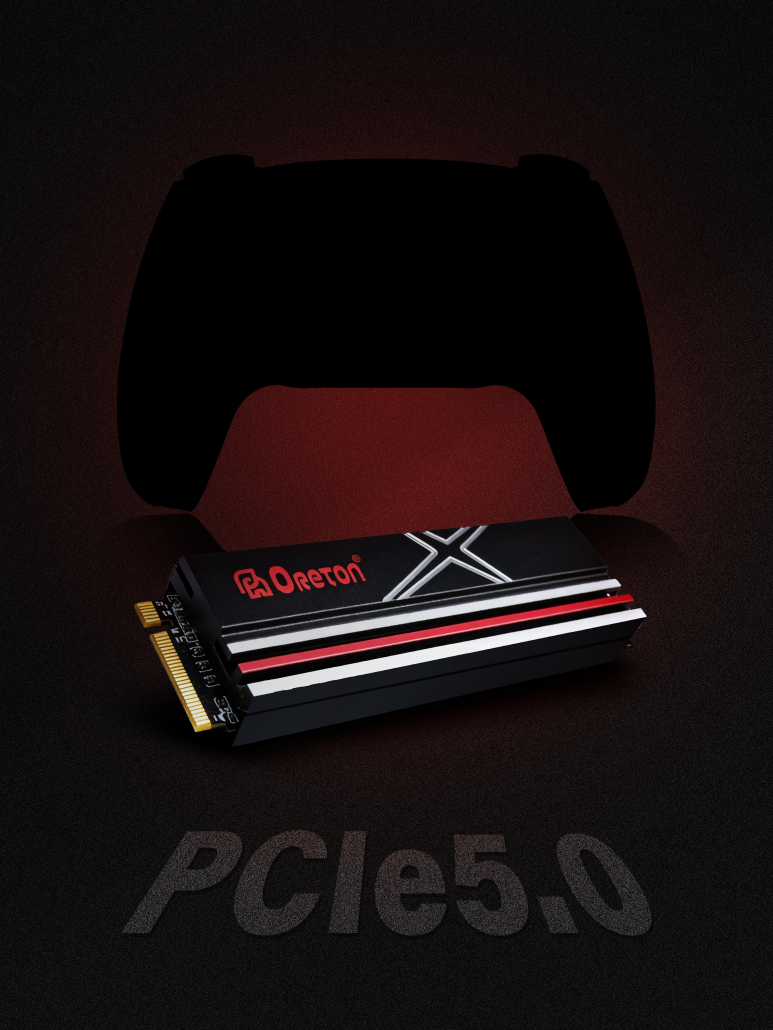
PCIe speed determines the bandwidth available between storage, graphics, and expansion cards. The generations differ in maximum theoretical throughput:
| PCIe Gen | Max Per Lane | Typical Consumer Use Case | Uwagi |
|---|---|---|---|
| 3.0 | 1 GB/s | Office, light gaming, SSDs <1GB/s | Still sufficient for most SATA SSDs and entry-level NVMe drives |
| 4.0 | 2 GB/s | Gaming, content creation, NVMe Gen4 SSDs | Noticeable in sequential workloads, large file transfers |
| 5.0 | 4 GB/s | High-end gaming, AI, workstation storage | Most consumer drives cannot saturate this yet; future-proofing only |
Kluczowy wniosek: For everyday tasks—web browsing, office apps, streaming—PCIe 3.0 is more than enough. PCIe 4.0 matters if you move large files, edit 4K/8K videos, or use high-speed NVMe storage. PCIe 5.0 is mostly for future-proofing or specialized workloads; most current consumer drives won’t fully utilize it.
DRAM Generations: What Really Counts
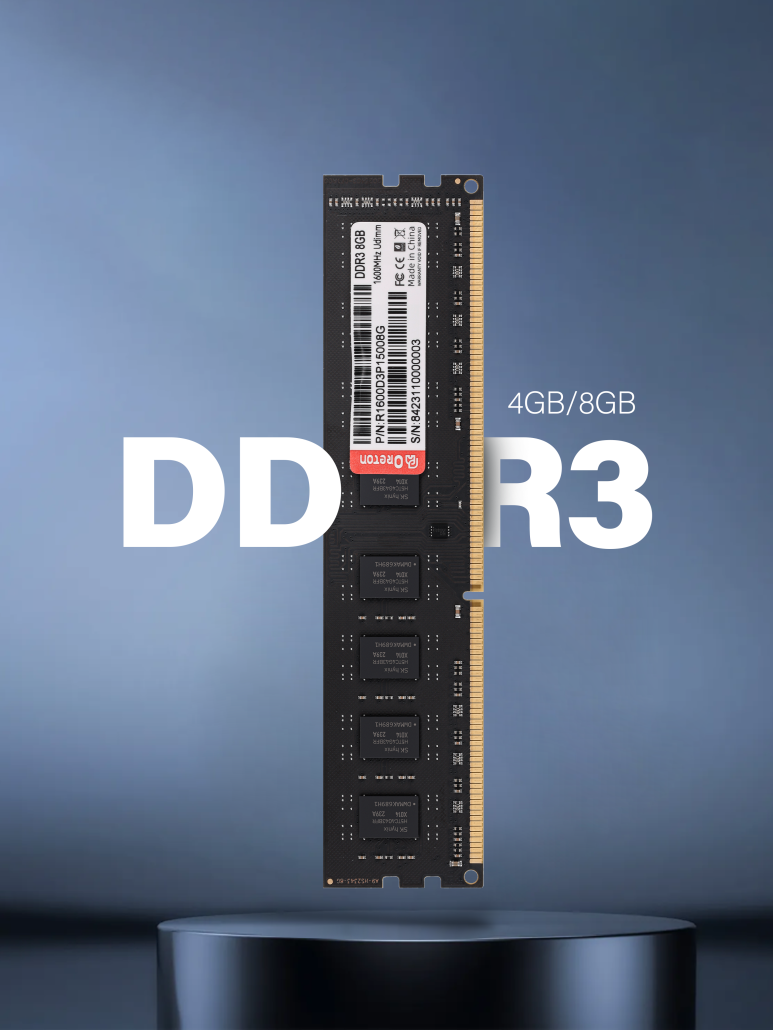
Memory affects both speed and responsiveness. DDR3, DDR4, and DDR5 differ in frequency, latency, and power efficiency.
| DRAM Gen | Typical Frequency | Opóźnienie | Best Fit Consumer Scenario | Uwagi |
|---|---|---|---|---|
| DDR3 | 1333–1866 MHz | CL9–11 | Older PCs, office, web | Limited upgrade path, not recommended for new builds |
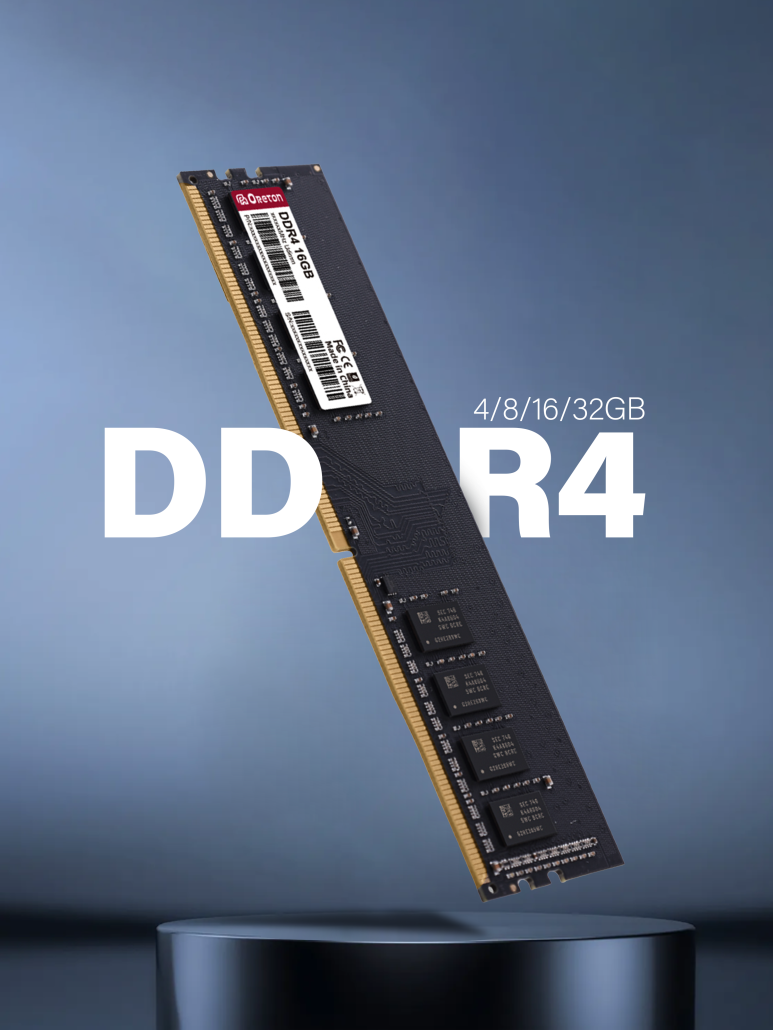
| DDR4 | 2133–3600 MHz | CL15–18 | Gaming, office, content creation | Still mainstream and cost-effective |
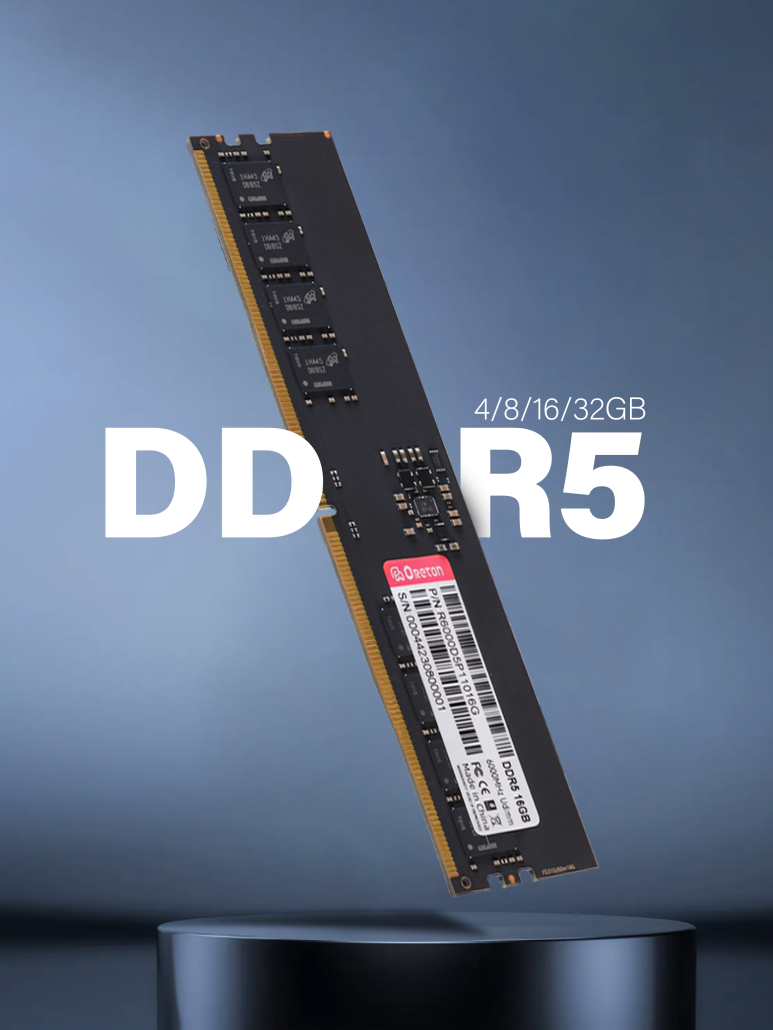
| DDR5 | 4800–6400+ MHz | CL36–40 | High-end gaming, AI workloads, heavy multitasking | Higher frequency but higher latency; noticeable mostly in memory-bound tasks |
Important insight: Higher frequency ≠ noticeably faster in most everyday workloads. DDR5 shines in AI, virtualization, or heavy multitasking scenarios where memory bandwidth is a bottleneck.
Matching PCIe and DRAM to Your Workload
To help visualize, here’s a simple mapping of PC use cases to PCIe + DRAM choices:
| Przypadek użycia | PCIe | DRAM | Uwagi |
|---|---|---|---|
| Office / Web / Streaming | 3.0 | DDR4 2400–3200 | Consistent, cost-effective, no bottleneck |
| Gaming 1080p–1440p | 4.0 | DDR4 3200–3600 | Balanced performance; NVMe Gen4 SSD optional |
| Video Editing / 3D Rendering | 4.0–5.0 | DDR4 3600–DDR5 5200+ | NVMe Gen4/5 SSDs speed up large transfers |
| AI / Machine Learning | 5.0 | DDR5 5600+ | Memory and storage bandwidth critical; PCIe 5.0 may be required for NVMe AI drives |
Tips for Smart Upgrading
-
Evaluate real workload first. Don’t buy PCIe 5.0 or DDR5 just because it’s new.
-
Consider storage speed vs. system bottlenecks. Even Gen5 NVMe drives won’t help if your CPU or software can’t keep up.
-
Price vs. benefit. DDR5 and PCIe 5.0 are still expensive; for most mainstream users, DDR4 + PCIe 4.0 hits the sweet spot.
-
Future-proofing vs. current needs. If you plan to keep a PC 5+ years, a moderate investment in DDR5/PCIe5.0 may be justified.
Bottom line: Faster isn’t always better. Understanding when speed matters and when consistency, compatibility, and cost matter more ensures you spend smartly and avoid unnecessary upgrades.