





Understanding What Actually Impacts Your PC Experience

Upgrading your PC storage is exciting — but it can also be confusing. With PCIe 3.0, 4.0, and 5.0 SSDs on the market, many users ask:
- Does a faster PCIe SSD always make my computer feel snappier?
- Are newer generations worth the extra cost?
- Will daily tasks or gaming really benefit from PCIe 4.0 or 5.0 speeds?
Here’s what every daily user should know.
1. Sequential Speed Isn’t Everything
PCIe generations primarily affect sequential read/write speeds — the top numbers you see in benchmarks.
| PCIe Gen | Max Sequential Read | Max Sequential Write | Real-World Benefit for Daily Tasks |
|---|---|---|---|
| PCIe 3.0 x4 | ~3500 MB/s | ~3000 MB/s | Excellent for booting, office work, media playback |
| PCIe 4.0 x4 | ~7000 MB/s | ~5000 MB/s | Faster large file transfers, content creation workloads |
| PCIe 5.0 x4 | ~14,000 MB/s | ~12,000 MB/s | Cutting-edge, mainly for heavy editing or future-proofing |
Observatie: Voor web browsing, office tasks, or casual gaming, PCIe 3.0 SSDs already deliver excellent responsiveness. The noticeable difference is mostly seen when moving huge files, editing 4K/8K videos, or running high-demand content creation software.
2. Random Performance Matters More Than Sequential
Daily usage is rarely about moving large files sequentially. Most users benefit more from random lees-/schrijfprestaties, which impacts:
- Boot times
- Application launch speeds
- Game load times
- Multitasking responsiveness
| Metrisch | PCIe 3.0 | PCIe 4.0 | PCIe 5.0 |
|---|---|---|---|
| Random 4K Read | ~500K IOPS | ~700K IOPS | ~1M IOPS |
| Random 4K Write | ~400K IOPS | ~600K IOPS | ~900K IOPS |
Meenemen: The real-world difference in everyday PC responsiveness is smaller than the sequential speed gap suggests.
3. Latency and CPU Interaction
Faster SSDs require more PCIe-lanes and may interact differently with your CPU. Key points:
- Older motherboards may not fully support PCIe 4.0/5.0 speeds, limiting real gains.
- Higher-speed SSDs generate more heat; thermal throttling can reduce peak performance if cooling is insufficient.
- CPU speed, RAM, and storage controller efficiency often bottleneck real-world performance before PCIe limits are reached.
4. Cost vs Practical Benefit
| PCIe Generation | Average Price per GB | Practical Advice |
|---|---|---|
| PCIe 3.0 | $0.08–$0.12 | Great value for daily users |
| PCIe 4.0 | $0.15–$0.25 | Good for enthusiasts or content creators |
| PCIe 5.0 | $0.30+ | Best for future-proofing and professional workloads |
Insight: For most users, a PCIe 3.0 or 4.0 SSD offers the best balance of price, reliability, and performance. PCIe 5.0 is mostly relevant for heavy professional workloads today.
5. Key Takeaways for Daily Users
- Booting and everyday apps — PCIe 3.0 is already fast enough.
- File transfers and content creation — PCIe 4.0 offers tangible gains.
- Future-proofing or extreme workloads — PCIe 5.0 is a good investment if budget allows.
- Random read/write speeds matter more than sequential numbers for real-world PC responsiveness.
- Check your motherboard and CPU compatibility before upgrading.
Choosing the right SSD generation is less about chasing the biggest number and more about matching your needs and system.
Over Oreton
Oreton offers a full range of PCIe 3.0, 4.0, and 5.0 SSDs ontworpen voor stable performance, reliable quality, and real-world speed.
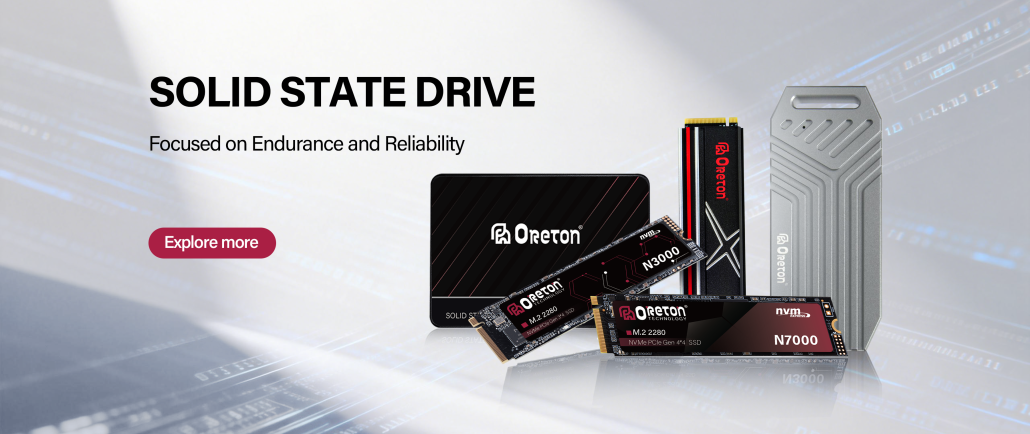
Whether you’re upgrading an everyday laptop or building a high-performance desktop, Oreton ensures your storage performs consistently across daily workloads.