





Thinking about upgrading your SSD for more storage is a common move.
But before choosing a larger capacity, there’s a more important question to ask:
Are you upgrading the right type of SSD for your system?
Because not all SSDs perform the same — even when they look similar.
Why SSDs That Look Alike Can Perform Very Differently
Many users assume that SSD performance is mainly about capacity or brand.
In werkelijkheid, the interface determines the performance ceiling.
Two SSDs with the same size and shape can behave very differently once installed.
Understanding this starts with knowing how SSDs connect to your system.
2.5-inch SATA SSD: The Traditional Upgrade
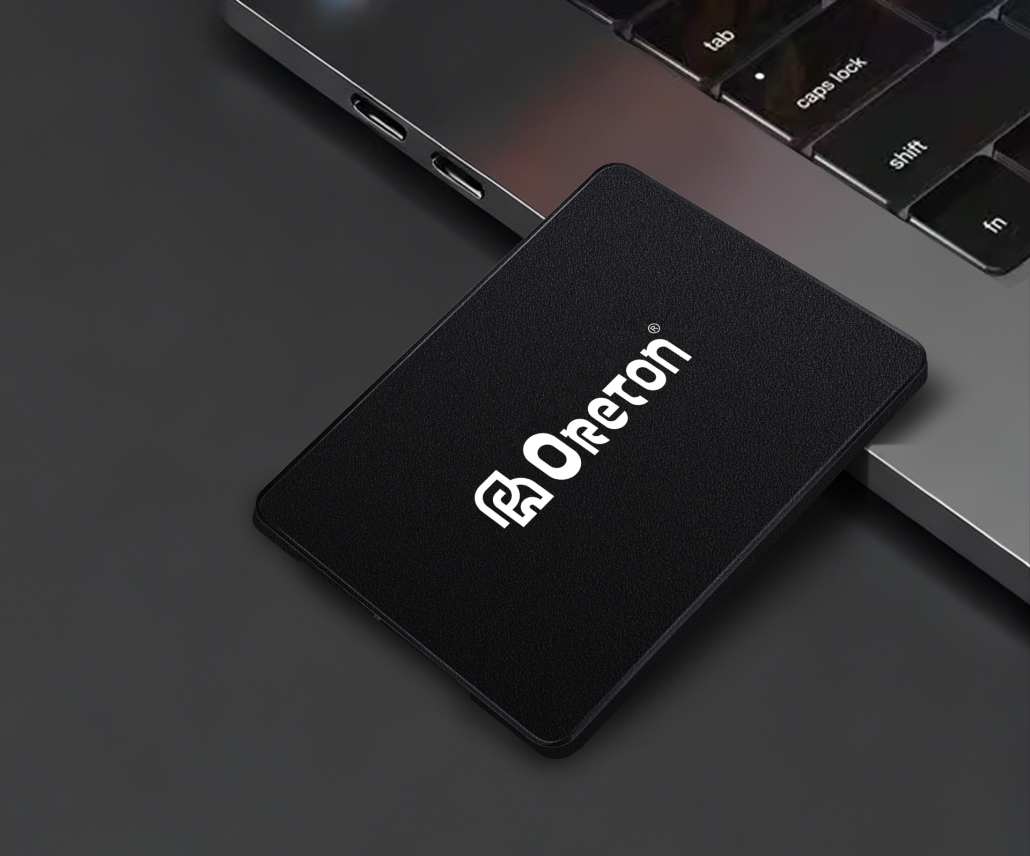
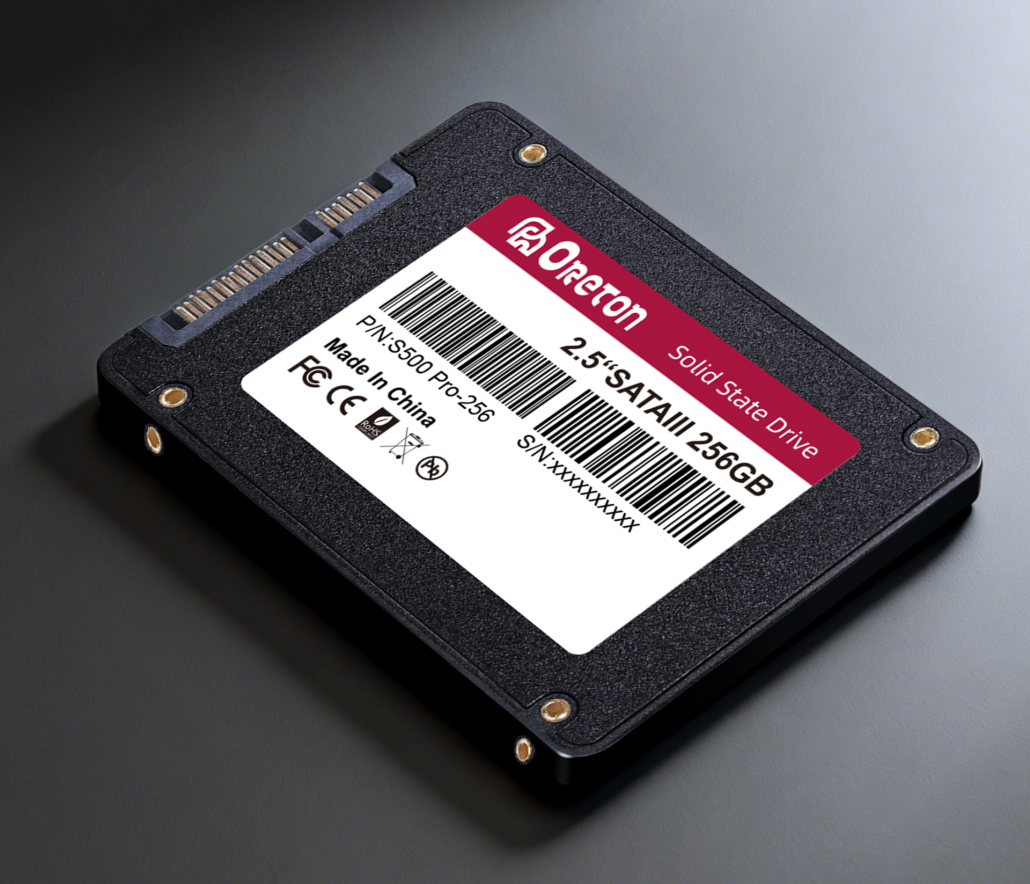
The 2.5-inch SATA SSD connects through the SATA interface, which has a maximum bandwidth of 6Gbps.
In real-world use, this translates to:
-
Sequential speeds around 500–550 MB/s
-
Stable and predictable performance
-
Broad compatibility with older desktops and laptops
SATA SSDs are not the fastest option today, but they remain a reliable choice for:
-
Legacy systems
-
Office PCs
-
Users upgrading from hard drives
M.2 SATA SSD: Same Speed, Smaller Form
M.2 SATA SSDs often confuse buyers.
Although they use the M.2 form factor, they still rely on the SATA protocol.
That means:
-
Performance is essentially the same as 2.5-inch SATA SSDs
-
Real-world speeds remain around 500 MB/s
-
The difference is physical size, not speed

M.2 SATA SSDs are chosen mainly for compact systems where space matters, not for higher performance.
M.2 NVMe SSD: Where Performance Jumps
M.2 NVMe SSDs use PCIe lanes instead of SATA, unlocking far higher bandwidth.
Typical real-world sequential speeds:
-
PCIe Gen3: ~3,000–3,500 MB/s
-
PCIe Gen4: ~7.000 MB/s
-
PCIe Gen5: even higher — if the system supports it
This performance difference directly impacts:
-
Grote bestandsoverdrachten
-
Content creation workflows
-
Data-heavy applications

However, NVMe performance depends entirely on platform support.
Why System Compatibility Matters
An NVMe SSD can only perform as fast as the system allows.
Before upgrading, it’s essential to check:
-
Whether your motherboard supports NVMe
-
Which PCIe generation your CPU and chipset support
-
Whether the M.2 slot is wired for SATA or PCIe
Installing a high-end NVMe SSD into a system that doesn’t support its interface will not deliver expected speeds.
Common Upgrade Mistakes
Some of the most frequent SSD upgrade issues include:
-
Assuming all M.2 SSDs are NVMe
-
Expecting SATA-based SSDs to exceed SATA speed limits
-
Upgrading capacity without considering interface bottlenecks
These mistakes don’t damage the system — but they do lead to disappointing results.
Choosing the Right SSD Upgrade
Before upgrading, ask these questions:
-
What interface does my system support?
-
What type of workload do I run most often?
-
Do I need higher speed, or just more reliable storage?
Capacity matters, but interface determines what that capacity can actually do.
Belangrijkste conclusie
Upgrading an SSD isn’t just about buying more storage.
It’s about choosing an interface that matches your system and workload.
Before upgrading, always check the interface — not just the capacity.