





As storage requirements continue to grow, choosing the right SSD is about much more than simply increasing capacity.
For many years, upgrading a computer usually meant adding more memory or replacing an aging processor. Today, however, one of the biggest reasons people upgrade their PCs is much simpler: they’re running out of storage space.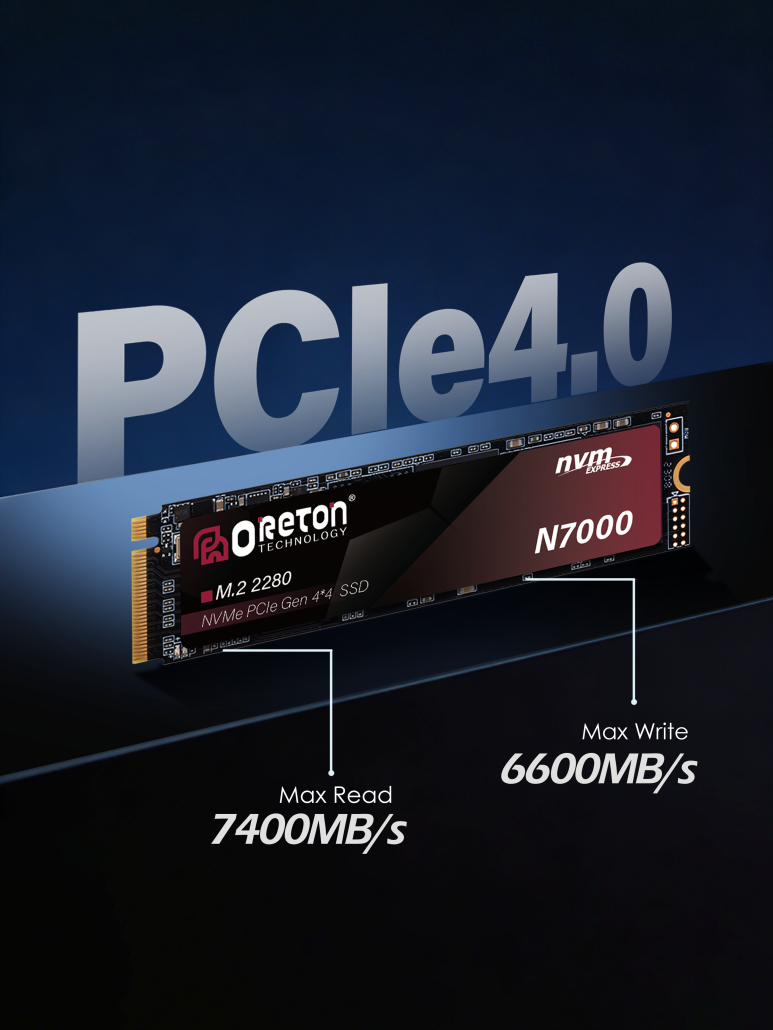
Whether you’re a home user with thousands of photos, a business managing years of documents, or a system builder configuring computers for customers, storage has become one of the most important considerations when planning a new PC or upgrading an existing one.
Modern software continues to grow in size. AI applications are becoming part of everyday workflows. High-resolution photos and videos occupy more space than ever before, while businesses are generating increasing amounts of digital data every day.
As a result, upgrading storage has become one of the most common and cost-effective hardware upgrades.
However, many users—and even some businesses—still make avoidable mistakes when choosing storage solutions. These mistakes can lead to unnecessary costs, compatibility issues, or systems that quickly become outdated.
Let’s look at the most common ones.
Why Storage Demand Keeps Growing
Before discussing purchasing decisions, it’s worth understanding why storage requirements have increased so dramatically.
A decade ago, a 256GB drive was considered generous for many users.
Today, storage is consumed much more quickly by everyday applications:
- Operating systems receive larger feature updates.
- Modern games often exceed 100GB each.
- 4K videos and RAW photos occupy significantly more space.
- Business databases continue to grow.
- Design files become increasingly complex.
- AI applications frequently download local models and large datasets.
For example, professionals using tools such as Adobe Photoshop, Adobe Premiere Pro, or local AI platforms like LM Studio et Ollama may need hundreds of gigabytes simply to store software, projects, and AI models.
For businesses, the challenge is even greater. Documents, customer records, engineering drawings, surveillance footage, and backups continue to accumulate over time.
Storage planning is therefore no longer just about today’s needs—it’s about preparing for future growth.
Mistake 1: Choosing Capacity Before Checking Compatibility
Many people start their search by asking:
“Should I buy a 512GB or a 1TB SSD?”
But before deciding on capacity, the first question should be:
Will the SSD actually work with the computer?
Different systems support different storage interfaces and form factors.
Common examples include:
- 2.5-inch SATA SSDs
- M.2 SATA SSDs
- SSD M.2 NVMe
- PCIe Gen3 or Gen4 compatibility
Purchasing an incompatible SSD can delay deployment, increase return costs, and create unnecessary frustration.
For businesses purchasing multiple systems, compatibility verification should always come before selecting specifications.
Mistake 2: Buying Based Only on Current Capacity Needs
Many users purchase storage based solely on today’s available space.
Par exemple :
- Office PC: “256GB is enough.”
- Designer: “512GB should be fine.”
- AI workstation: “1TB seems large.”
But storage requirements rarely remain the same.
Over the next few years, users often install:
- More applications
- Larger operating system updates
- Additional project files
- AI tools
- Business software
For organizations deploying computers across multiple departments, choosing slightly larger capacities today can reduce upgrade costs in the future.
Good storage planning considers the entire lifecycle of the system—not just its first few months.
Mistake 3: Focusing Only on Advertised Speed
SSD marketing often emphasizes impressive sequential read and write speeds.
While these numbers are useful, they don’t always reflect everyday performance.
For example, opening spreadsheets, browsing the web, joining video meetings, or managing email rarely requires the highest-end PCIe Gen5 SSD.
Instead, users often benefit more from:
- Des performances stables
- Faible latence
- Good compatibility
- Consistent responsiveness
- Reliable firmware
For many office environments, a quality SATA SSD or PCIe Gen3 NVMe SSD already delivers an excellent user experience.
The fastest specification isn’t always the smartest investment.
Mistake 4: Ignoring SSD Endurance
Storage isn’t only about speed and capacity.
It is also about endurance.
One specification that deserves attention is TBW (téraoctets écrits), which estimates how much data can be written to an SSD over its expected lifespan.
For light office work, endurance may never become a concern.
However, workloads such as:
- Video editing
- Security surveillance
- Database servers
- AI model development
- Continuous file synchronization
generate significantly more write activity.
Choosing storage with appropriate endurance helps improve long-term reliability.
Mistake 5: Assuming an SSD Eliminates the Need for Backups
SSDs are highly reliable and far more resistant to physical shock than traditional hard drives.
However, no storage device is immune to:
- Hardware failure
- Power-related issues
- Accidental deletion
- Malware
- Ransomware
- Human error
For both individuals and businesses, backups remain essential.
A widely recommended approach is the 3-2-1 backup strategy:
- Keep three copies of important data.
- Store them on two different types of media.
- Keep one copy off-site or in the cloud.
An SSD improves performance—but it should never replace a proper backup plan.
Mistake 6: Choosing the Lowest Price Instead of the Best Value
This mistake is particularly common in business procurement.
While cost is always important, selecting storage based solely on price can increase long-term operating expenses.
Businesses should also evaluate:
- Product consistency
- Component quality
- Compatibility across different platforms
- Warranty coverage
- Long-term supply availability
- Technical support
- Quality control processes
For system builders and OEM projects, reducing warranty claims and maintenance costs is often more valuable than achieving the lowest purchase price.
Mistake 7: Forgetting About Future Expansion
Technology continues to evolve.
AI applications, higher-resolution media, and increasingly complex software all require more storage than they did just a few years ago.
When purchasing new systems, it’s worth asking:
- Will this capacity still be sufficient in three years?
- Can additional storage be installed later?
- Does the motherboard include an extra M.2 slot?
- Will future upgrades be straightforward?
Planning ahead can extend the useful life of a system while reducing future upgrade costs.
Storage Planning Is Becoming More Important Than Ever
The way we use computers continues to change.
Office employees increasingly rely on AI assistants.
Designers work with larger creative assets.
Developers build more complex software.
Businesses collect and analyze more operational data.
As storage demands continue to increase, selecting the right SSD is no longer just a technical decision—it has become an important part of long-term IT planning.
Whether you’re upgrading a personal computer or deploying hundreds of business systems, taking time to choose the right storage solution can improve productivity, reduce maintenance costs, and extend the life of your hardware investment.
Conclusion
Upgrading storage is one of the most effective ways to improve a computer’s performance, but making the right decision requires more than simply choosing the largest capacity or the highest advertised speed.
Compatibility, endurance, workload requirements, future expansion, and data protection all play important roles in building a reliable and efficient system.
For businesses, system builders, and OEM customers, careful storage planning helps reduce support costs while ensuring systems remain productive throughout their lifecycle.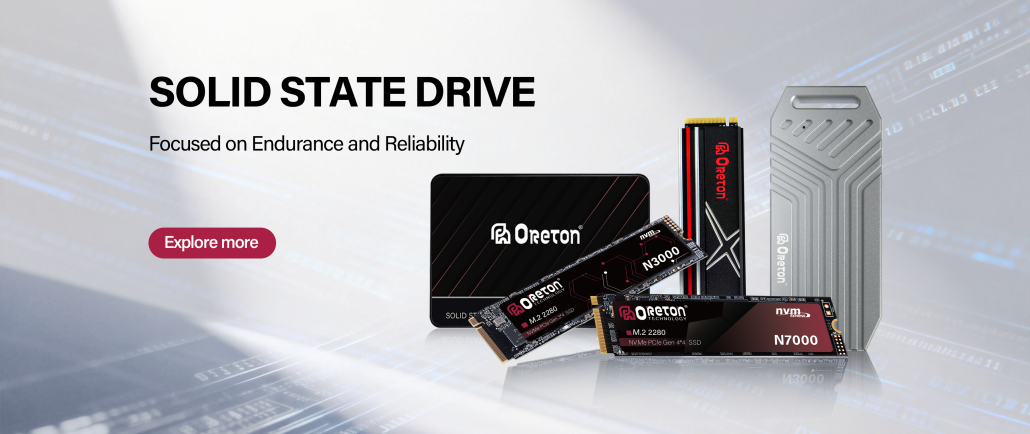
Au Oreton, we understand that every project has different storage requirements. From office desktops and Mini PCs to commercial deployments and customized OEM solutions, we focus on providing reliable SSD products with consistent quality, broad compatibility, and stable long-term performance to help partners build systems that are ready for both today’s workloads and tomorrow’s growth.