





Why This “Older” Storage Standard Still Matters in 2026
Even in 2026, when NVMe PCIe SSDs and DDR5 memory dominate headlines, Unidades SSD SATA de 2,5″ sigue siendo un critical component in many PC builds and enterprise deployments. But where exactly do they fit in today’s computing landscape?
1️⃣ SATA SSDs: Where They Stand Today
SATA (Serial ATA) SSDs were the first affordable and high-speed upgrade from traditional HDDs. Compared with hard drives, they offer: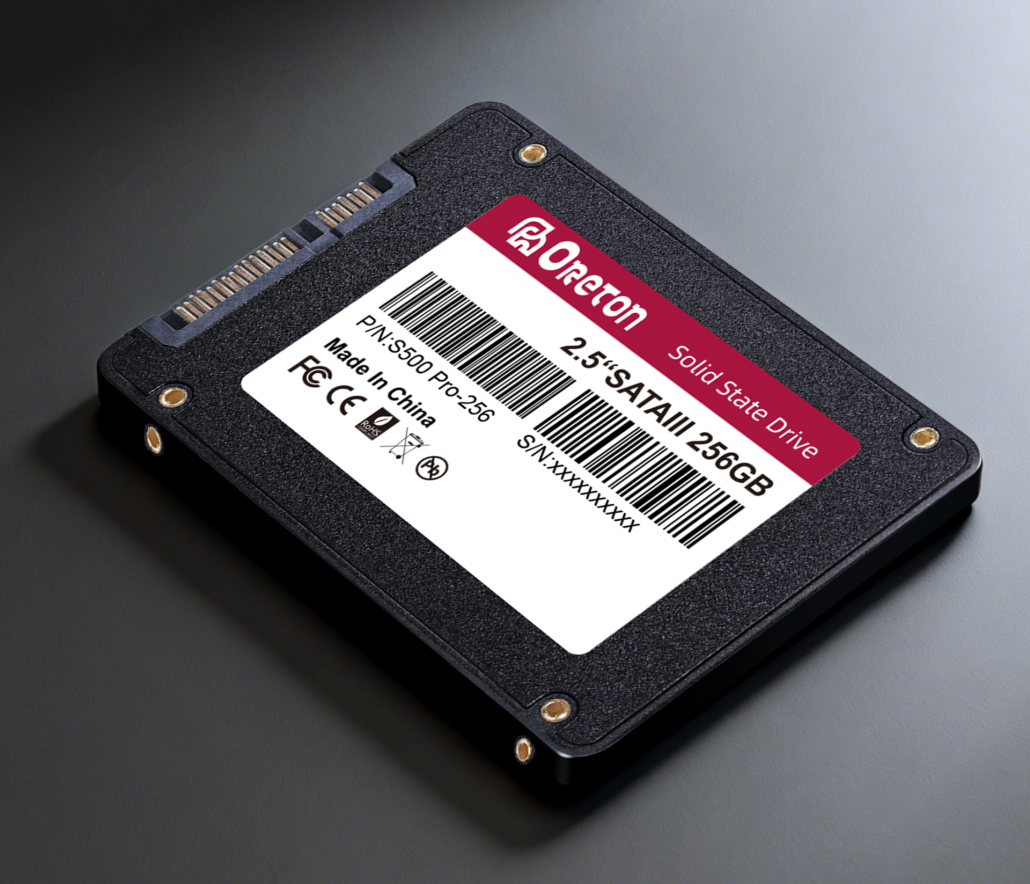
- ✅ Faster boot and application launch times
- ✅ Lower power consumption
- ✅ Silent operation
- ✅ Improved durability (no moving parts)
Note: While PCIe NVMe SSDs achieve higher sequential speeds, SATA SSDs are still widely used because they are compatible with virtually all PCs, including:
- Ordenadores de sobremesa y portátiles heredados
- Budget systems
- Office workstations and thin clients
- Systems where PCIe lanes are limited
Para llevar: SATA SSDs remain the go-to solution for cost-effective, reliable storage, especially where extreme speed is not the top priority.
2️⃣ Compatibility Across Systems
A major advantage of SATA SSDs is broad compatibility:
| Aspect | Advantage | Notas |
|---|---|---|
| Interfaz | Standard SATA III (6 Gb/s) | Compatible with almost all motherboards produced in the last 10+ years |
| Factor de forma | 2.5″ drive or M.2 SATA | Works in desktops, laptops, and NAS devices |
| BIOS/UEFI Support | Native support | Plug-and-play; no special drivers usually needed |
| Power & Cooling | Low power, minimal heat | Ideal for small form factor PCs or systems without advanced cooling |
Observación: For users upgrading older laptops or office PCs, SATA SSDs are the easiest drop-in solution.
3️⃣ Typical Usage Scenarios in 2026
SATA SSDs excel where reliability, cost, and compatibility matter more than extreme speed:
- Budget Laptops and Desktops
- Ideal for students or office setups where boot speed and application responsiveness are key.
- Enterprise Office Workstations
- Offices deploying hundreds or thousands of PCs can maximize value and reduce deployment risk.
- Secondary Storage / Backup Drives
- Works in combination with NVMe drives for a storage hierarchy: NVMe for OS/games, SATA SSDs for large files and archives.
- Legacy or Mixed Hardware Environments
- Some older systems do not support PCIe 4.0/5.0, making SATA SSDs the only practical upgrade path.
4️⃣ Performance Expectations
While SATA SSDs cannot match NVMe drives for sequential throughput, their random read/write performance is sufficient for most daily workloads:
| Workload | SATA SSD Performance | Notas |
|---|---|---|
| Arranque del sistema operativo | 15–25 seconds | Comparable to NVMe for everyday tasks |
| Application launch | Instant | Word, Excel, Chrome, Photoshop (moderate workloads) |
| File transfer | 400–550 MB/s | Slower than NVMe, but sufficient for office/data tasks |
| Gaming load times | Slightly slower | NVMe is faster for AAA games, but SATA SSDs remove HDD bottlenecks |
Key Insight: SATA SSDs are often “fast enough” for everyday computing and mid-tier professional workloads.
5️⃣ Why SATA SSDs Are Still a Smart Choice
- 💰 Cost-effective – more storage for the same budget
- ✅ Reliable – proven technology with low failure rates
- 🖥️ Compatible – works on most desktops, laptops, and enterprise PCs
- ⚡ Sufficient speed – real-world tasks rarely demand PCIe-level throughput
6️⃣ Conclusion
Despite the rise of PCIe 4.0 and 5.0 SSDs, SATA SSDs continue to play a crucial role in modern PCs. They offer:
- Affordable performance for everyday users
- Reliable deployment for enterprises
- Seamless upgrades for legacy systems
Whether you are upgrading a personal laptop, equipping an office, or building a budget gaming rig, SATA SSDs remain a practical and dependable choice in 2026.
Acerca de Oreton
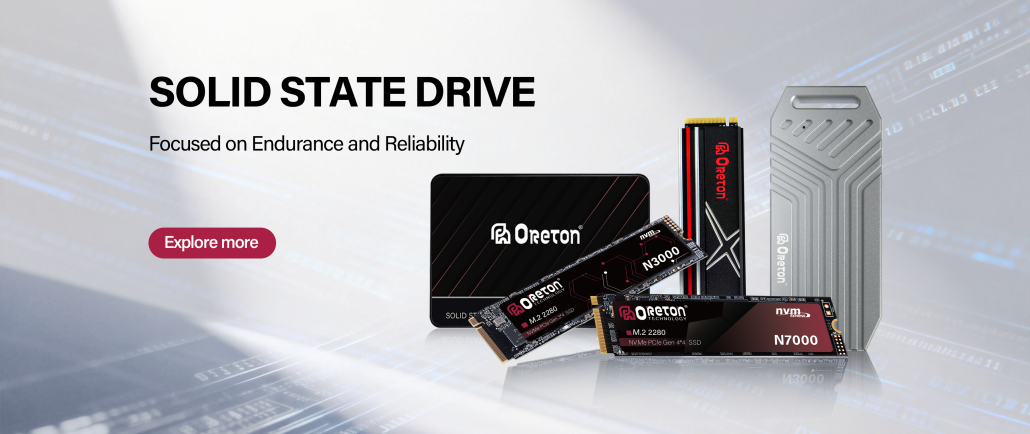
Oreton provides 2.5″ SATA SSDs and high-quality NVMe drives designed for long-term stability, low failure rates, and real-world performance. From budget-conscious daily PCs a enterprise-scale deployments, Oreton ensures your storage investment is reliable and consistent.