





When it comes to memory performance tuning, XMP (Extreme Memory Profile) is one of the most widely used features in modern DDR systems. It is often promoted as a simple way to unlock higher RAM performance—but its real impact depends heavily on platform, workload, and system design.
With the transition to DDR5, XMP has also evolved, especially across desktop and laptop environments, where power limits, thermal constraints, and OEM configurations differ significantly.
This article breaks down what XMP actually does, its advantages and limitations, and how it behaves differently in DDR5 desktop vs. laptop systems.
1. What XMP Actually Does
XMP is a pre-configured performance profile stored on the memory module.
Instead of running RAM at default JEDEC specifications (safe baseline settings), XMP allows the system to automatically apply higher:
- Frequency (speed)
- Timings (latency settings)
- Voltage parameters
In simple terms, XMP is a factory-defined overclocking profile that removes the need for manual tuning in BIOS.
For DDR5 systems, this concept remains the same, but the performance ceiling and power behavior are more complex than DDR4.
2. Benefits of XMP (Why It Is So Widely Used)
1) Easy Performance Upgrade
Without XMP, most DDR5 modules will run at conservative base speeds.
Enabling XMP allows users to instantly unlock higher advertised performance without manual configuration.
2) Better System Responsiveness
In real-world workloads, higher memory speed improves:
- Application loading time
- Multitasking smoothness
- Frame stability in gaming
- Data handling efficiency in productivity tasks
The effect is most noticeable in memory-sensitive workloads.
3) Standardized Performance Across Modules
XMP provides a consistent profile that ensures memory runs closer to its tested capability rather than default conservative settings.
4) Important for DDR5 Scaling
DDR5 has significantly higher base architecture complexity compared to DDR4, and XMP helps bridge the gap between default JEDEC speeds and real performance potential.
3. Risks and Limitations of XMP
Despite its convenience, XMP is not without trade-offs.
1) Stability Depends on Platform Compatibility
Not all CPUs, motherboards, or laptops handle high-frequency memory equally well.
Issues may include:
- system instability
- boot failures
- random crashes under load
This is more common when pushing higher DDR5 frequencies.
2) Increased Power and Heat
XMP increases voltage and operating frequency, which can lead to:
- higher memory temperatures
- increased system power draw
- more stress on memory controllers
In compact systems, this becomes more noticeable.
3) Not Always Fully Utilized in Real Workloads
Some applications do not scale significantly with higher RAM frequency.
This means users may not always see proportional performance gains.
4) Laptop Limitations
On laptops, XMP support is often restricted or modified due to:
- thermal constraints
- battery efficiency requirements
- BIOS limitations imposed by OEMs
As a result, many laptops either disable XMP or run limited versions of it.
4. DDR5 + XMP in Desktop Systems
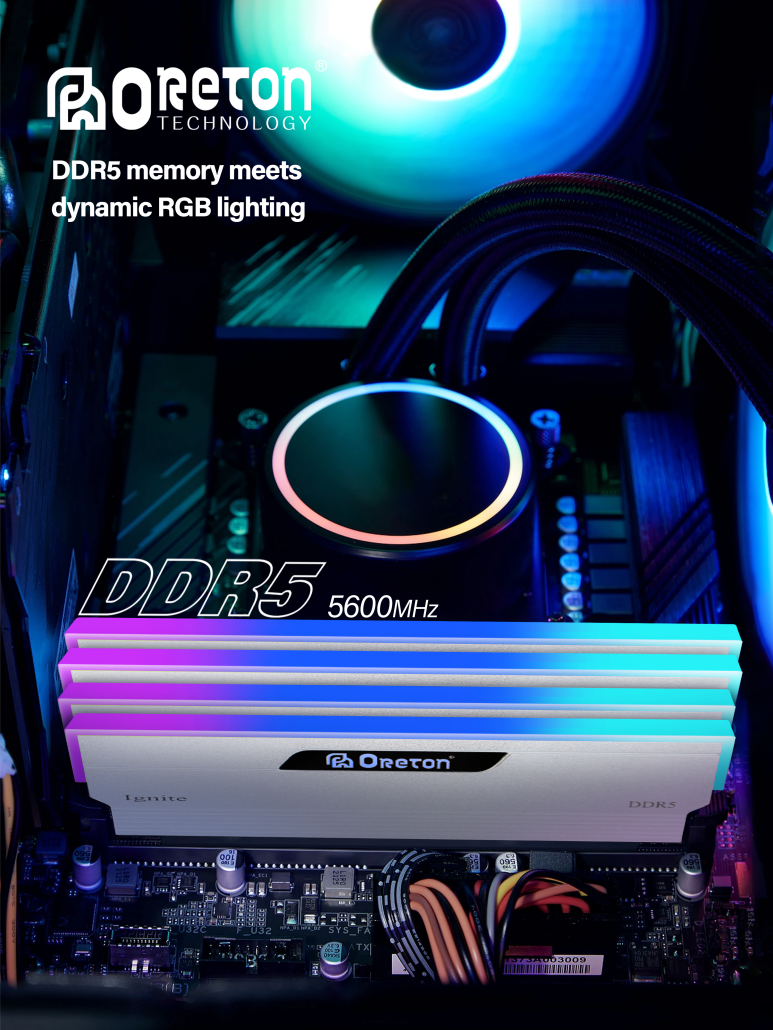
Desktop platforms are the most flexible environment for XMP usage.
Advantages:
- Full BIOS control
- Better cooling headroom
- Higher stable frequency support (6000MHz–8000MHz+ in some cases)
- Easier tuning and optimization
Reality in Enterprise / OEM Context:
Many business systems still prefer JEDEC-standard DDR5 settings over aggressive XMP profiles because:
- stability is prioritized over peak performance
- large-scale deployment requires consistency
- long-term reliability is more important than benchmark gains
In short:
👉 Desktop users benefit most from XMP, but enterprise systems often choose stability-first configurations.
5. DDR5 + XMP in Laptop Systems
Laptop DDR5 behaves very differently.
Key Constraints:
- limited thermal design power (TDP)
- locked BIOS in many models
- strict power efficiency requirements
- compact cooling systems
What This Means for XMP:
In many laptops:
- XMP is partially supported or disabled
- memory runs closer to JEDEC default speeds
- performance tuning is handled automatically by OEM firmware
Practical Result:
Laptop DDR5 performance is more about efficiency and stability, not aggressive overclocking.
6. DDR4 vs DDR5 XMP Behavior Difference
DDR5 introduces a more complex architecture:
- dual-channel per module design
- on-die power management (PMIC)
- improved signal integrity requirements
This means XMP tuning is:
- more sensitive
- more dependent on motherboard quality
- more variable across platforms
Compared to DDR4, DDR5 XMP offers higher potential—but also requires better system matching.
7. When XMP Makes Sense (and When It Doesn’t)
Best Use Cases:
- gaming PCs
- content creation systems
- high-performance desktops
- benchmarking environments
Less Suitable For:
- enterprise servers prioritizing stability
- mass-deployed office PCs
- laptops with strict power constraints
- systems requiring long-term 24/7 uptime
8. Key Takeaway
XMP is not just a performance switch—it is a system-level tuning mechanism.
On DDR5 platforms, its impact depends heavily on:
- hardware compatibility
- cooling capability
- workload type
- system category (desktop vs laptop)
The same memory kit can behave very differently depending on where it is used.
About Oreton
At Oreton, we focus on delivering memory solutions that balance performance flexibility and system stability.
From DDR5 modules optimized for desktop performance tuning to reliable configurations for laptop and OEM deployments, we support different market needs with controlled quality standards and consistent product behavior.