





In today’s fast-paced tech world, SSDs have become the go-to storage solution for a wide range of applications, from consumer devices to enterprise-level systems. With the growing demand for SSDs, it’s no surprise that budget-friendly options are becoming increasingly popular. However, while these low-cost SSDs may seem like an attractive deal, the true cost goes far beyond the initial price tag.
In this article, we will explore the hidden risks and long-term costs associated with cheap SSDs. By understanding these factors, you’ll be better equipped to make informed purchasing decisions that will protect your data, system performance, and bottom line.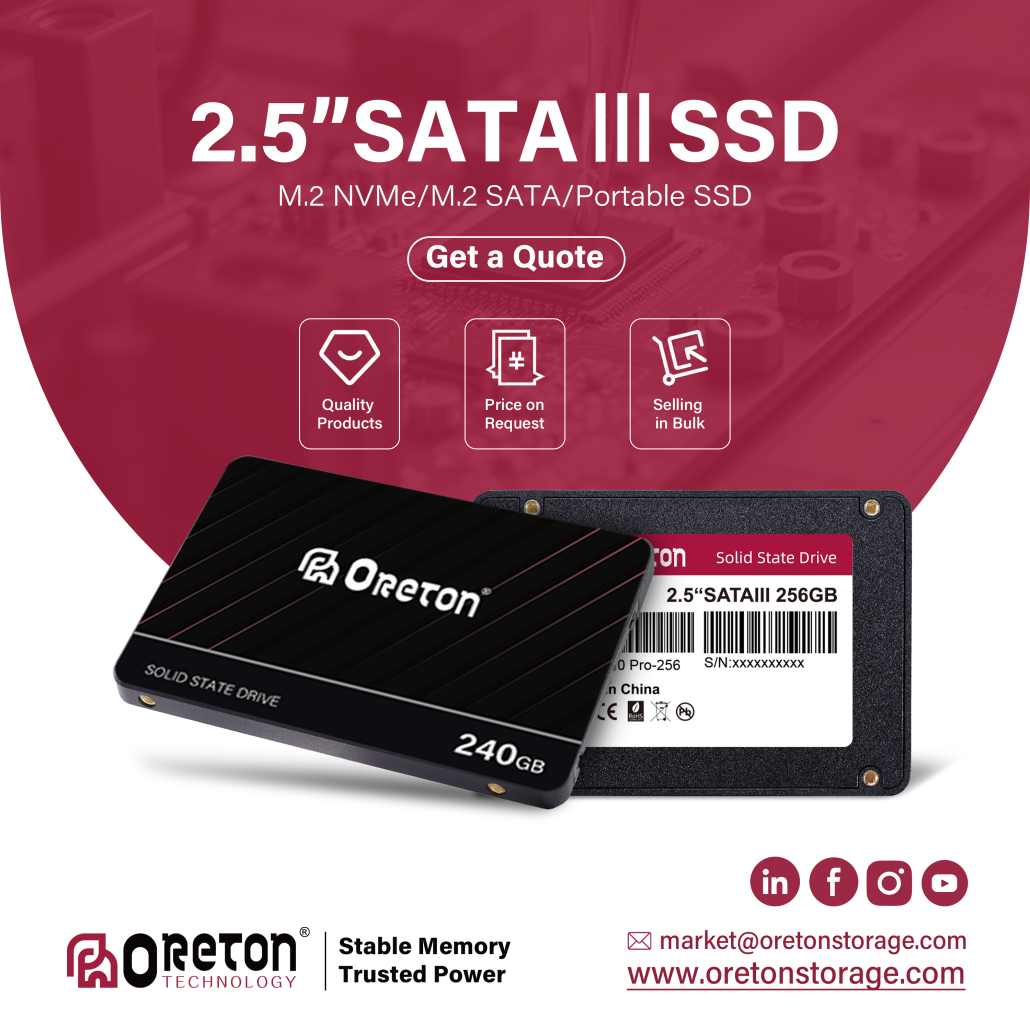
1. Performance Degradation Over Time
One of the most significant drawbacks of budget SSDs is their performance degradation over time. Low-cost SSDs often use cheaper NAND flash and may have fewer write cycles compared to more expensive, high-end models. As these drives reach their write cycle limits, their read/write speeds tend to slow down considerably.
Key Impact: This can lead to system slowdowns, longer load times, and degraded overall performance — especially in data-heavy applications like video editing, gaming, or running virtual machines.
Long-Term Cost: You may end up having to replace the SSD sooner than expected, making it a more expensive option in the long run.
2. Reliability and Data Integrity Risks
When it comes to reliability, cheaper SSDs often cut corners in key areas like quality control, data error correction, and wear leveling. These essential features are critical for ensuring that your data remains intact over time, particularly when the SSD is under heavy usage.
Key Impact: Low-cost SSDs may be more prone to data corruption or failure, resulting in data loss or even total system failure.
Long-Term Cost: Replacing lost data or dealing with the consequences of data corruption can be costly — not to mention the time and stress involved in recovery.
3. Limited Endurance and Lifespan
Cheap SSDs are often designed with lower endurance in mind, meaning they are likely to wear out faster than higher-end models. This is because these drives often feature lower-quality NAND flash, which is less durable than higher-end variants like 3D NAND or MLC NAND.
Key Impact: This results in shorter lifespans, particularly in use cases involving frequent writes (like video editing or large file transfers).
Long-Term Cost: The need to replace the drive sooner than expected can add up. Plus, the additional downtime required for data migration or drive replacement may disrupt workflow, affecting productivity.
4. Inadequate Warranty and Customer Support
Another factor to consider is the warranty and customer support offered by manufacturers of budget SSDs. Many low-cost SSDs come with shorter warranties, or in some cases, none at all. Additionally, customer support for these products may be limited or less responsive, which can be problematic if you encounter issues down the line.
Key Impact: When issues arise, cheap SSDs may not be backed by adequate support or warranty services, leading to longer recovery times and added costs to replace or repair the drives.
Long-Term Cost: In the event of a failure, replacing the SSD and recovering lost data can be a frustrating and costly process — particularly without proper support.
5. Lower Energy Efficiency and Heat Generation
Low-cost SSDs often feature less efficient controllers and fewer power-saving technologies. As a result, they tend to consume more power, generate more heat, and have higher idle power consumption compared to premium models.
Key Impact: Increased power consumption can lead to higher electricity bills, especially in data centers or environments with many devices running simultaneously. Additionally, excessive heat can lead to overheating and early hardware failure.
Long-Term Cost: The extra energy consumption and potential hardware damage can add unexpected costs to your operation. Plus, if your SSD starts to overheat, it could impact the lifespan of other components in your system.
6. Lack of Advanced Features and Security Features
Many cheap SSDs sacrifice essential features such as encryption, TRIM support, or hardware acceleration in favor of cutting costs. These features are critical for maintaining data security, performance, and efficient wear leveling.
Key Impact: Without proper encryption, your data could be at risk in case of theft or unauthorized access. Similarly, lacking TRIM support could cause your SSD’s performance to deteriorate faster than expected.
Long-Term Cost: The absence of these critical features may lead to compromised data security and reduced performance, impacting your overall system efficiency.
Conclusion: The Hidden Costs of Cheap SSDs
While cheap SSDs may appear to be an attractive option at first glance, the long-term costs associated with them can be far higher than the initial savings. From performance degradation and data integrity risks to shorter lifespan and limited warranty support, the hidden costs of cheap SSDs can lead to significant inconvenience, data loss, and unplanned expenses.
Recommendation: When purchasing an SSD, especially for business or mission-critical applications, it’s important to balance price with quality. Investing in a higher-end SSD with better endurance, reliability, and features can offer greater value over time, providing peace of mind and ensuring that your data and systems remain secure and performant.
Why Choose Oreton SSDs?

At Oreton, we understand the importance of reliable performance and long-term value. Our SSDs are designed to offer not only high-speed storage but also consistent performance and reliable endurance, backed by a comprehensive warranty and excellent customer support.
Whether you’re looking for enterprise-level storage solutions or personal use drives, Oreton SSDs ensure you get the performance, security, and reliability you need — without the hidden costs.