





DDR5 memory has quickly become standard across both laptops and desktops, but the two platforms don’t use the same type of module. While they share the same underlying DRAM technology, their design goals are entirely different — and understanding these differences helps you pick the right memory for your system and workload.
In modern devices, “faster” doesn’t always mean “better.” Instead, the question is: Which type of performance does your platform actually need?
1. Why Laptop DDR5 (SODIMM) Is Built for Efficiency
Laptop DDR5 uses SODIMM modules — a compact form factor designed to fit thin-and-light devices. Beyond size, several architectural choices shape how SODIMM performs:
Smaller footprint, tighter power constraints
Laptops operate within strict thermal and battery limitations. SODIMM modules run at lower voltage (typically 1.1V base), helping reduce heat and extend battery life.
More conservative timings and frequencies
Laptop DDR5 commonly ships in the 4800–5600 MT/s range. While this seems modest compared with desktop memory, it offers consistent performance without stressing the thermal envelope.
The goal is predictable behavior, not extreme speed.
Optimized for sustained stability

Because a laptop chassis doesn’t allow much airflow, SODIMM modules prioritize lower heat output, smoother power management, and fewer high-load voltage spikes — ensuring long-term stability under compact cooling solutions.
✔ Efficiency, ✔ Stability, ✔ Battery performance — these define SODIMM’s engineering philosophy.
2. Why Desktop DDR5 (UDIMM) Reaches Higher Frequencies
Desktop DDR5 uses UDIMM modules — larger, thermally less restricted, and electrically more robust.
More PCB layers, better signal integrity
A UDIMM has space for better trace routing, allowing higher-frequency signal transmission with fewer errors.
Higher voltage, higher headroom
Desktop modules can safely operate at 1.25V–1.4V+, enabling aggressive XMP/EXPO profiles.
Designed for performance, not efficiency
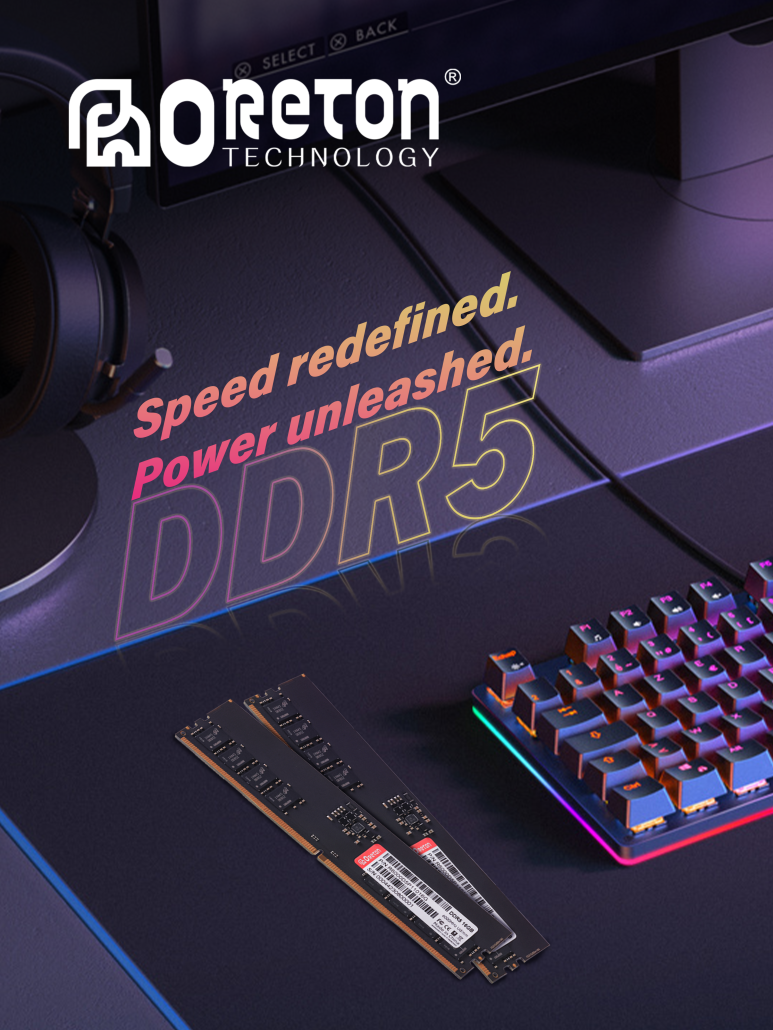
This is why desktop DDR5 frequently reaches 6000–7000+ MT/s, with tighter timings and deeper tuning options.
Enthusiasts, creators, and high-load workflows gain tangible benefits from the extra bandwidth.
✔ Peak performance, ✔ Overclocking potential, ✔ Thermal headroom — this is UDIMM’s domain.
3. It’s Not “Better vs. Worse” — It’s Different Platforms, Different Purposes
Laptop DDR5 and desktop DDR5 are not competitors.
They are solutions to different engineering constraints:
| Platform | DDR Type | Design Goal | Frequency Range | Voltage | Advantages |
|---|---|---|---|---|---|
| Laptop | SODIMM | Efficiency & stability | 4800–5600 MT/s | ~1.1V | Low heat, power-efficient |
| Desktop | UDIMM | Maximum performance | 5600–7000+ MT/s | 1.25–1.4V | High bandwidth, tunability |
Choosing the “right” memory is about matching your platform’s needs — not chasing numbers.
4. How to Choose the Right DDR5 for Your Device
Step 1 — Confirm your form factor
-
Laptops → SODIMM DDR5
-
Desktops → UDIMM DDR5
(SODIMM cannot be installed in a desktop, and UDIMM cannot fit in a laptop.)
Step 2 — Check your CPU supported memory speed
The CPU determines the actual achievable memory frequency — not just the RAM itself.
Examples:
-
Intel 12th–14th Gen desktop CPUs → sweet spot around 5600–6400 MT/s
-
AMD Ryzen 7000 series → ideal around 6000MT/s (EXPO)
-
Laptop CPUs → usually limited to 4800–5600 MT/s
If CPU can’t handle high frequency, the system will downclock your RAM.
Step 3 — Match your motherboard’s QVL (recommended list)
A motherboard’s QVL confirms which DDR speeds and kits are validated for stable operation — especially important for high-frequency kits.
Step 4 — Choose based on usage needs
For Laptops:
-
Office / daily use → 16–32GB, 4800–5200 MT/s
-
Light creation → 32GB, 5200–5600 MT/s
-
Mobile workstation → 32–64GB, prioritize stability over extreme speed
For Desktops:
-
Gaming → 6000–6400 MT/s (DDR5 sweet spot)
-
Content creation → 32–64GB, focus on capacity + bandwidth
-
High-performance builds → 6600–7200 MT/s (only if CPU + motherboard support)
5. How to Know What You Need
A simple framework:
If you prioritize battery life, low heat, or portability → Choose laptop SODIMM.
Your system benefits more from efficiency than raw MHz.
If you prioritize FPS, rendering speed, or multitasking → Choose desktop UDIMM.
Higher frequency and bandwidth improve performance.
If you’re unsure → match your platform’s tested memory range.
Stability always outweighs theoretical peak numbers.
Conclusion
Laptop DDR5 and desktop DDR5 exist because modern computing needs both efficient mobility and high-end performance.
One prioritizes controlled thermals and power behavior; the other pushes the limits of speed and capacity.
Selecting the right memory isn’t about buying the “fastest” kit — it’s about choosing the module that fits your platform, your CPU, and your real workload.