





Understanding What SSD Numbers Actually Mean
When choosing an SSD, most people focus on the biggest number on the spec sheet — usually something like 3500 МБ/с или 7000 МБ/с.
But that number only tells part of the story.
SSD performance is typically described using three key metrics:
-
Sequential Read/Write (MB/s)
-
Random Read/Write (IOPS)
-
4K Performance
Each one measures something different. Understanding them correctly helps you know what will actually affect your system.
1️⃣ Sequential Read & Write (MB/s)
Sequential speed measures how fast the SSD can read or write large continuous blocks of data.
What It Represents
-
Передача больших файлов
-
Copying videos
-
Moving disk images
-
Backup operations
Example Comparison
| Тип интерфейса | Последовательное чтение | Typical Use Case |
|---|---|---|
| ТВЕРДОТЕЛЬНЫЙ НАКОПИТЕЛЬ SATA | ~500 МБ/с | Office, light workloads |
| PCIe 3.0 NVMe | ~3000–3500 MB/s | Gaming, content creation |
| PCIe 4.0 NVMe | ~5000–7000 MB/s | High-end workflows |
Sequential speed mainly affects file transfer time and large media handling.
But most daily system activity does не operate sequentially.
2️⃣ Random Read/Write (IOPS)
Random performance measures how quickly the SSD can handle many small, scattered data requests.
Instead of MB/s, it is measured in:
IOPS (Input/Output Operations Per Second)
What It Represents
-
Booting the operating system
-
Launching applications
-
Opening multiple browser tabs
-
Многозадачность
-
Database access
Why It Matters
Modern operating systems constantly access thousands of small files.
If random performance is low, the system can feel sluggish even if sequential speed is very high.
3️⃣ What Is 4K Performance?
4K performance refers to how well an SSD handles 4-kilobyte data blocks, which are the most common size used by operating systems.
It can be expressed in:
-
MB/s (for 4K throughput)
-
IOPS (for 4K random operations)
Why 4K Is Important
Most everyday computing involves small 4K-sized transactions.
This directly affects:
-
System responsiveness
-
Application loading speed
-
OS smoothness
A drive with excellent sequential speed but weak 4K performance may benchmark well — yet feel ordinary in daily use.
📊 Metric Comparison Overview
| Метрика | Unit | Affects | Most Important For |
|---|---|---|---|
| Sequential Read/Write | MB/s | Large continuous files | Video editing, file transfer |
| Random Read/Write | IOPS | Small scattered requests | OS, multitasking |
| 4K Performance | MB/s or IOPS | Small block system operations | Boot time, responsiveness |
🧠 Why Big Numbers Don’t Always Mean Faster Systems
A 7000MB/s SSD may not boot Windows twice as fast as a 3500MB/s drive.
Почему?
Because booting relies heavily on:
-
4K random reads
-
Низкая латентность
-
Эффективность контроллера
In many real-world scenarios, random performance and latency define how “fast” a system feels, not peak sequential numbers.
🎯 Choosing the Right Metric for Your Use Case
-
Moving large video files? → Look at Sequential MB/s
-
Running many applications at once? → Check Случайные IOPS
-
Want a snappier system? → Focus on 4K random performance
The best SSD is not simply the one with the highest peak speed — it’s the one whose performance profile matches the workload.
Заключение
SSD speed isn’t a single number.
MB/s tells you about bulk transfer.
IOPS reveals multitasking strength.4K performance reflects real-world responsiveness.
Understanding the difference helps avoid overpaying for headline numbers — and ensures you choose storage that actually improves your computing experience.
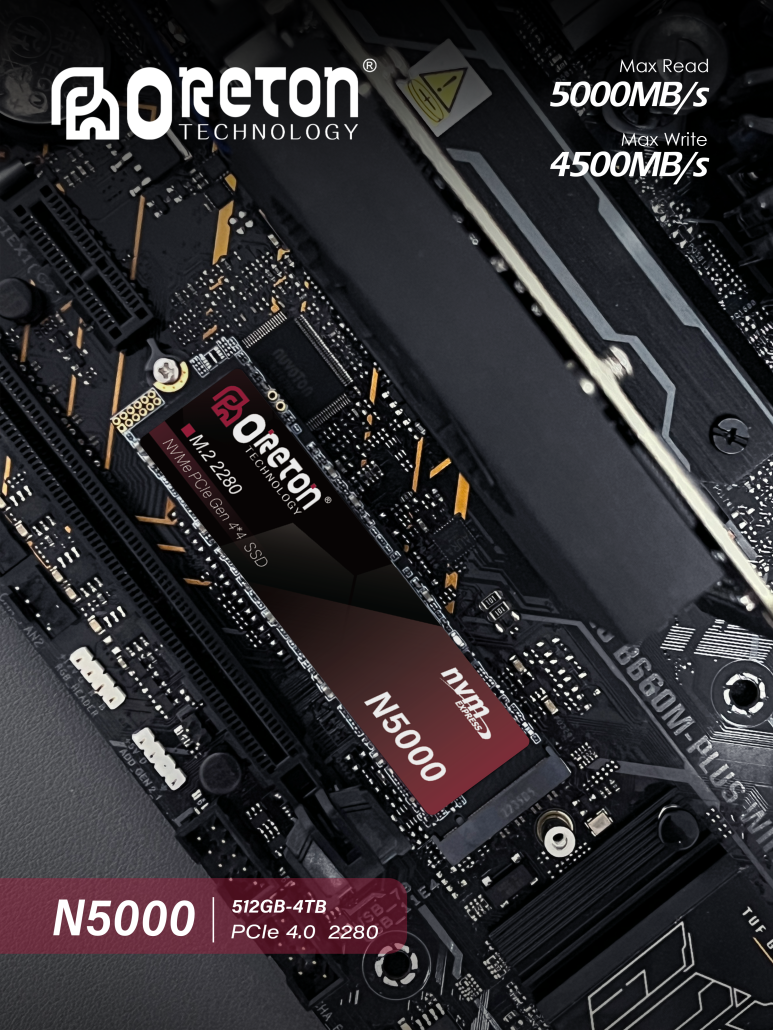
Именно поэтому опытные инженерные команды уделяют меньше внимания общим цифрам, а больше — тому, как продукты ведут себя после тысяч часов эксплуатации в реальных условиях. Снижение количества возвратов (RMA) — это не просто выявление неисправностей, а предотвращение неожиданностей. Oreton SSDs are designed with long-term stability and consistent performance in mind, making them a trusted choice for both professionals and everyday users. Learn more about our SSD lineup.