





Ever noticed that an SSD can feel extremely fast when launching apps, yet less impressive when copying large files — or sometimes the other way around?
This is not a contradiction.
It’s the result of different performance metrics being stressed by different workloads.
Understanding the distinction between desempenho aleatório e desempenho sequencial is essential for choosing the right SSD and setting realistic expectations.
Two Very Different Ways an SSD Is Used
At a high level, SSD performance is measured in two categories:
-
Random read/write performance
-
Sequential read/write performance
They describe fundamentally different access patterns.
Random Performance: What Makes a System Feel “Snappy”
Random performance reflects how quickly an SSD can access many small, scattered data blocks.
This matters most for:
-
Operating system boot and login
-
Application launching
-
Multitarefa
-
Background system operations
These tasks involve thousands of small reads and writes happening simultaneously, often at low queue depths.
As a result, latency and IOPS matter far more than headline MB/s numbers.
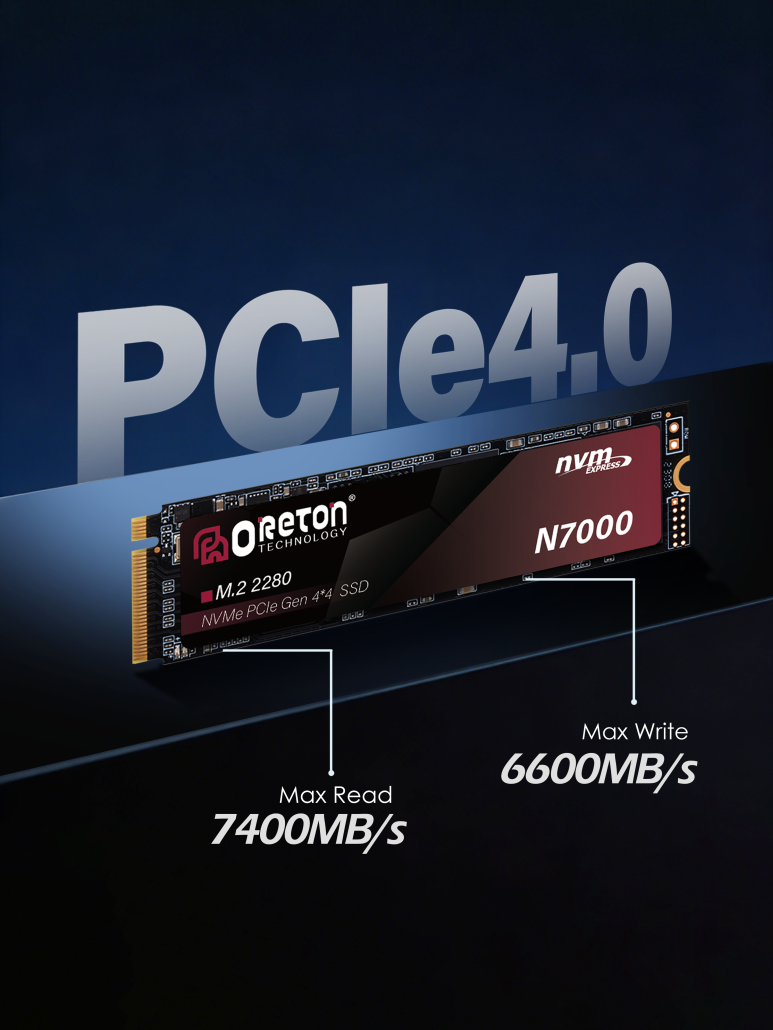
This is why an SSD with moderate sequential speed can still feel very responsive in daily use.
Sequential Performance: Built for Large, Continuous Data
Sequential performance measures how fast an SSD can read or write large, contiguous files.
This becomes important when working with:
-
Transferências de arquivos grandes
-
Game asset loading (textures, maps, audio files)
-
Video footage and project archives
-
Backup and restore operations
In these scenarios, data flows in long streams rather than small fragments, allowing the SSD to operate near its maximum bandwidth.

Here, higher interface bandwidth — such as PCIe Gen4 or Gen5 — can deliver meaningful gains.
Why One SSD Can Feel Fast and Slow at the Same Time
Because real systems mix workloads:
-
Booting and app launching rely heavily on random performance
-
File transfers and media work rely on sequential performance
The same SSD may excel in one area and appear less impressive in another, depending on which metric is being stressed.
This is also why peak sequential speed alone is not a reliable indicator of everyday responsiveness.
Choosing the Right SSD for Your Use Case
Instead of focusing on a single speed number, it helps to match SSD characteristics to workload types:
-
System drives benefit most from strong random performance and low latency
-
Work or project drives need balanced random and sequential behavior
-
Storage and transfer drives prioritize sustained sequential throughput
Understanding these distinctions leads to better purchasing decisions and more realistic performance expectations.
Performance Is Context, Not a Single Number
SSD speed is not one-dimensional.
A drive is “fast” only relative to the task it is performing.
By recognizing how random and sequential performance influence different workloads, users and system builders alike can evaluate SSDs more accurately — and avoid being misled by specifications alone.