





Many PC users believe performance works like this:
upgrade the most powerful component, and everything gets faster.
In reality, a PC doesn’t work that way.
A computer is a system, not a collection of isolated parts. Every task moves through the same chain — CPU, memory, storage, and back again. If one link is slow or inconsistent, the entire system feels slower, no matter how powerful the rest may be.
Performance Is Defined by Interaction, Not Specs
When your system boots, launches apps, or switches tasks, data constantly flows between components. A fast processor is useless if it has to wait for memory. A powerful GPU can’t help if assets load slowly from storage.
This is why many high-spec systems still feel underwhelming in daily use.
When Slow Memory Holds Back a Fast CPU
Modern CPUs execute instructions incredibly fast, but they depend on memory access to stay busy. If memory is slow or has high latency, the CPU stalls — spending time waiting instead of working.
This directly affects:
-
Capacidade de resposta multitarefa
-
Frame-time consistency in games
-
Performance in compression, rendering, and productivity workloads
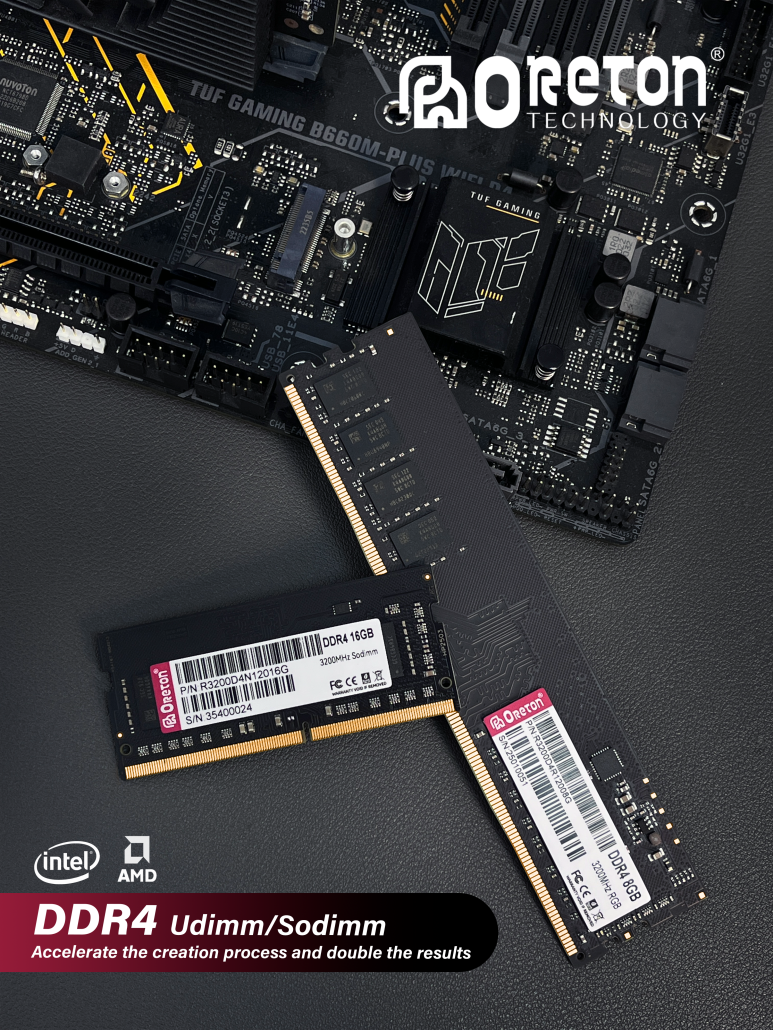
Memory Speed vs. Real-World CPU Utilization
| Configuração da memória | Typical Latency | CPU Waiting Time | User Experience |
|---|---|---|---|
| DDR4 2666 | Alta | Frequent | Noticeable lag in multitasking |
| DDR4 3200 | Moderado | Controlled | Smooth everyday performance |
| DDR4 3600 | Mais baixo | Reduced | More stable gaming and creation |
| DDR5 4800 | Moderado | Moderado | Higher bandwidth, latency neutral |
| DDR5 5600–6000 | Mais baixo | Reduced | Best balance for modern platforms |
Principais conclusões:
Higher frequency alone doesn’t guarantee better experience. For many consumer systems, well-tuned DDR4 at 3200–3600 MHz can feel as responsive as entry-level DDR5.
How Storage Slows Down Applications
Storage does far more than move files. Applications constantly interact with it for:
-
Loading libraries and assets
-
Caching data
-
Background writes and updates
-
Virtual memory paging
If storage is slow or inconsistent, applications hesitate — even when CPU and memory are capable.
Storage Type vs. Daily System Responsiveness
| Tipo de armazenamento | Sequential Read | Random 4K (QD1) | App Launch Speed | System Feel |
|---|---|---|---|---|
| SSD SATA | ~550 MB/s | Baixa | Acceptable | Occasional stutter |
| NVMe Gen3 | ~3,500 MB/s | Alta | Rápido | Smooth and responsive |
| NVMe Gen4 | ~7.000 MB/s | Slightly higher | Similar to Gen3 | Nearly identical to Gen3 |
Principais conclusões:
The jump from SATA to NVMe is transformative. The move from Gen3 to Gen4, for most users, brings bigger numbers — not a noticeably faster experience.
Why the Fastest SSD Doesn’t Always Help
Many applications access storage in small, random chunks at low queue depth. Under these conditions, latency and consistency matter far more than peak throughput.
If those metrics don’t improve meaningfully, users won’t feel a difference — even if benchmark numbers double.
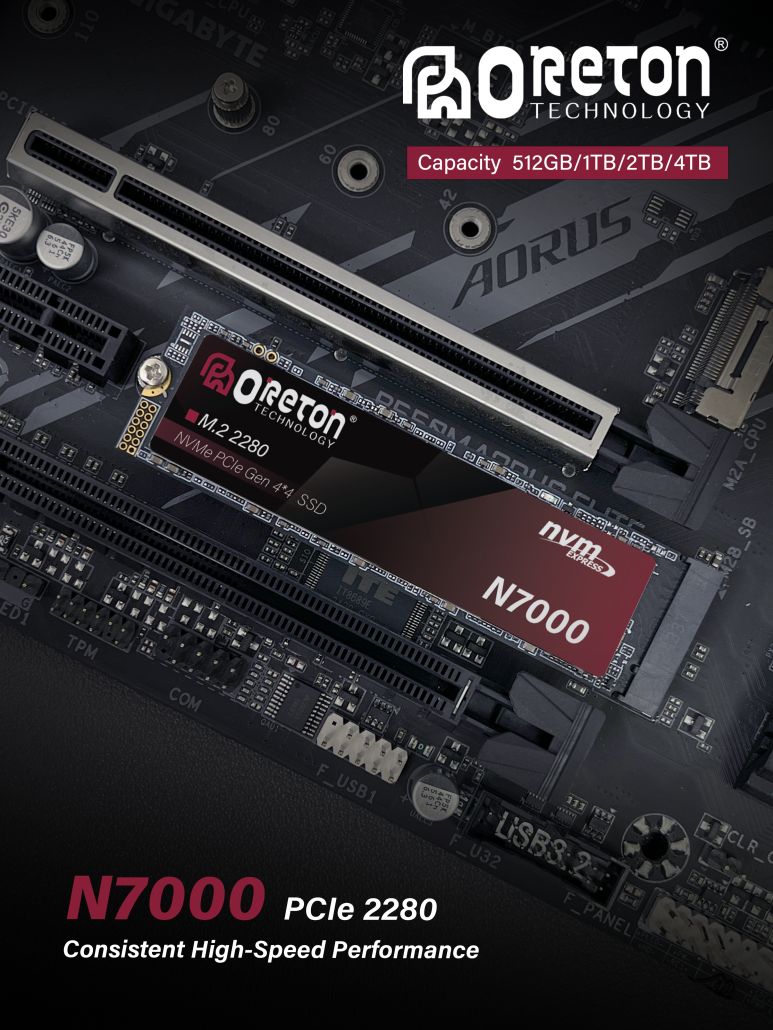
The Hidden Cost of Unbalanced Systems
When components don’t match each other, delays compound silently.
Common Imbalanced Configurations and Their Effects
| Configuração | Bottleneck | Impacto no mundo real |
|---|---|---|
| High-end CPU + slow memory | Memory latency | CPU idle time, inconsistent performance |
| Powerful GPU + SATA SSD | Storage access | Long loading times, stutter |
| Gen4 SSD on older platform | PCIe lane limit | Wasted performance potential |
| Fast components + poor cooling | Aceleração térmica | Performance drops over time |
These issues rarely show up in benchmarks, but users feel them as:
-
Micro-stutter
-
Laggy UI
-
Inconsistent system behavior
Why the Most Expensive Part Isn’t Always the Most Important
Spending the entire budget on a single component often delivers worse results than a balanced build.
Budget Allocation vs. Overall Experience
| Build Strategy | System Smoothness | Stability | Long-Term Satisfaction |
|---|---|---|---|
| Single-component focus | Inconsistent | Mais baixo | Short-lived |
| Balanced configuration | Smooth | Alta | Long-lasting |
A system where no component waits on another will almost always feel faster than one built around extremes.
How to Build (or Upgrade) Smarter
For a faster-feeling PC:
-
Match CPU performance with appropriate memory speed and latency
-
Choose storage with strong random I/O and stable behavior
-
Avoid paying for peak specs your system can’t fully utilize
Practical Configuration Guidance
| Cenário de uso | Memory Recommendation | Storage Recommendation |
|---|---|---|
| Uso diário | DDR4 3200 / DDR5 4800 | NVMe Gen3 |
| Jogos | DDR4 3600 / DDR5 5600 | NVMe Gen3 or stable Gen4 |
| Criação de conteúdo | Higher capacity, stable frequency | Gen4 SSD for sustained workloads |
| Heavy multitasking | Prioritize capacity | Low-latency NVMe |
Pensamento final
A fast component that spends time waiting is not fast at all.
Real-world performance comes from balance and consistency, not from chasing the most expensive part on the spec sheet. Understanding how components interact helps users build systems that feel fast every time — not just in benchmarks.