




Introdução
PC gaming hardware continues to evolve as modern games demand more computing power, faster data access, higher memory capacity, and more efficient thermal management. Large open-world environments, advanced lighting, high-resolution textures, ray tracing, and increasingly complex game simulations are changing the way gaming PCs are designed.
The launch of new-generation games, including major open-world titles such as Grand Theft Auto VI, has also renewed interest in gaming PC upgrades. Although individual game requirements vary, the broader direction is clear: building a capable gaming PC is no longer just about choosing the fastest graphics card. CPU performance, memory configuration, storage technology, cooling efficiency, and power delivery all contribute to the overall experience.
Several hardware developments are shaping the next generation of gaming PCs.
1. GPU Architecture: More Than Just Higher Frame Rates
The graphics processing unit remains one of the most influential components in a gaming PC. It is responsible for rendering visual effects, processing textures, handling complex lighting, and producing the frames displayed on the monitor.
Modern GPU development is moving beyond traditional rasterization performance. Ray tracing, path tracing, AI-assisted upscaling, and frame generation are becoming increasingly important features in high-end gaming systems.
These technologies introduce different performance considerations:
- Ray tracing: Simulates more realistic lighting, reflections, and shadows, but can significantly increase GPU workload.
- AI upscaling: Reconstructs higher-resolution images from lower-resolution renderings, helping improve performance while maintaining visual quality.
- Frame generation: Creates additional frames to increase perceived smoothness, although generated frames do not replace the responsiveness of native rendering.
- VRAM capacity: Determines how much graphics data, including textures and rendering resources, can be stored locally on the graphics card.
VRAM capacity is particularly relevant for high-resolution gaming. At 1440p and 4K, games may require more graphics memory to accommodate detailed textures and advanced rendering features.
When selecting a GPU, buyers should therefore consider more than the advertised performance figures. GPU architecture, VRAM capacity, power consumption, cooling design, and software support all influence its suitability for different gaming workloads.
2. CPU Performance: The Foundation of Gaming System Responsiveness
While the GPU handles most graphics processing, the CPU manages game logic, physics calculations, artificial intelligence, background tasks, and communication between different hardware components.
Modern games with large environments and complex simulations can place considerable demands on CPU resources. Dense urban scenes, numerous non-player characters, traffic systems, and interactive environments may all increase processing workloads.
CPU performance is not determined by clock speed alone. Important factors include:
- Core and thread configuration: More processing resources can help with parallel workloads, although game engines do not always scale equally across all cores.
- Single-thread performance: Many game operations still depend heavily on the performance of individual CPU cores.
- Cache architecture: Larger and more efficient cache systems can reduce memory access delays and improve performance in certain games.
- Compatibilidade de plataforma: Motherboard socket support, chipset features, BIOS compatibility, and upgrade options affect the long-term value of a CPU platform.
Gaming-focused processors with larger cache configurations have demonstrated the importance of memory access efficiency in CPU-limited scenarios.
A balanced system should match CPU capability with GPU performance. Pairing a powerful graphics card with an underpowered processor can create a CPU bottleneck, particularly at lower resolutions and high refresh rates.
3. DDR5 Memory: Capacity, Frequency, and Configuration
System memory plays an important role in modern gaming. It temporarily stores active game data, application resources, operating system processes, and other information required by the CPU.
DDR5 has become the mainstream memory generation for newer desktop platforms, offering higher data rates and improved architectural features compared with DDR4.
Three factors deserve particular attention when choosing gaming memory.
Memory Capacity
A 16GB configuration may still support many games, but 32GB has become a practical target for a new mainstream gaming PC. It provides additional room for demanding games, background applications, browsers, voice chat, and game launchers.
For users who also stream, edit videos, or run resource-intensive applications, 64GB may offer greater flexibility.
Memory Frequency and Latency
Higher memory frequency increases theoretical bandwidth, while latency affects how quickly certain memory operations can be completed. Both influence system performance, but their real-world impact depends on the CPU architecture, memory controller, timings, and game workload.
A higher frequency does not automatically guarantee a proportional increase in gaming frame rates.
Dual-Channel Configuration
Using two compatible memory modules in the recommended motherboard slots enables dual-channel operation on supported desktop platforms. This increases available memory bandwidth compared with a single-channel configuration.
For example, a 32GB kit consisting of two 16GB modules is a common configuration for gaming systems.
Memory compatibility should also be considered. Motherboard support lists, CPU memory-controller specifications, BIOS versions, and XMP or EXPO profiles can all affect whether a particular memory configuration operates reliably.
4. PCIe 5.0: Expanding Bandwidth for Future Gaming Hardware
PCI Express is the primary interface connecting graphics cards, NVMe SSDs, and other high-speed expansion devices to the motherboard.
PCIe 5.0 doubles the theoretical bandwidth per lane compared with PCIe 4.0. This provides additional headroom for future graphics cards, high-speed storage, and other bandwidth-intensive devices.
For gaming PCs, PCIe 5.0 is relevant in two main areas.
Graphics Card Connectivity
Modern graphics cards use PCIe interfaces to communicate with the CPU and system memory. A PCIe 5.0 motherboard provides a newer platform for future expansion, although the actual performance difference between PCIe generations depends on the graphics card and workload.
NVMe Storage
PCIe 5.0 SSDs offer substantially higher sequential transfer speeds than PCIe 4.0 models. This can benefit workloads involving large file transfers and high-speed data processing.
However, higher sequential read speeds do not automatically translate into dramatically shorter game loading times. Game performance also depends on random access, latency, CPU processing, game-engine design, and storage optimization.
For most gaming builds, a good PCIe 4.0 NVMe SSD remains a capable option. PCIe 5.0 storage is more relevant to users who specifically need its additional bandwidth or want a platform with greater storage performance headroom.
5. Advanced Cooling: Managing Heat in High-Performance Systems
As CPUs and GPUs become more powerful, thermal management becomes increasingly important.
High-performance components generate substantial heat under sustained workloads. If temperatures exceed their operating limits, thermal throttling may reduce clock speeds to protect the hardware.
Cooling design therefore affects not only component temperatures but also sustained performance, noise levels, and long-term system stability.
Common cooling approaches include:
Air Cooling
Air coolers use heatsinks and fans to transfer heat away from the CPU. High-quality tower coolers can provide effective thermal performance with relatively simple installation and maintenance.
Liquid Cooling
All-in-one liquid coolers circulate coolant between a CPU-mounted cold plate and a radiator. Larger radiator configurations can provide additional heat dissipation capacity, depending on the processor, cooler design, and case airflow.
Case Airflow
Cooling performance also depends on the overall airflow path. Intake and exhaust fan placement, radiator positioning, case design, and component spacing all influence how efficiently heat is removed.
A powerful CPU cooler cannot compensate for poor case ventilation. Effective cooling requires a coordinated system design.
6. Power Supply Technology: Supporting Higher GPU Power Demands
The power supply unit is responsible for delivering stable electrical power to every major component.
As high-performance graphics cards become more demanding, PSU selection requires more attention than simply checking the rated wattage.
Modern gaming builds should consider:
- Total power capacity: The PSU must support the combined power requirements of the CPU, GPU, motherboard, storage devices, and cooling components.
- Transient power excursions: GPUs can experience short periods of power demand above their typical operating levels.
- Connector compatibility: Newer high-performance graphics cards may use 12V-2×6 power connectors.
- Efficiency and protection: PSU efficiency ratings and built-in protection mechanisms contribute to power efficiency and system safety.
- Cable management: Proper cable routing and secure connector installation help maintain reliable power connections.
ATX 3.1 power supplies are designed around updated power-delivery requirements and the 12V-2×6 connector ecosystem used by modern high-performance graphics cards.
However, ATX 3.1 does not mean every gaming PC needs an extremely high-wattage PSU. The appropriate capacity depends on the exact GPU, CPU, total system configuration, and manufacturer recommendations.
Choosing a reliable PSU with sufficient capacity and the correct native connectors is more important than selecting a large wattage number without considering build requirements.
7. Platform Compatibility and System-Level Optimization
Individual component specifications do not tell the whole story. A gaming PC performs as a complete system, and compatibility between components is essential.
Before building a new system, users should evaluate several areas:
- CPU and motherboard compatibility: Confirm socket support, chipset compatibility, and BIOS requirements.
- Memory compatibility: Check DDR generation, supported frequencies, module capacity, and recommended memory slots.
- GPU clearance: Verify graphics card length, thickness, and case compatibility.
- Storage expansion: Check M.2 slot availability, supported PCIe generations, and possible lane-sharing limitations.
- Cooling clearance: Confirm cooler height, radiator support, and available fan positions.
- Power requirements: Match PSU capacity and connectors to the selected hardware.
A motherboard with newer specifications may provide more upgrade flexibility, but the most expensive platform is not necessarily the best choice for every gaming build.
The objective should be to select components that work together efficiently and leave reasonable room for future upgrades.
8. The Balanced Gaming PC: Performance, Stability, and Upgradeability
The next generation of gaming PCs will not be defined by one component alone. Instead, performance will increasingly depend on how well the CPU, GPU, memory, storage, cooling, and power delivery work together.
A practical high-performance gaming configuration can use the following principles:
- GPU: Prioritize graphics performance and sufficient VRAM for the target resolution and visual settings.
- CPU: Choose a processor that can keep pace with the selected GPU and the intended gaming workload.
- Memory: Consider 32GB of dual-channel DDR5 as a practical starting point for a new mainstream gaming build.
- Storage: Choose a 1TB or 2TB NVMe SSD according to the size of the game library and other storage needs.
- Motherboard: Select a compatible platform with the required connectivity and expansion options.
- Cooling: Ensure the CPU cooler and case airflow can handle sustained workloads.
- PSU: Choose a reliable power supply with sufficient capacity and appropriate connectors.
These are general planning principles rather than official requirements for any specific game. Actual component selection should always reflect the user’s budget, display resolution, preferred games, and other workloads.
Conclusão
Next-generation gaming hardware is evolving across every major component category. More capable GPUs are introducing advanced rendering technologies, CPUs are improving gaming-oriented processing performance, DDR5 is expanding mainstream memory bandwidth, and PCIe 5.0 is providing additional connectivity headroom.
At the same time, cooling and power delivery are becoming increasingly important as high-performance components place greater demands on system stability.
For gamers planning a new PC build, the most effective approach is not simply to purchase the newest or most expensive components. It is to create a balanced configuration that meets current gaming needs, maintains stable performance under sustained workloads, and provides practical upgrade options.
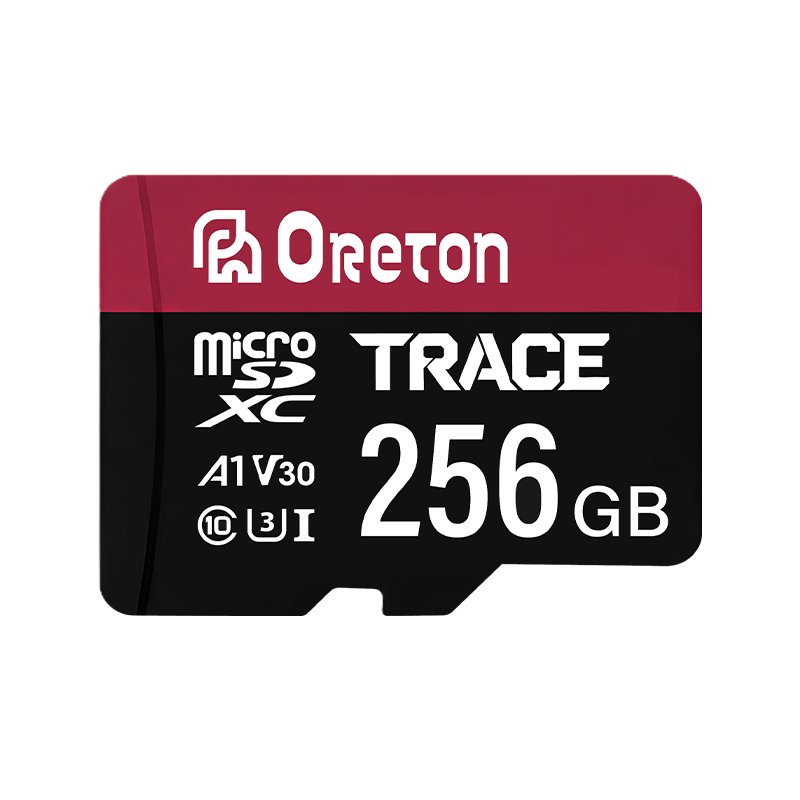
As a Shenzhen-based SSD and DRAM manufacturer, Oreton Technology follows developments in memory and storage technologies that support modern PC platforms. Reliable memory configurations and suitable NVMe storage remain important parts of a well-designed gaming system, alongside the CPU, GPU, motherboard, cooling, and power supply.