





Understanding How USB Ports, Cables, Enclosures and Internal SSDs Affect Transfer Rates
1. Introduction
External SSDs offer a convenient way to expand storage, transfer large files, back up important data, and move data between computers. Compared with traditional external hard drives, they can provide much higher transfer speeds, smaller form factors, and better resistance to everyday movement.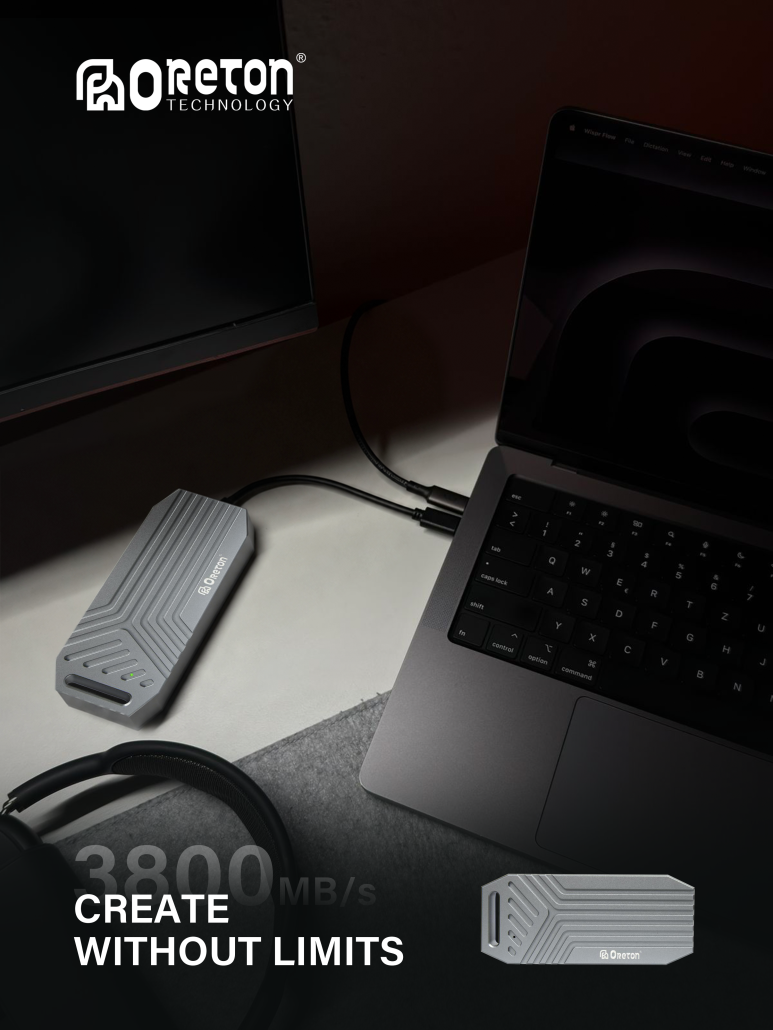
However, not all external SSDs deliver the same performance. Two drives with similar advertised specifications may produce noticeably different results in real-world use, even when they have the same storage capacity.
The reason is that external SSD performance depends on more than the internal drive itself. The USB interface, host port, connection cable, enclosure controller, communication protocol, and NAND flash configuration all contribute to the final transfer rate.
Understanding how these components work together helps explain why an external SSD advertised at 10 Gbps may not deliver 1,000 MB/s in every situation, and why selecting a faster internal SSD does not automatically guarantee faster external storage.
2. USB Connector Types and Transfer Speeds Are Different
One of the most common sources of confusion is the difference between a USB connector and the transfer rate supported by the connection.
USB Type-A and USB Type-C describe connector designs. They do not, by themselves, determine how fast data can move between a computer and an external SSD.
USB Type-C is widely used for modern external storage because it supports a compact, reversible connection and can carry data through different USB implementations. However, two Type-C ports may support different maximum data rates.
For example, a computer’s USB-C port might support 5 Gbps, 10 Gbps, 20 Gbps, or a higher rate under a supported USB4 or Thunderbolt configuration. Another Type-C port on the same computer might offer different capabilities.
The same principle applies to USB Type-A. Its physical shape does not guarantee a specific transfer speed either.
When evaluating an external SSD, it is important to check the supported USB standard and maximum data rate of both the host port and the storage device, rather than relying on the connector shape alone.
3. Understanding USB Data Rates and Theoretical Throughput
USB interface specifications are commonly expressed in gigabits per second (Gbps), while SSD transfer speeds are usually reported in megabytes per second (MB/s).
Because one byte contains eight bits, converting the advertised data rate into a theoretical byte rate requires dividing by eight.
| USB data rate | Theoretical maximum before protocol overhead |
|---|---|
| 5 Gbps | 625 MB/s |
| 10 Gbps | 1.250 MB/s |
| 20 Gbps | 2.500 MB/s |
| 40 Gbps | 5,000 MB/s |
These figures represent theoretical limits based on the stated signaling rate. They are not guaranteed file-transfer speeds.
USB protocols introduce encoding and communication overhead, while storage operations also require command processing and data management. Consequently, usable throughput is lower than the theoretical maximum.
For a USB 3.2 Gen 2 connection rated at 10 Gbps, an external SSD may achieve sequential transfer speeds around or above 1,000 MB/s under suitable conditions, depending on the enclosure, internal SSD, host controller, workload, and benchmark method. Actual results vary by product and system.
A 10 Gbps interface therefore provides a useful performance reference, but it does not guarantee that every external SSD will reach the same speed.
4. USB Protocols and SSD Communication
The communication protocol determines how the host system sends commands to the storage device and how the device responds.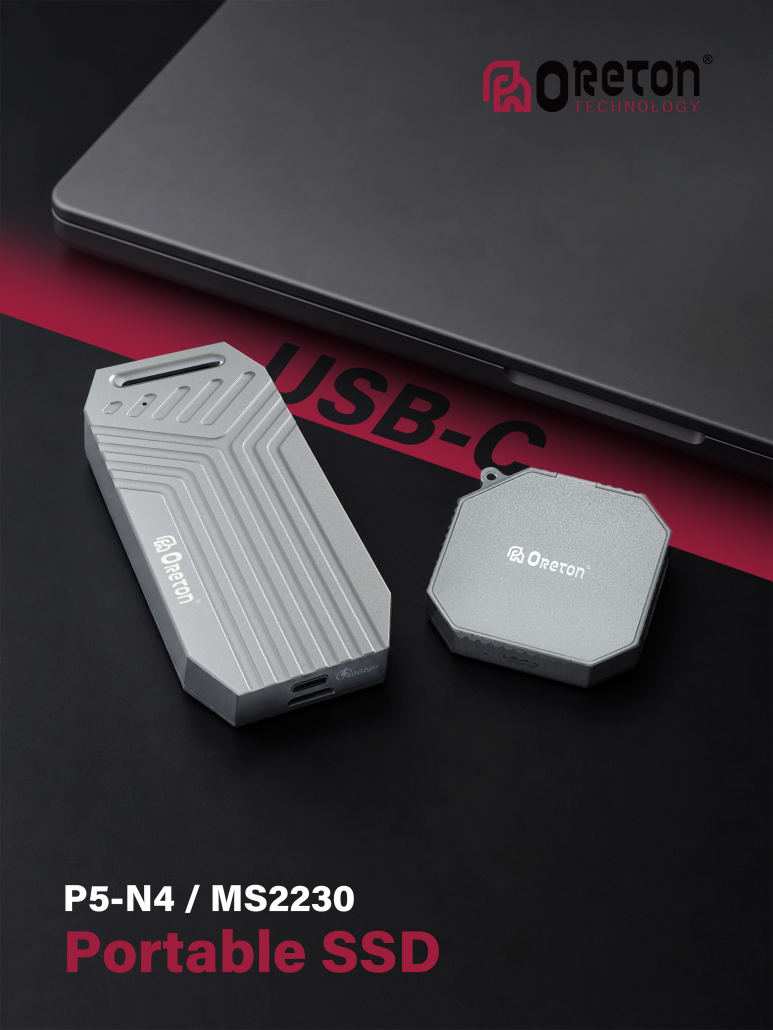
External SSDs commonly use one of two storage protocols: USB Mass Storage Bulk-Only Transport (BOT) or USB Attached SCSI Protocol (UASP).
BOT is an older transport method that handles storage commands through a more serialized process. UASP supports more efficient command handling, including command queuing, which can improve performance in suitable workloads.
UASP can be particularly helpful when the system performs multiple storage operations or accesses many small files. However, the benefit depends on support from the host operating system, USB controller, enclosure bridge, and storage device.
A USB connection running at 10 Gbps does not automatically mean that UASP is active or that the complete storage path is optimized. Compatibility across the host, enclosure, and operating system still matters.
For external NVMe SSDs, the enclosure controller commonly bridges the NVMe interface to USB. The bridge must support the relevant protocols and provide enough processing capability to handle the intended data rate.
5. The Role of the External SSD Enclosure and Bridge Controller
An external SSD enclosure is more than a protective shell. Its bridge controller manages communication between the internal SSD and the computer’s USB interface.
The controller translates commands between the host-facing USB connection and the internal storage interface, such as SATA or PCIe/NVMe. Its capabilities can affect maximum throughput, command handling, compatibility, power management, and thermal behavior.
Different enclosure designs may support different storage interfaces and USB speeds. For example, an enclosure built for a SATA SSD cannot deliver the same performance as a high-speed NVMe enclosure simply by using a faster USB cable.
The bridge controller can also become a bottleneck. If the internal SSD supports much higher speeds than the enclosure’s USB interface, the external drive will be limited by the enclosure and host connection.
Compatibility is another consideration. An enclosure must support the internal drive’s physical form factor and interface. M.2 is a form factor, not a guarantee of SATA or NVMe compatibility, so the enclosure’s supported protocol must be verified before installation.
6. How the Internal SSD Affects External Performance
Even with a fast USB interface and a capable enclosure, the internal SSD remains an important part of the performance equation.
External storage can use SATA SSDs or NVMe SSDs. SATA SSDs are limited by the SATA interface, while NVMe SSDs can support much higher internal transfer rates through PCIe.
Consider a 10 Gbps USB enclosure. If the internal drive is a SATA SSD, the SATA interface will generally limit sequential throughput before the USB connection reaches its full usable capacity. A suitable NVMe SSD may better utilize the available USB bandwidth.
However, a faster NVMe drive does not always produce a proportionally faster external SSD. Once the USB connection or bridge controller becomes the bottleneck, additional internal SSD bandwidth cannot translate into higher host transfer speeds.
Internal SSD behavior also matters during long write operations. Some SSDs use a fast pseudo-SLC cache to accelerate writes. After that cache fills, write speed may decline depending on NAND type, remaining free space, controller behavior, and background data management.
As a result, a short benchmark may show a high peak speed while a longer file transfer produces a lower average rate.
7. Cable Quality and Host Port Limitations
The cable is another part of the data path that can affect external SSD performance.
A USB-C connector does not guarantee that the cable supports the same data rate as the SSD enclosure. Some cables are designed primarily for charging or lower-speed data transfer, while others support higher-speed USB connections.
Using a cable with insufficient data-rate support can prevent an external SSD from reaching its intended performance. Cable length, implementation quality, and signal integrity can also affect the reliability of high-speed connections.
The host port matters just as much. An external SSD rated for 10 Gbps will not achieve its intended interface speed when connected through a port limited to 5 Gbps.
Additional adapters, hubs, or docking stations may introduce further limitations. Their supported data rates, internal controllers, and shared bandwidth should be considered when troubleshooting unexpectedly low speeds.
For the most reliable performance, connect the external SSD directly to a compatible host port using a cable rated for the enclosure’s supported data rate.
8. Why Real-World Transfer Speeds Differ from Benchmarks
Benchmark results are useful for comparing storage devices, but they do not always reflect the speed users experience when transferring everyday files.
Sequential benchmarks typically measure the transfer of large, continuous blocks of data. These workloads are useful for estimating performance during large file copies, video transfers, and similar operations.
Small-file workloads behave differently. They involve more individual storage operations, metadata handling, and command processing. In these scenarios, latency, queue depth, file-system behavior, and protocol efficiency can matter more than the maximum sequential transfer rate.
Other factors can also influence results:
- Write cache behavior: Short tests may finish before an SSD’s write cache becomes saturated.
- Drive temperature: Sustained workloads may trigger thermal throttling in the SSD or enclosure.
- Available storage space: SSD performance can vary with capacity utilization and internal data-management activity.
- Host system workload: CPU activity, background processes, and other storage operations may affect measured throughput.
- File size and file count: Copying one large file can produce different results from copying thousands of small files.
- Power management: USB power-saving behavior and device power requirements may affect operation in certain systems.
A meaningful performance evaluation should therefore include both sequential and relevant real-world workloads, rather than relying on one peak-speed figure.
9. Choosing the Right USB Interface for Different Workloads
The most suitable USB interface depends on the required transfer speed, the type of work being performed, and the equipment already available.
| USB interface rate | General positioning | Typical considerations |
|---|---|---|
| 5 Gbps | Everyday external storage | Backups, documents, photos, and general file transfers |
| 10 Gbps | Higher-speed portable storage | Large file transfers, media libraries, and regular data movement |
| 20 Gbps | Higher-bandwidth external storage | Workloads that benefit from additional USB bandwidth and compatible host support |
| 40 Gbps | Very high-bandwidth external storage | Specialized workflows requiring a compatible USB4 or Thunderbolt implementation |
These categories are general guidelines, not strict workload requirements. Even a 5 Gbps drive can be suitable for many users, while a 40 Gbps enclosure may offer little practical benefit if the internal SSD, host port, or workload cannot take advantage of the additional bandwidth.
For users who regularly transfer large video files or work with extensive media libraries, a 10 Gbps or faster connection may reduce transfer times. For everyday backups and document storage, cost, capacity, portability, and compatibility may be more important than maximizing interface speed.
10. A Practical Checklist for Evaluating External SSD Performance
When comparing external SSDs or troubleshooting unexpectedly low transfer rates, evaluate the entire connection rather than looking at a single specification.
- Check the host port. Confirm the USB standard and supported data rate.
- Verify the cable. Ensure it supports the intended data rate, not just the correct connector.
- Confirm enclosure compatibility. Check whether the enclosure supports SATA or NVMe and the relevant drive form factor.
- Review the bridge controller. Confirm the supported interface speed and protocol features.
- Identify the internal SSD. Consider its interface, sequential performance, cache behavior, and sustained-write characteristics.
- Test realistic workloads. Compare large-file transfers with smaller-file operations and longer write sessions.
- Monitor temperature and system behavior. Check for thermal throttling, background activity, or power-related limitations.
This approach makes it easier to identify the component limiting performance and helps prevent unnecessary upgrades to parts that are not responsible for the bottleneck.
Conclusão

External SSD performance is determined by the complete data path, from the computer’s USB port to the enclosure controller and the internal storage device.
Connector type, USB data rate, communication protocol, cable capability, bridge-controller design, and SSD architecture all influence the final result. A high advertised interface speed provides useful information, but it does not guarantee equivalent real-world transfer performance.
For reliable comparisons, evaluate the supported USB standard alongside the enclosure and internal SSD specifications, then verify performance under workloads that reflect actual usage.
Understanding these factors helps users select external storage solutions that balance speed, compatibility, and cost without paying for bandwidth their system cannot use.