





Understanding why memory modules deliver years of stable performance, the issues that can still occur, and how to troubleshoot them.
When people think about PC hardware failures, components such as hard drives, SSDs, power supplies, or cooling fans often come to mind. These parts experience mechanical wear, heavy write cycles, or continuous operation, making occasional failures understandable.
Memory modules (RAM), however, have earned a reputation for being one of the most reliable components inside a computer. It is not uncommon for a quality memory module to operate flawlessly for many years without requiring replacement.
Does that mean RAM never fails?
Not exactly.
While RAM is exceptionally reliable, problems can still occur. In many cases, what appears to be a faulty memory module is actually caused by compatibility issues, BIOS settings, installation errors, or other hardware components.
Understanding why RAM is so stable—and knowing how to identify the few problems that can arise—can help both everyday users and business customers make better decisions when building, upgrading, or maintaining computer systems.
Why Is RAM So Reliable?
Compared with many other PC components, RAM operates under relatively predictable conditions.
Unlike a hard drive, there are no spinning disks or moving read/write heads.
Unlike an SSD, there are no NAND flash cells that gradually wear out after repeated program/erase cycles.
Unlike cooling fans, there are no bearings or motors that eventually fail due to mechanical wear.
A memory module is primarily composed of:
- Memory ICs (DRAM chips)
- Printed Circuit Board (PCB)
- Power management circuitry (on some DDR5 modules)
- SPD chip containing configuration information
- Optional heatsink for thermal management
Because there are very few moving or wear-prone parts, modern RAM is capable of delivering extremely long service life under normal operating conditions.
For business PCs, industrial computers, and enterprise workstations, it is common for memory modules to remain in service throughout the entire lifecycle of the system.
How RAM Differs from SSDs
Although both RAM and SSDs store data, they perform very different roles.
RAM temporarily stores data that the CPU is actively using. Once the computer is powered off, this information disappears.
An SSD, on the other hand, permanently stores operating systems, applications, and files using NAND flash memory.
This distinction also affects long-term reliability.
Because SSDs constantly perform write and erase operations, they have measurable endurance ratings such as TBW (Terabytes Written).
RAM does not experience the same type of write-cycle wear.
Instead, it continuously refreshes stored data while power is supplied, allowing it to operate for many years without significant degradation.
This is one of the main reasons memory modules generally have lower failure rates than storage devices.
Why Business Users Value Stable Memory
For businesses, reliability often matters more than achieving the highest benchmark scores.
Unexpected system crashes, data corruption, or compatibility issues can interrupt daily operations and increase maintenance costs.
Reliable memory helps support:
- Stable office productivity
- Virtual meetings
- Desenvolvimento de software
- Business applications
- AI-assisted workflows
- Sistemas de controle industrial
This is why commercial deployments often prioritize thoroughly validated memory over aggressively overclocked modules designed for maximum performance.
Consistency across hundreds or even thousands of deployed systems is usually far more valuable than a small increase in benchmark performance.
Common RAM Problems and How to Fix Them
Although RAM itself rarely fails, users may occasionally encounter memory-related issues.
Understanding the symptoms and their possible causes can save significant troubleshooting time.
1. The Computer Won’t Boot
One of the most common situations occurs after installing new memory.
Possible causes include:
- Memory module not fully seated
- Incompatible memory
- Incorrect BIOS settings
- Faulty motherboard slot
- CPU memory controller limitations
Possible solutions
- Reinstall the memory module.
- Test one module at a time.
- Reset BIOS settings.
- Update the motherboard BIOS if necessary.
- Verify compatibility with the motherboard manufacturer’s qualified vendor list (QVL).
2. Blue Screen Errors or Random System Crashes
Unexpected system crashes are often associated with memory, although RAM is not always the actual cause.
Possible reasons include:
- Unstable XMP or EXPO profiles
- Overclocking beyond stable limits
- Incompatible memory kits
- Outdated BIOS versions
- CPU instability
Possible solutions
- Disable XMP or EXPO temporarily.
- Update the BIOS.
- Test memory using diagnostic software.
- Return memory to default operating specifications.
- Check CPU and power supply stability.
3. The System Detects Less Memory Than Installed
For example, a PC with 32GB installed may only display 16GB.
Possible causes include:
- Improper installation
- Dirty memory contacts
- Damaged DIMM slot
- Configuração do BIOS
- CPU socket issues affecting memory channels
Possible solutions
- Reseat the memory modules.
- Clean the gold contacts carefully.
- Test each DIMM individually.
- Inspect motherboard slots.
- Update BIOS firmware.
4. Memory Running Below Its Advertised Speed
Many users notice that newly installed DDR5-6400 memory initially operates at 4800 MT/s.
This is completely normal.
Most memory boots at the JEDEC standard speed before optional performance profiles are enabled.
Possible reasons include:
- XMP or EXPO not enabled
- CPU memory controller limitations
- Motherboard chipset limitations
- BIOS compatibility
Possible solutions
- Enable XMP or EXPO in BIOS.
- Confirm CPU and motherboard specifications.
- Update BIOS to improve memory compatibility.
- Use memory configurations supported by the platform.
5. Random Freezing During Heavy Workloads
Large software projects, AI applications, video editing, or virtualization place sustained demands on system memory.
Random freezing does not always indicate defective RAM.
Other contributing factors may include:
- High CPU temperatures
- Power supply instability
- Storage problems
- Driver conflicts
- System overheating
Proper diagnosis should always consider the entire system rather than assuming memory is responsible.
Can RAM Actually Fail?
Yes—but genuine hardware failures are relatively uncommon.
Potential causes include:
Electrical damage
Power surges or unstable power delivery can damage memory components.
Electrostatic discharge (ESD)
Improper handling during installation may expose memory modules to static electricity.
Excessive overclocking
Operating beyond recommended voltage or frequency limits for extended periods may reduce long-term stability.
Extreme temperatures
Although memory generally runs cool, poor airflow in compact systems can affect stability over time.
Manufacturing defects
Like any electronic product, a small percentage of memory modules may contain defects that become apparent after deployment.
This is why quality control and validation remain essential.
How Manufacturers Improve RAM Reliability
Modern memory reliability begins long before the product reaches the customer.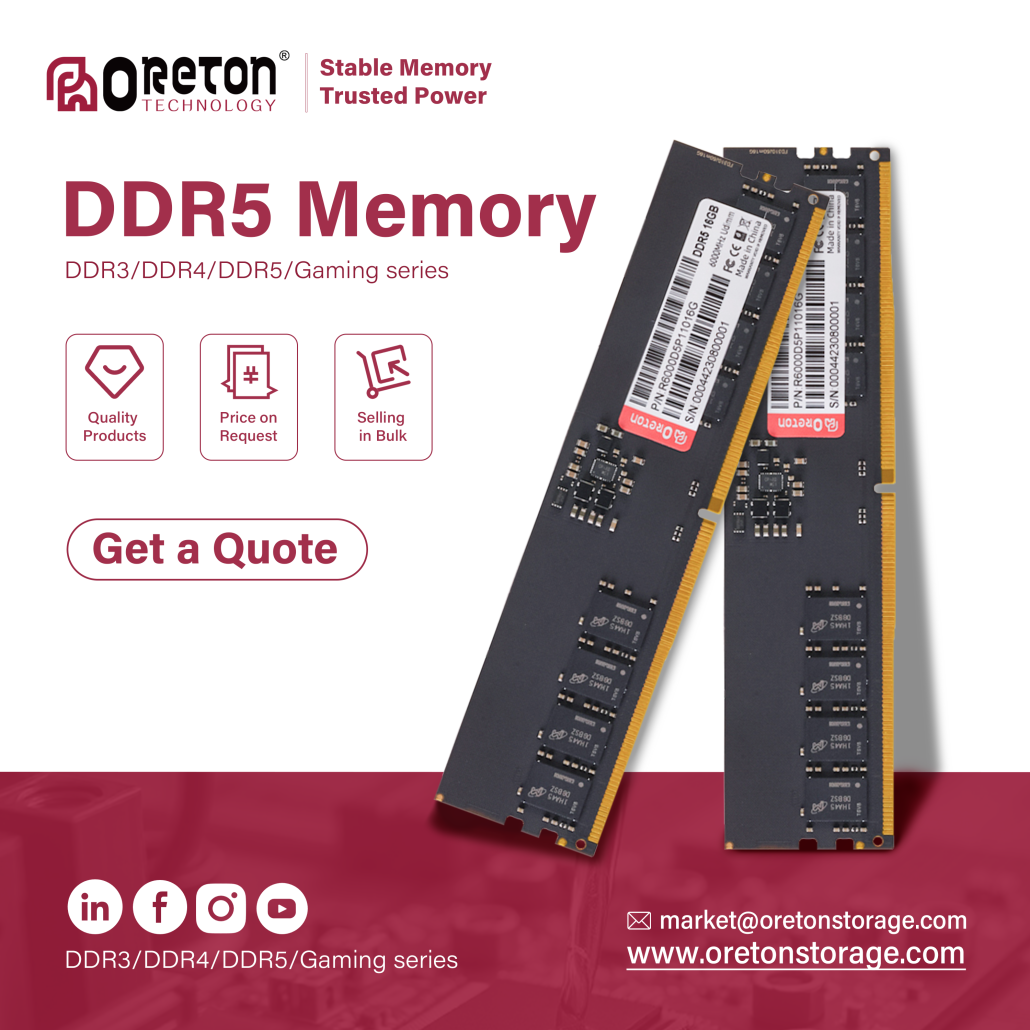
Quality-focused manufacturers typically invest considerable effort into product validation.
Common validation processes include:
- Compatibility testing across multiple motherboard platforms
- Burn-in testing
- Continuous stress testing
- Signal integrity verification
- Thermal testing
- Functional verification before shipment
These procedures help reduce compatibility issues while ensuring more consistent performance across different hardware platforms.
For OEM customers deploying memory in large quantities, comprehensive validation is often just as important as performance specifications.
Best Practices for Maximizing RAM Stability
Whether you’re an individual user or managing hundreds of systems, a few simple practices can help ensure long-term reliability:
- Choose memory that is compatible with your CPU and motherboard.
- Avoid unnecessary overclocking if stability is the priority.
- Install modules carefully to ensure proper contact.
- Keep the system clean and maintain adequate airflow.
- Update the motherboard BIOS when compatibility improvements are available.
- Purchase memory from manufacturers with consistent quality control and validation processes.
These steps can significantly reduce the likelihood of memory-related issues throughout a system’s lifecycle.
Conclusão
RAM has earned its reputation as one of the most reliable components in modern computers for good reason. With no moving parts and no write-cycle limitations like SSDs, quality memory modules are capable of delivering years of dependable performance.
That said, memory-related problems can still occur. In many cases, the root cause lies not in the module itself but in compatibility, BIOS configuration, installation, or other system components. Understanding these factors allows users to troubleshoot more effectively and avoid unnecessary replacements.
For businesses, OEM customers, and system integrators, long-term stability depends not only on the memory specification but also on component selection, platform compatibility, and thorough validation.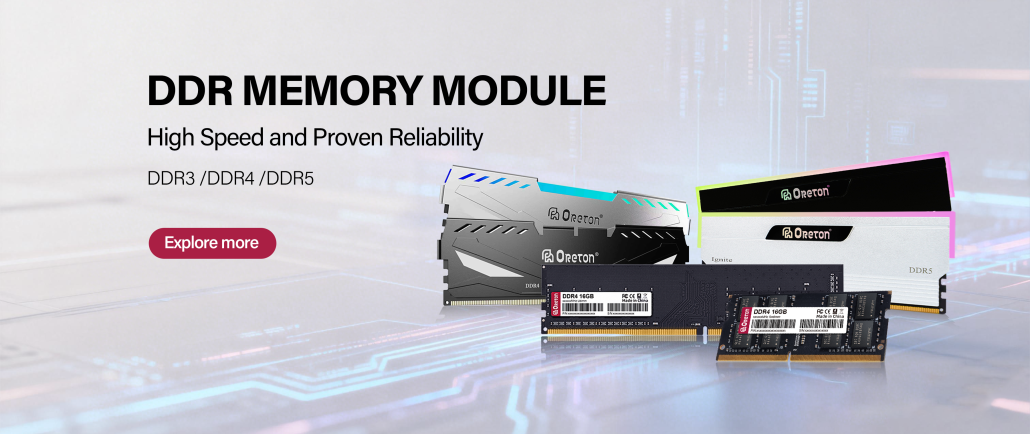
Em Oreton, we believe reliable memory begins with careful engineering and consistent quality control. Through comprehensive compatibility testing and product validation, we strive to provide memory solutions that support stable performance across a wide range of commercial, industrial, and everyday computing applications.