





When people think about improving PC performance, the first instinct is often to upgrade a single component.
Some choose a faster processor. Others install a high-speed NVMe SSD. Many simply add more memory, expecting an immediate transformation.
While each of these upgrades can improve certain aspects of system performance, none of them works in isolation.
A modern computer is a carefully balanced system where the processor, memory, storage, and even software continuously interact. The responsiveness users experience every day—from booting Windows and launching applications to editing videos or running AI models—is the result of these components working together rather than the performance of any single piece of hardware.
This is why two computers with similar specifications can feel completely different in real-world use.
Understanding how these components cooperate is the key to building a faster, more efficient, and more reliable PC.
Performance Begins with Balance
Modern PCs process enormous amounts of information every second.
Opening a document, editing photos, compiling code, running virtual machines, or generating AI content all involve a constant exchange of data between multiple hardware components.
Each component has its own responsibility.
The processor performs calculations.
Memory temporarily stores active data.
The SSD provides long-term storage and rapidly delivers files to the system.
When one component becomes significantly slower than the others, it creates a bottleneck that limits the performance of the entire system.
This principle is known as balanced computing.
Instead of pursuing the highest benchmark score for one component, balanced systems deliver smoother multitasking, faster responsiveness, and more consistent performance because every part of the hardware is working at a similar level.
The CPU: The Brain Behind Every Task
The processor remains the central decision-maker of every computer.
Whether opening a spreadsheet, exporting a video, browsing dozens of websites, or running engineering software, the CPU continuously executes instructions and coordinates communication between hardware components.
Modern processors feature multiple cores capable of handling many tasks simultaneously, making multitasking significantly more efficient than previous generations.
However, even the fastest processor cannot operate efficiently without receiving data quickly enough.
Imagine a professional chef working in a kitchen.
The chef may have exceptional skills, but if ingredients arrive slowly, cooking also slows down.
The same principle applies to the CPU.
Without sufficient memory capacity or fast storage, the processor spends valuable time waiting for data instead of performing useful work.
Memory: Your Computer’s Active Workspace
If the processor is the brain, memory serves as the computer’s short-term workspace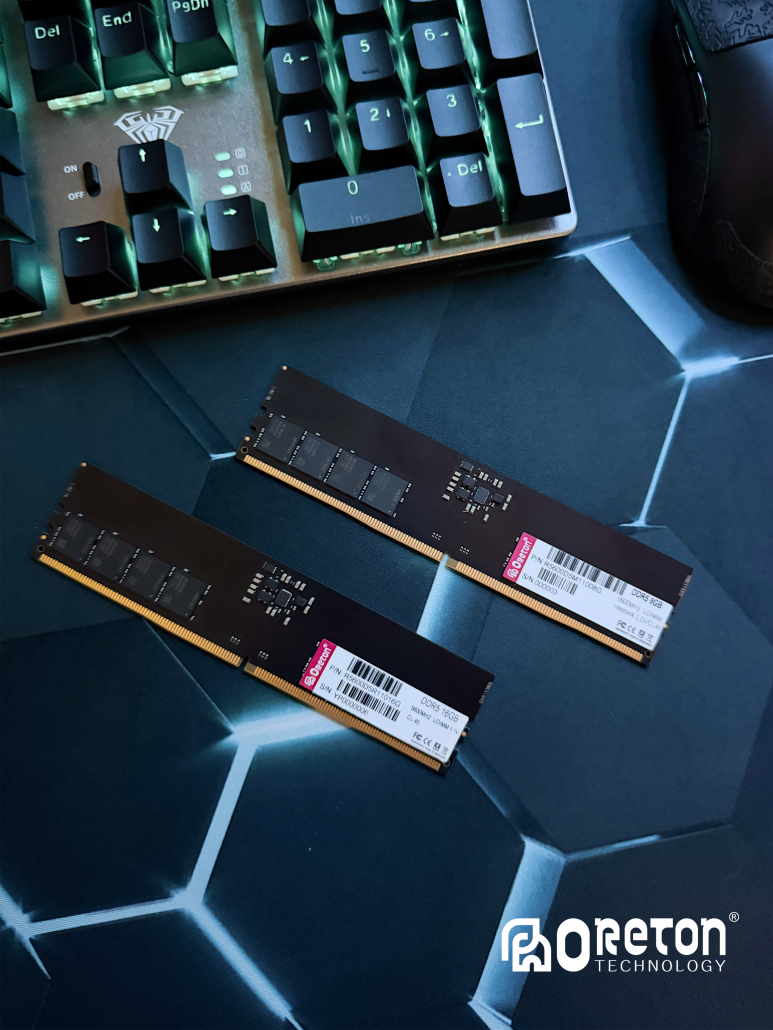
Whenever an application is opened, its data is loaded into RAM so the processor can access it almost instantly.
The more applications running simultaneously, the more memory is required.
Na przykład:
- Multiple Chrome tabs
- Microsoft Excel with large datasets
- Adobe Photoshop
- Adobe Premiere Pro
- Visual Studio
- Kontenery Docker
- Maszyny wirtualne
- Lokalne modele sztucznej inteligencji
All rely heavily on available memory.
When physical memory becomes insufficient, the operating system begins moving inactive data to virtual memory stored on the SSD.
Although modern NVMe SSDs are remarkably fast, they remain significantly slower than DRAM.
As a result, insufficient memory often causes:
- Slower application switching
- Dłuższy czas ładowania
- System stuttering
- Reduced productivity
For many professionals today, increasing memory capacity from 16GB to 32GB often delivers a more noticeable improvement than upgrading the processor alone.
Storage: The Foundation of Everyday Responsiveness
Storage has changed dramatically over the past decade. 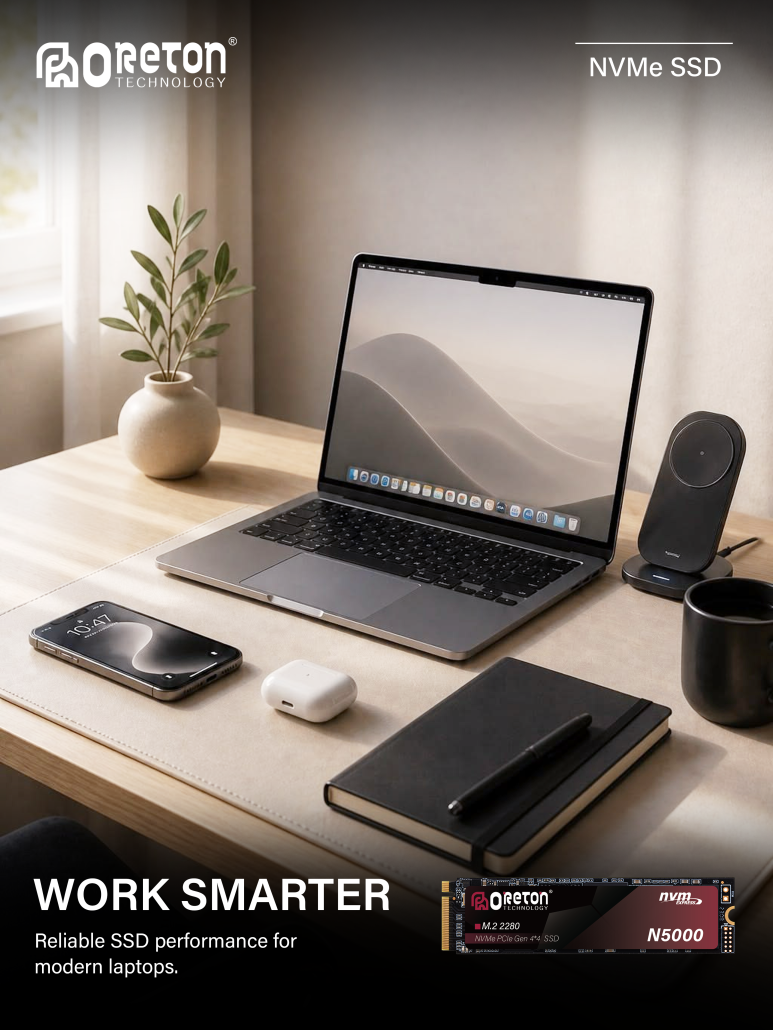
Traditional hard drives once represented one of the largest performance bottlenecks in personal computers.
Today’s SATA SSDs and PCIe NVMe SSDs have reduced application loading times from minutes to seconds while making everyday computing feel significantly more responsive.
Unlike memory, which temporarily stores active information, SSDs permanently store:
- Operating systems
- Applications
- Games
- Documents
- Creative projects
- AI models
Whenever software launches, those files must first be transferred from storage into memory before the processor can begin working.
This means storage performance directly affects tasks such as:
- System startup
- Application launches
- Transfery dużych plików
- Project loading
- Ładowanie gry
- AI model initialization
However, faster SSDs do not automatically increase CPU computing power or replace the need for sufficient memory.
Storage improves responsiveness by reducing waiting time—not by performing calculations.
Modern Applications Depend on Every Component
Today’s workloads rarely stress only one part of the computer.
Instead, applications distribute work across multiple hardware components simultaneously.
Consider video editing.
When editing a 4K video project:
- The SSD loads source footage.
- Memory stores active frames and project data.
- The CPU handles decoding, effects, and timeline calculations.
- The GPU accelerates rendering and visual processing.
If any one of these components becomes a bottleneck, the entire editing workflow slows down.
The same principle applies to local AI applications.
Tools such as Ollama, LM Studio, Stable Diffusion, and ComfyUI place simultaneous demands on storage, memory, processors, and graphics hardware.
Large language models must first be loaded from the SSD.
Memory holds the model and working data.
The CPU coordinates system operations.
The GPU performs most of the AI computation.
This balanced interaction is what enables modern AI workloads to run efficiently.
Faster Hardware Doesn’t Always Mean Better Performance
One of the biggest misconceptions in PC upgrades is assuming that replacing a single component will transform overall performance.
In reality, the slowest component often determines the user experience.
Na przykład:
Installing a PCIe Gen5 SSD while keeping only 8GB of memory may still result in slow multitasking.
Upgrading to a flagship processor while continuing to use an aging hard drive means applications still load slowly.
Installing 64GB of DDR5 memory into an older platform with limited processor performance may also provide only marginal improvements for everyday workloads.
Balanced upgrades consistently produce better results than isolated upgrades.
Choosing hardware that complements the rest of the system leads to smoother performance and better long-term value.
Choosing Hardware Based on Real Workloads
Rather than selecting components based solely on specifications, users should evaluate how they actually use their computers.
Office environments benefit greatly from replacing hard drives with SSDs and ensuring sufficient memory for multitasking.
Gaming systems require a balance of CPU performance, graphics capability, fast NVMe storage, and adequate memory capacity to reduce loading times and maintain smooth gameplay.
Content creators working with high-resolution video, photography, and 3D rendering depend on all three components working together to keep projects responsive.
Meanwhile, AI applications increasingly demand large-capacity memory and high-speed SSDs capable of loading multi-gigabyte models quickly and handling large datasets efficiently.
The best-performing computer is not necessarily the one with the fastest individual component—it is the one whose hardware is properly balanced for the intended workload.
Balanced Hardware Starts with Reliable Components
Achieving balanced performance also depends on the quality and reliability of the hardware itself.
Consistent SSD performance, stable memory operation, and broad platform compatibility all contribute to a smoother computing experience over time.
At Oreton, we design our storage and memory solutions with this philosophy in mind.
Our product portfolio includes SATA SSDs for everyday computing, PCIe Gen3, Gen4, and Gen5 NVMe SSDs for high-performance workloads, as well as DDR4 and DDR5 memory solutions designed for desktops, laptops, workstations, and commercial systems.
Rather than focusing solely on benchmark numbers, we emphasize consistent performance, comprehensive compatibility testing, and dependable reliability across a wide range of applications—from office productivity and gaming to content creation, OEM projects, and emerging AI workloads.
Because better computing isn’t achieved by maximizing one specification—it’s achieved by building a balanced system.
Wnioski
Modern PC performance is the result of cooperation rather than competition between components.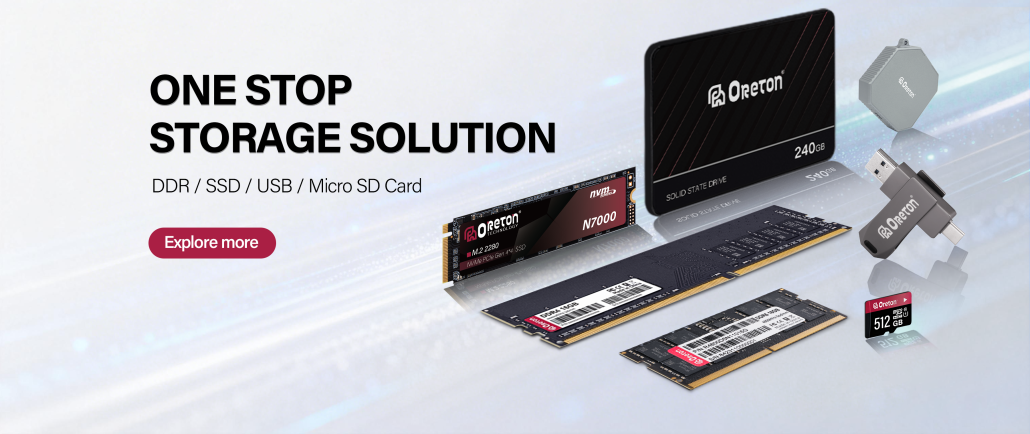
The processor performs calculations, memory keeps active data readily available, and storage delivers information quickly whenever it is needed. When these components are properly balanced, users experience faster startups, smoother multitasking, quicker application loading, and more responsive workflows.
Whether you’re building a new gaming PC, upgrading an office computer, deploying commercial systems, or preparing for AI-driven applications, focusing on the balance between CPU, memory, and storage will deliver greater long-term value than simply choosing the fastest individual component.
In modern computing, true performance isn’t defined by a single specification—it’s built through the seamless integration of every essential component.