





Inleiding
As SSD technology continues to evolve, storage performance has reached unprecedented levels. Modern PCIe Gen4 SSDs commonly deliver sequential read speeds exceeding 7,000 MB/s, while the latest PCIe Gen5 SSDs are pushing beyond 14,000 MB/s.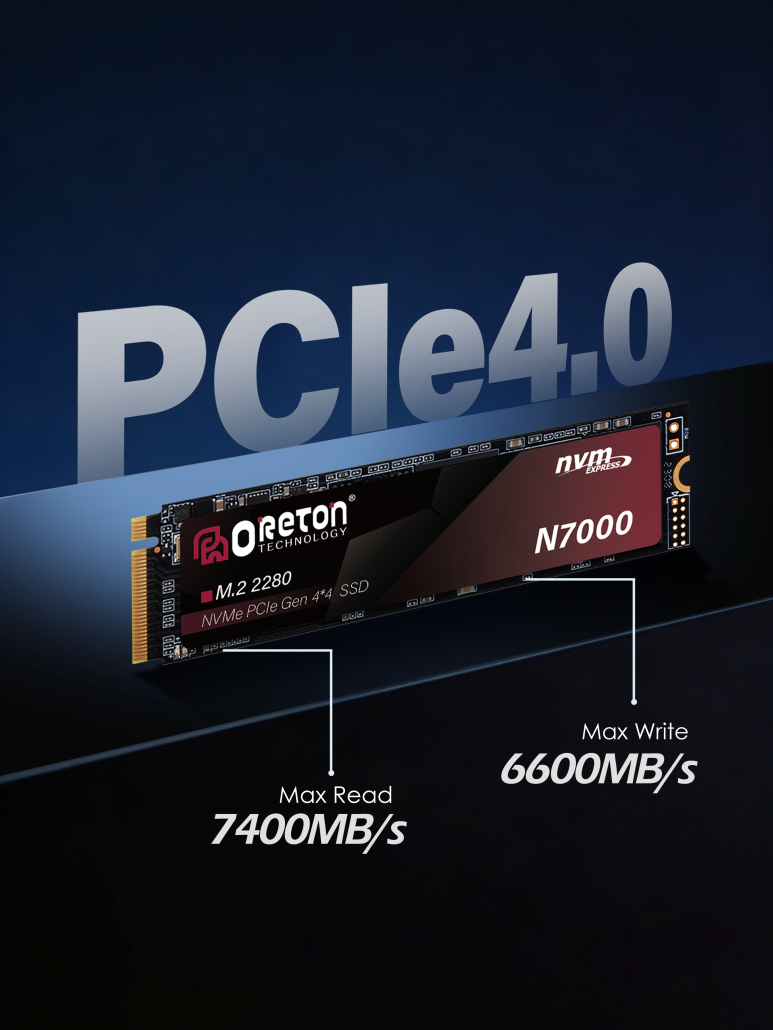
These remarkable speeds enable faster boot times, shorter application loading, quicker file transfers, and improved productivity across gaming, content creation, AI computing, and professional workloads.
However, achieving high performance is only part of the equation.
Maintaining that performance during continuous workloads presents an entirely different challenge.
Like processors and graphics cards, SSDs generate heat during operation. Without effective thermal management, excessive temperatures can reduce performance, shorten sustained transfer speeds, and potentially affect long-term reliability.
Understanding how SSD thermal management works helps users build systems that deliver stable performance—not just impressive benchmark numbers.
Why Do SSDs Generate Heat?
Every SSD contains several components that consume power while processing data.
The primary heat-generating components include:
- SSD Controller
- NAND Flash Memory
- DRAM Cache (where applicable)
- Power Management Circuits
Among these, the SSD controller typically produces the most heat.
As the controller manages NAND communication, error correction, wear leveling, caching, and high-speed PCIe data transfers, its workload increases significantly during demanding operations such as:
- Grote bestandsoverdrachten
- 4K and 8K video editing
- Game installation
- AI dataset loading
- Continuous read/write workloads
Higher PCIe generations provide greater bandwidth, allowing SSDs to transfer more data—but this also increases power consumption and heat generation.
For this reason, thermal management has become increasingly important for modern PCIe Gen4 and especially PCIe Gen5 SSDs.
Understanding Thermal Throttling
One of the most important concepts in SSD thermal management is thermische smoring.
Thermal throttling is a protective mechanism built into modern SSD controllers.
When temperatures exceed a predefined threshold, the controller automatically reduces operating speed to lower heat generation and prevent potential damage.
This reduction in performance is intentional.
Rather than risking hardware instability, the SSD temporarily slows data transfer until temperatures return to a safe operating range.
For users, thermal throttling may appear as:
- Slower sustained file transfers
- Reduced write performance
- Longer project export times
- Increased loading times during continuous workloads
It is important to understand that thermal throttling is not a product defect.
Instead, it is a built-in protection feature designed to maintain reliability and protect the SSD over time.
Peak Performance vs. Sustained Performance
Many SSD specifications highlight maximum sequential read and write speeds.
While these figures are useful for comparing products, they represent peak performance under ideal conditions.
Real-world workloads often involve continuous data transfers that place much greater demands on the controller and NAND flash.
Voorbeelden hiervan zijn:
- Copying hundreds of gigabytes of data
- Editing high-resolution video
- Rendering large creative projects
- Running virtual machines
- AI model training and dataset processing
In these scenarios, duurzame prestatie becomes far more important than short bursts of maximum speed.
Effective thermal management helps an SSD maintain consistent performance over longer periods rather than experiencing significant slowdowns once temperatures increase.
For professionals, stable performance often delivers greater productivity than simply achieving the highest benchmark numbers.
The Role of SSD Heatsinks
One of the simplest ways to improve SSD thermal performance is through the use of a heatsink.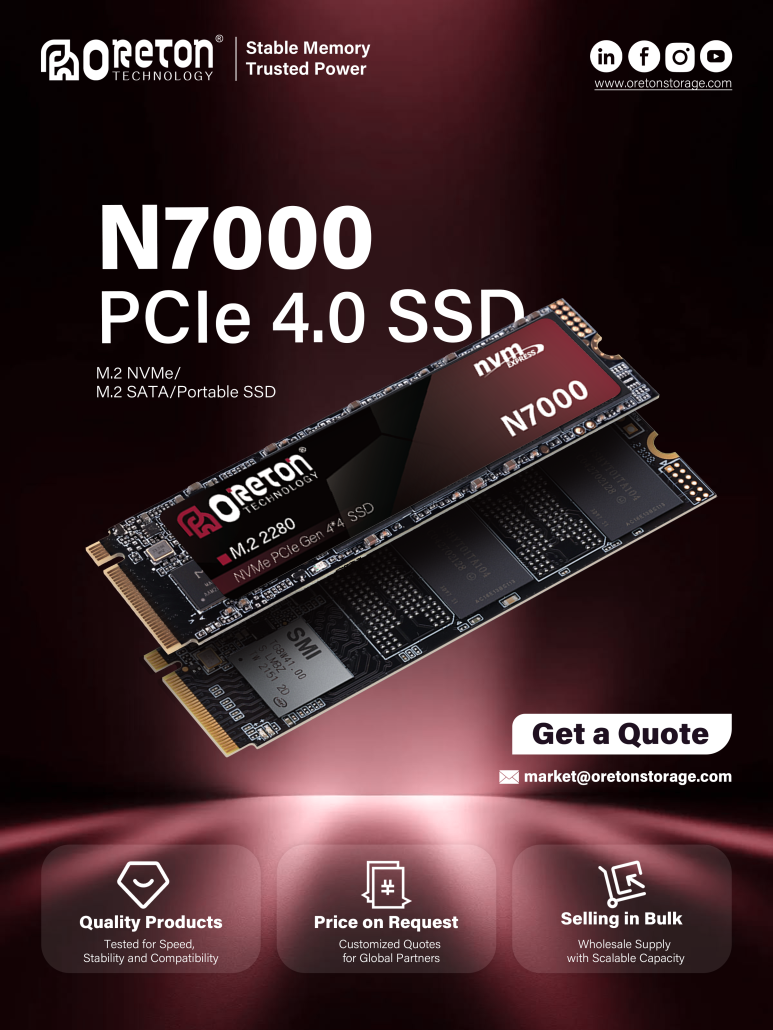
A heatsink increases the surface area available for heat dissipation, allowing thermal energy to move away from the SSD controller more efficiently.
This helps:
- Reduce controller temperatures
- Delay thermal throttling
- Maintain higher sustained performance
- Improve system stability during demanding workloads
Many modern motherboards include integrated M.2 heatsinks designed specifically for high-performance NVMe SSDs.
For PCIe Gen5 SSDs, additional cooling solutions have become increasingly common due to higher power consumption.
While everyday office users may not always require dedicated SSD cooling, gamers, content creators, engineers, and AI professionals often benefit from improved thermal solutions during intensive workloads.
Thermal Management Across PCIe Generations
Not every SSD generates the same amount of heat.
Different PCIe generations operate with different bandwidths and power requirements.
SATA SSD
SATA SSDs typically consume relatively little power and rarely require additional cooling under normal operating conditions.
PCIe Gen3 SSD
Gen3 SSDs deliver significantly higher performance than SATA while maintaining relatively moderate thermal output.
PCIe Gen4 SSD
With transfer speeds exceeding 7,000 MB/s, Gen4 SSDs place greater demands on controllers and often benefit from motherboard heatsinks.
PCIe Gen5 SSD
PCIe Gen5 represents the highest level of consumer SSD performance currently available.
With dramatically increased bandwidth and faster controllers, thermal management becomes a critical part of maintaining consistent performance.
For Gen5 systems, proper airflow and dedicated heatsinks are strongly recommended.
System Cooling Matters Too
An SSD does not operate in isolation.
Overall system airflow has a significant influence on storage temperatures.
A well-designed PC should include:
- Balanced intake and exhaust airflow
- Proper cable management
- Adequate spacing around M.2 slots
- Clean dust filters
- Appropriate case ventilation
Even the best SSD heatsink cannot compensate for poor airflow inside the system.
Likewise, excellent case ventilation benefits not only storage devices but also CPUs, GPUs, and other critical components.
Oreton SSD Solutions for Reliable Performance
At Oreton, performance is measured not only by maximum benchmark speeds but also by long-term stability under real-world workloads.
Our SSD product portfolio includes SATA SSDs for reliable everyday computing, PCIe Gen3 and Gen4 NVMe SSDs for mainstream performance, and next-generation PCIe Gen5 solutions designed for demanding applications.
For high-performance products such as the Oreton N7000 PCIe Gen4 NVMe SSD, thermal considerations are incorporated throughout product development, including controller selection, PCB design, firmware optimization, and compatibility validation. These measures help maintain stable performance during gaming, content creation, and professional workloads.
As PCIe Gen5 storage continues to evolve, Oreton remains focused on delivering storage solutions that balance speed, efficiency, and long-term reliability—ensuring users experience consistent performance rather than short-lived benchmark results.
Conclusie
Modern SSDs have transformed the performance of personal and professional computing, but higher speeds also place greater demands on thermal management.
Understanding heat generation, thermal throttling, heatsinks, sustained performance, and system airflow allows users to build more reliable and efficient storage systems.
Whether upgrading to a PCIe Gen4 SSD or preparing for next-generation PCIe Gen5 storage, effective thermal management is essential for maintaining the consistent performance that modern applications demand.
For users who value reliability as much as speed, keeping an SSD cool is not just about protecting hardware—it’s about ensuring that performance remains stable whenever it matters most.