





1. Introduction
SSD capacity is an important factor in modern PC configuration. While SSD performance is often measured by sequential read and write speeds, capacity determines how much data a system can store locally and how much flexibility users have as their applications, games, and files grow over time.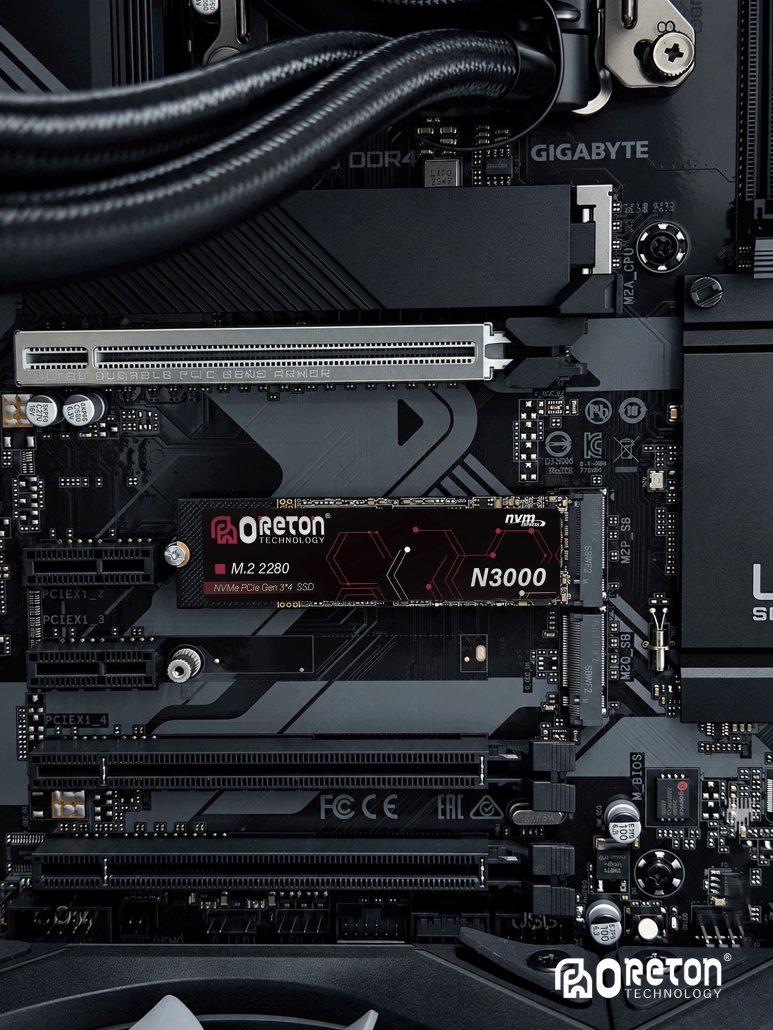
A 512GB SSD may be sufficient for an office computer with lightweight applications, while a gaming PC or content creation workstation may benefit from 1TB, 2TB, or more. Systems used for local AI workloads can also require additional storage for models, datasets, and generated files.
Choosing an appropriate SSD capacity requires more than estimating the size of the operating system. It involves considering application requirements, workload characteristics, available free space, future expansion, and the role of other storage devices.
2. Understanding SSD Capacity and Usable Space
SSD capacity is typically advertised in decimal units, where 1GB equals 1 billion bytes and 1TB equals 1 trillion bytes. Operating systems commonly display storage capacity using binary-based calculations, although the displayed unit labels may vary.
As a result, a drive marketed as 1TB may appear as approximately 931GiB when measured using binary units. This difference is caused by the calculation method rather than missing storage capacity.
The capacity available for personal files will also be lower than the total reported drive capacity after accounting for the operating system, installed applications, recovery partitions, and other system data.
For example, a PC with a 1TB SSD may initially have enough space for the operating system, common applications, and a moderate file library. However, the remaining capacity can decrease significantly as large games, project files, caches, and media libraries accumulate.
For accurate planning, it is useful to distinguish between three values:
- Advertised capacity: The nominal capacity specified by the drive manufacturer.
- Usable capacity: The space recognized by the operating system and available after formatting and partitioning.
- Free capacity: The space remaining after system files, applications, and user data occupy storage.
Free capacity is the most relevant figure for everyday storage planning.
3. Operating System and Application Requirements
The operating system is only one part of a PC’s total storage demand. Windows installation files, updates, temporary files, recovery data, and system components all contribute to storage usage over time.
Applications add another layer of demand. Office software and lightweight utilities generally require relatively little space compared with professional creative applications, development environments, and large software suites.
Application storage requirements also extend beyond the installation directory. Updates, downloaded components, temporary files, browser caches, and application-generated data can gradually consume additional space.
A 512GB SSD can support a basic system with a moderate application library, but it offers less flexibility when the number and size of installed applications increase. A 1TB SSD provides more room for software, personal files, and future updates without requiring frequent storage management.
The appropriate capacity therefore depends on the complete software environment rather than the operating system alone.
4. SSD Capacity Planning for Gaming PCs
Modern PC games can require substantial storage space. High-resolution textures, detailed environments, downloadable content, frequent updates, and additional language packs can all increase installation size.
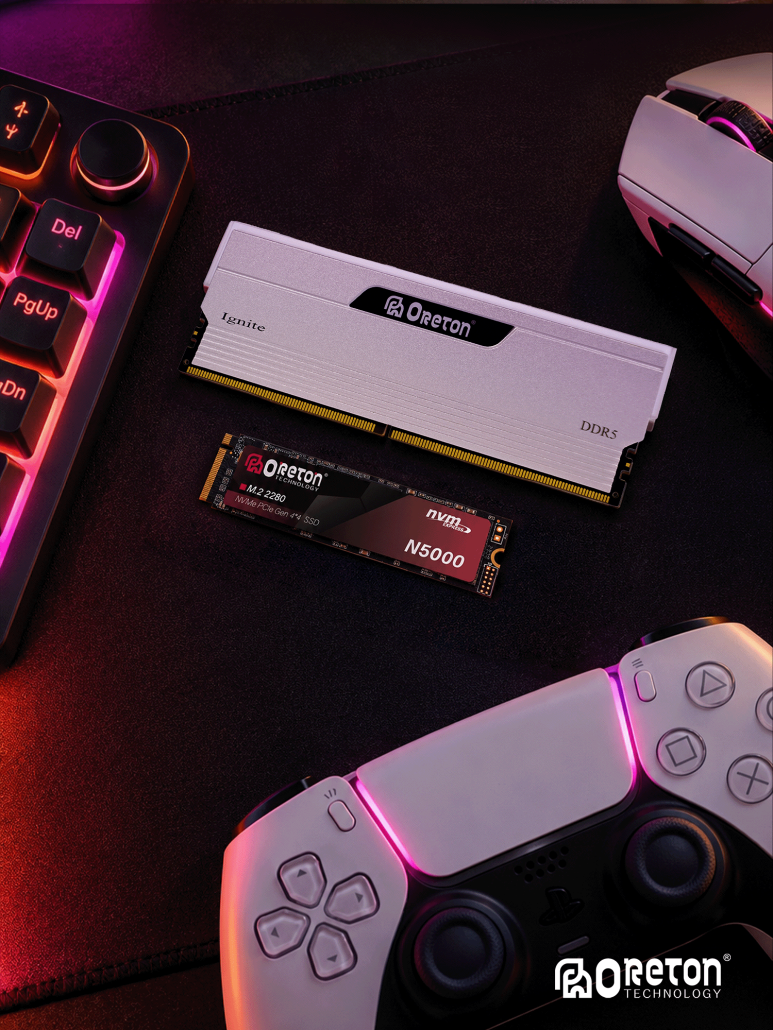
A gaming PC’s storage demand also depends on how many games are installed simultaneously. A user who regularly plays two or three titles may have very different requirements from someone who maintains a large game library across several launchers.
512GB SSD: Suitable for a compact gaming setup with a limited number of installed games. Space can become restrictive when several large titles and other applications share the same drive.
1TB SSD: A practical starting point for many mainstream gaming systems. It provides more flexibility for multiple games, updates, and everyday applications.
2TB SSD: Better suited to users who maintain a larger game library, install multiple demanding titles, or prefer to keep more games available without repeatedly uninstalling them.
4TB and above: Useful for extensive game libraries, large local media collections, and systems where storage expansion is inconvenient.
These capacities are general planning guidelines rather than fixed requirements. Actual demand varies according to the games installed, update behavior, and whether other drives are available.
5. SSD Capacity for Content Creation
Content creation workloads can generate much larger files than typical office applications. Video footage, high-resolution photographs, audio recordings, 3D assets, and project caches may occupy significant storage space.
Video editing is particularly storage-intensive because projects can include original footage, proxy files, previews, rendered output, and multiple project versions. Higher resolutions, higher bitrates, and longer recording sessions increase storage requirements.
Photography workflows also accumulate data through RAW files, edited versions, previews, catalogs, and backups. Similarly, 3D design and animation can involve large textures, source assets, simulations, and rendered sequences.
For these workloads, SSD capacity should be planned around both the active project and the surrounding workflow.
A 1TB SSD may be sufficient for light creative work or smaller projects. A 2TB drive offers more room for active video projects, photography libraries, and larger asset collections. More demanding professional workflows may require 4TB or greater capacity, particularly when substantial source files need to remain locally accessible.
It is also important to distinguish active working storage from long-term archival storage. Not every completed project needs to remain on the primary SSD indefinitely.
6. SSD Capacity for Local AI Workloads
Local AI applications introduce another source of storage demand. Depending on the software and task, a system may need to store model files, datasets, vector databases, application dependencies, cached data, and generated outputs.
Individual model files can range from relatively small downloads to many gigabytes or more. Multiple model versions, quantization variants, and specialized models can quickly increase total storage usage.
Dataset requirements vary even more widely. Small experimental datasets may occupy limited space, while image collections, audio corpora, and large language or multimodal datasets can require substantial local storage.
For a PC used primarily for everyday applications with occasional local AI experiments, 1TB may provide a reasonable starting point. A system intended to maintain multiple models and datasets may benefit from 2TB or more.
The key consideration is that AI storage demand depends on the number and size of locally retained models and datasets, not simply on whether the PC is described as an AI PC.
Storage capacity should also be considered separately from system memory and GPU memory. A larger SSD allows more files and models to be stored locally, but it does not directly increase the amount of RAM or VRAM available during model execution.
7. Capacity Requirements for Office and General-Purpose PCs
Office systems typically have more predictable storage requirements than gaming or creative workstations.
Documents, spreadsheets, presentations, browser data, email archives, and standard business applications generally require less space than large games or media projects. However, local databases, virtual machines, large offline files, and extensive email archives can change the overall requirement.
A 512GB SSD can be sufficient for many office PCs, especially when most documents are stored in managed cloud services or on network storage.
A 1TB SSD provides additional flexibility for users who retain more data locally, install specialized applications, or need room for future software and file growth.
For general-purpose systems, the decision should reflect the actual local storage workload rather than assuming that every PC requires the same capacity.
8. Maintaining Free Space on an SSD
SSD capacity planning should include a reasonable allowance for future data growth and routine system operations.
When a drive approaches full capacity, users may have less room for application updates, temporary files, downloads, and new projects. Some workloads may also experience reduced performance when free space is very limited, depending on the SSD design, controller behavior, workload, and cache management.
There is no single free-space percentage that guarantees optimal performance for every SSD. The appropriate reserve depends on the drive and how it is used.
For general-purpose planning, keeping approximately 10–20% of the drive free can be a useful starting guideline, especially for systems with frequent updates or write-intensive workloads. It is not a universal technical requirement, and some workloads may need a larger reserve.
The purpose of this reserve is to preserve flexibility for new data and system operations, rather than treating all advertised capacity as space that should be permanently occupied.
9. SSD Capacity and Storage Expansion
The number of storage devices supported by a PC depends on its motherboard, available M.2 slots, SATA connectors, PCIe lane allocation, physical space, and platform limitations.
Some systems allow users to add another M.2 NVMe SSD, while others provide additional SATA connectivity or limited expansion options. Certain M.2 slots may also share resources with other interfaces, so motherboard documentation should be checked before planning an upgrade.
When a system supports multiple drives, storage can be divided by purpose. For example, one SSD can hold the operating system and applications, while another stores games, active projects, or large datasets.
This arrangement can improve organizational flexibility and simplify storage upgrades. However, using multiple drives does not automatically improve application performance; the benefit depends on workload placement, interface capabilities, and how the drives are used.
When expansion is limited or inconvenient, selecting a larger primary SSD at the beginning can reduce the need for future migration.
10. SSD Capacity and Long-Term Usage
Storage demand rarely remains constant throughout a PC’s service life.
Operating systems receive updates, applications introduce new features, games expand through downloadable content, and personal file libraries continue to grow. Creative projects may also need to be retained for revisions, while local AI workflows can accumulate model versions and datasets.
Capacity planning should therefore account for expected growth rather than only current usage.
A useful approach is to estimate the initial storage requirement, add the expected size of applications and data that will be retained locally, and then reserve additional space for future growth.
For systems with predictable workloads, this estimate can be relatively straightforward. For gaming, creative work, and AI experimentation, a larger margin may be appropriate because file sizes and usage patterns can change considerably.
11. Comparing 512GB, 1TB, 2TB, and 4TB SSDs
The following table summarizes common capacity choices by their typical use cases.
| SSD capacity | Typical use cases | Main consideration |
|---|---|---|
| 512 GB | Office PCs, general-purpose systems, compact application libraries | Lower initial storage cost, but less room for large games and projects |
| 1TB | Mainstream PCs, moderate gaming, everyday creative work | A flexible balance for many common workloads |
| 2TB | Gaming libraries, larger creative projects, local AI models | More room for data growth and locally retained files |
| 4TB or more | Large media libraries, demanding creative workflows, extensive local datasets | Higher capacity for workloads with substantial ongoing storage demand |
These categories are not strict boundaries. A 512GB SSD can support a gaming PC with a limited library, while an office workstation may need 2TB or more if it stores large databases or media archives.
Capacity should always be selected according to the actual workload, retention requirements, and available expansion options.
12. Capacity Is Only One Part of SSD Selection
A larger SSD provides more storage space, but capacity alone does not determine overall performance.
SSDs with the same nominal capacity can differ in NAND type, controller architecture, cache behavior, interface, endurance, and sustained write performance.
Workload also matters. A system used primarily for document access may have very different performance requirements from one that frequently writes large video files or manages extensive datasets.
Interface compatibility must also be considered. An M.2 form factor does not automatically mean that a drive supports NVMe, and an NVMe SSD’s PCIe generation must be compatible with the host platform. Supported drive sizes, keying, and motherboard limitations should be checked as well.
For this reason, capacity planning should be performed alongside performance and compatibility evaluation, not as an isolated decision.
Conclusie
SSD capacity planning begins with understanding how a PC will be used and how much data needs to remain locally accessible.
A 512GB SSD can suit many office and general-purpose systems. A 1TB drive provides greater flexibility for mainstream PC use and moderate gaming. A 2TB or larger SSD is more appropriate for extensive game libraries, content creation, local AI models, and other storage-intensive workloads.
The most suitable capacity is not necessarily the largest available option. It is the capacity that meets current requirements, allows reasonable room for growth, maintains sufficient free space, and fits the system’s storage expansion capabilities.
By considering operating system requirements, applications, games, creative files, AI workloads, and long-term data growth together, users can make more informed SSD capacity decisions for modern PC systems.