





As video, imaging, and data capture move to higher resolutions and richer codecs, the storage that supports them must evolve too. Today’s workflows demand more than capacity and a headline transfer number — they demand sustained throughput, thermal stability, endurance, and predictable behavior under real workloads. Below we explain why, give concrete numbers you can use when choosing or specifying portable storage, and outline practical recommendations for creators, integrators and OEM partners.
1) Files are bigger — and so are the demands on storage
Codec and resolution choices change file sizes and sustained throughput requirements dramatically. Below are representative bitrate-to-size conversions you can use to estimate needs:
-
4K H.264 (typical consumer profile ~50 Mbps)
-
50 Mbps ÷ 8 = 6.25 MB/s → ~375 MB per minute
-
-
4K HEVC (typical higher-quality profile ~100 Mbps)
-
100 Mbps ÷ 8 = 12.5 MB/s → ~750 MB per minute
-
-
4K ProRes (intra-frame, professional): ~1,000–2,500 Mbps (varies by flavor)
-
1000 Mbps ÷ 8 = 125 MB/s → ~7.5 GB per minute
-
2500 Mbps ÷ 8 = 312.5 MB/s → ~18.75 GB per minute
-
-
8K HEVC (example ~400 Mbps)
-
400 Mbps ÷ 8 = 50 MB/s → ~3 GB per minute
-
(Conversion formula: MB/s = Mbps ÷ 8; MB per minute = MB/s × 60.)
Da qui, il risultato: compressed consumer codecs (H.264/HEVC) can be handled with modest sustained throughput. Professional intra-frame codecs (ProRes, DNxHR, etc.) require hundreds of MB/s sustained — sometimes >300 MB/s — which rules out many low-cost portable drives for direct-edit workflows.
2) Transfer times: realistic expectations matter
Theoretical interface numbers differ from real sustained throughput. Below are practical transfer-time examples (using decimal GB = 1,000 MB):
| Interface (typical sustained) | 10 GB | 50 GB | 100 GB |
|---|---|---|---|
| USB 3.2 Gen1 (~150 MB/s) | 25 s | 5.6 min | 11.1 min |
| USB 3.2 Gen2 (~400 MB/s) | 25 s | 2.1 min | 4.2 min |
| USB 3.2 Gen2×2 (~900 MB/s) | 11 s | 0.9 min | 1.9 min |
| PCIe Gen3 NVMe (~1,500 MB/s) | 6.7 s | 0.56 min | 1.11 min |
| PCIe Gen4 NVMe (~3,500 MB/s) | 2.9 s | 0.24 min | 0.48 min |
(Example calculation: time (s) = size (MB) ÷ sustained MB/s; size (MB) = GB × 1000.)
Practical note: for a 100 GB footage transfer, the difference between 150 MB/s and 900 MB/s is ~9.3 minutes vs ~1.9 minutes — meaningful in a production timeline.
3) Peak speed vs. sustained throughput: why sustained wins
Many product pages promote peak read/write numbers measured in short bursts. Real workflows (large file copies, long multi-stream editing, capture sinks) stress drives for minutes or hours. Common pitfalls:
-
A drive may reach its peak while SLC cache exists, then drop dramatically when the cache fills.
-
Thermal throttling may cut sustained throughput after a long write session.
-
Small random I/O (metadata, proxies, many small files) stresses controller firmware differently than sequential big-file transfers.
Rule of thumb for editors and capture workflows:
-
Single 4K ProRes stream: ≥ 150–200 MB/s sustained
-
Multi-stream 4K / single 8K stream: ≥ 500 MB/s sustained
-
Multi-camera capture / high-bitrate intraframe: ≥ 1000 MB/s sustained
Always size the drive and interface to the sostenuta requirement plus headroom (25–30%) rather than the burst spec.
4) Durability & endurance: TBW and lifecycle planning
Endurance metrics (TBW — Total Bytes Written) tell you how the drive will last under write-heavy use. Use this simple formula to convert TBW into daily write allowance:
Daily GB = (TBW × 1000) ÷ (years × 365)
Example: a 1 TB drive rated at 600 TBW → 600,000 GB total writes.
-
Over 5 years: 600,000 ÷ (5 × 365) ≈ 329 GB/day.
This calculation helps OEMs and integrators match TBW to expected workload (e.g., field backup, daily capture, cache usage) and define warranty plus replacement policies.
Also consider PLP (Power Loss Protection) and enterprise-style features when data integrity matters — a sudden power loss can corrupt in-flight data on cheaper designs.
5) Thermal design & sustained performance
Heat limits sustained throughput. Compact portable SSDs and memory cards sit inside small enclosures with limited airflow. Design choices that preserve sustained speed include:
-
Large heat spreaders or metal housings to dissipate heat.
-
Controller firmware that manages write ramping and thermal throttling gracefully.
-
Temperature-aware SLC cache sizing and GC (garbage collection) scheduling.
In practice, a drive with a robust thermal design will maintain a high percentage of peak throughput over long transfers; a poor thermal design can result in repeated performance drops and unpredictable behavior during long shoots or exports.
6) Interfaces, cables and host-side limits
Picking a fast drive is only half the story — the host interface, cable quality, and the host’s controller matter too:
-
USB 3.2 Gen2 (10 Gbps/ ~400 MB/s real-world) suits many single-4K workflows.
-
USB 3.2 Gen2×2 (20 Gbps) o USB4 / Thunderbolt 3/4 make multi-4K/8K work realistic on portable drives.
-
Utilizzo certified cables (USB-C PD/USB4/Thunderbolt rated) — poor cables reduce throughput or cause disconnects.
-
On Windows, check host controller drivers and on macOS, ensure the host supports the NVMe-over-USB/host driver used.
Recommendation: always test the intended host (camera, laptop, workflow PC) with the chosen portable drive and cable under the actual workload before finalizing specs.
7) Workflow patterns & practical recommendations
Match storage choices to typical workflows:
-
On-camera backup / field capture (one-operator): high-capacity microSD / CFexpress or a rugged PSSD with sustained write ≥ codec MB/s + 25% headroom.
-
On-site editing (single editor, 4K ProRes): NVMe-class portable SSD with sustained write/read ≥ 200–500 MB/s; use USB4/Thunderbolt or USB3.2 Gen2×2.
-
Multi-editor / dailies server: high-capacity NVMe drive arrays or shared storage (NAS) with 10GbE+ connectivity. Portable drives serve as hand-off nodes, not primary edit stores.
-
Backups & archives: choose higher TBW and PLP-capable drives, and adopt redundant backup strategies (two independent copies).
8) Testing & validation — what separates reliable products
For integrators and OEM partners, reliable portable storage comes from disciplined validation, including:
-
Sustained write/read runs (minutes → hours) to measure real throughput under full capacity.
-
Thermal stress cycles to observe throttling behavior.
-
Power-loss simulation to validate PLP behavior and file integrity.
-
Batch-level consistency checks so different production runs behave the same.
-
Compatibility matrix across host OS versions, controllers, cameras and editing apps.
These tests reveal real-world behavior and reduce surprises after deployment.
9) How manufacturers should communicate specs to partners
Brands should present both peak e sostenuta numbers, and offer TBW and test-methodology notes. Useful spec items for OEM/assembly customers include:
-
Sustained sequential write/read at 25°C and at 45°C (post-thermal stress)
-
TBW and endurance class by capacity
-
PLP support (yes/no)
-
Measured SLC-cache size and fallback behavior
-
Test run length used to measure “sustained” (e.g., 30 min / 100 GB / full capacity)
Transparent data lets integrators plan deployments, choose interfaces, and define support SLAs.
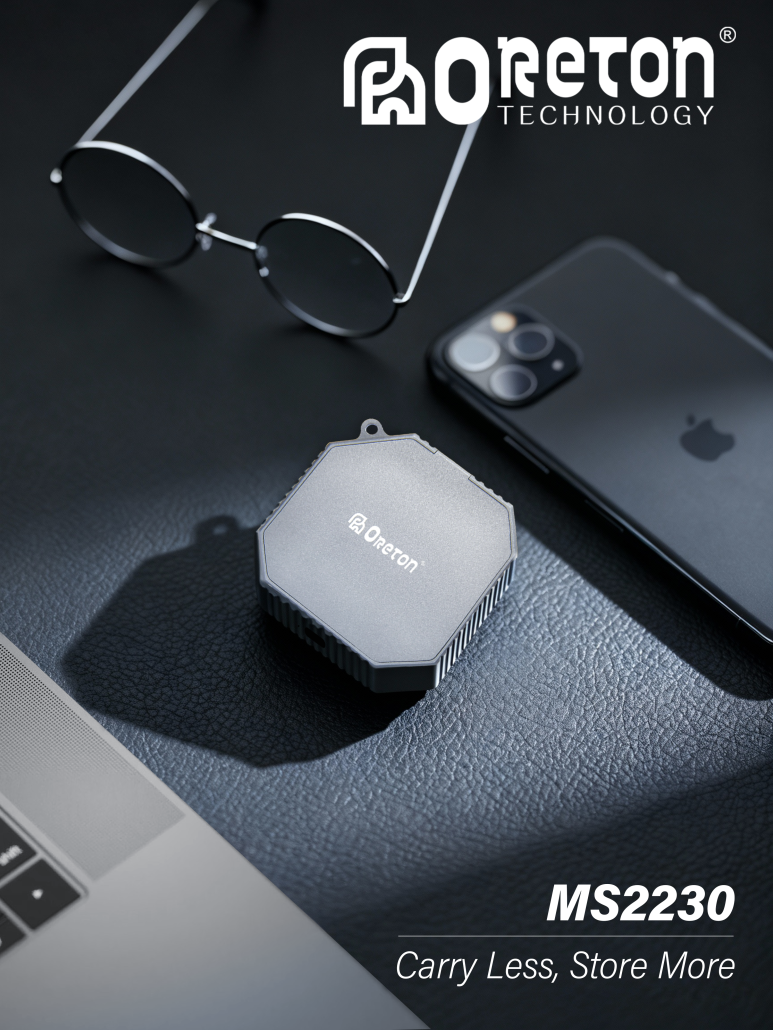
10) Oreton’s practical approach (engineering & validation)
(Technical overview — non-promotional, factual)
To deliver reliable portable storage suited to modern workflows, manufactures must:
-
Validate controller + NAND pairing for stable program/erase behavior.
-
Tune firmware for low write amplification, robust ECC handling, and controlled SLC-cache fallbacks.
-
Run burn-in and long-duration write tests that mirror real workload patterns (large-file transfers, continuous capture, frequent small-file access).
-
Test across host platforms and under different power/thermal conditions.
-
Publish sustained throughput numbers and TBW so partners can size deployments accurately.
This engineering discipline reduces RMA rates and improves end-user experience — the fundamentals OEMs rely on when they choose a supply partner.
11) A short checklist for choosing portable storage today
Before you spec or buy, confirm:
-
Sustained write/read figures (not just peak).
-
Interface compatibility with your host (USB version, Thunderbolt availability).
-
TBW and endurance for expected write cycles.
-
Prestazioni termiche under full-load conditions.
-
Protezione contro le perdite di potenza if you need guaranteed integrity.
-
Compatibility matrix covering your camera/editor/OS.
-
Test results or whitepaper the vendor can share with you.、
Conclusion — plan for sustained performance, not just headline speed
High-resolution media and modern workflows push storage beyond capacity into the realm of endurance, thermal management, and predictable sustained throughput. Teams that plan around sustained performance, interface constraints, and endurance will avoid costly delays, data loss, and user frustration.
If you specify portable storage based on these practical metrics — sustained MB/s, TBW, thermal behavior, and compatibility — you’ll select drives that serve workflows reliably day after day, project after project.