





Comparing HDDs, SATA SSDs, and NVMe SSDs in the real-world tasks that matter most for work, creativity, and business.
When choosing a new computer or upgrading an existing one, most people focus on the processor, graphics card, or memory capacity. These specifications are certainly important, but there’s another component that has a significant impact on how responsive a computer feels every day: storage.
Unlike synthetic benchmark scores, which measure maximum performance under controlled conditions, everyday productivity depends on how quickly your system can boot, launch applications, load files, switch between tasks, and respond during busy workloads.
This is where the differences between Hard Disk Drives (HDDs), SSD SATA, e SSD NVMe become most noticeable.
The fastest storage isn’t always necessary for every user. Instead, choosing the right storage solution depends on how the computer will actually be used. Whether you’re managing office documents, editing videos, deploying business PCs, or running AI applications, understanding these differences helps you make a smarter investment.
Understanding the Three Main Types of Storage
Before comparing real-world performance, let’s briefly review how these storage devices differ.
Hard Disk Drives (HDDs)
HDDs store data on spinning magnetic platters. A mechanical read/write head moves across the disk to access information.
Their advantages include:
- Low cost per gigabyte
- High capacities
- Suitable for long-term data storage and backups
However, mechanical movement also means slower access times and lower responsiveness.
SSD SATA
Unlike HDDs, SATA SSDs use NAND flash memory and contain no moving parts.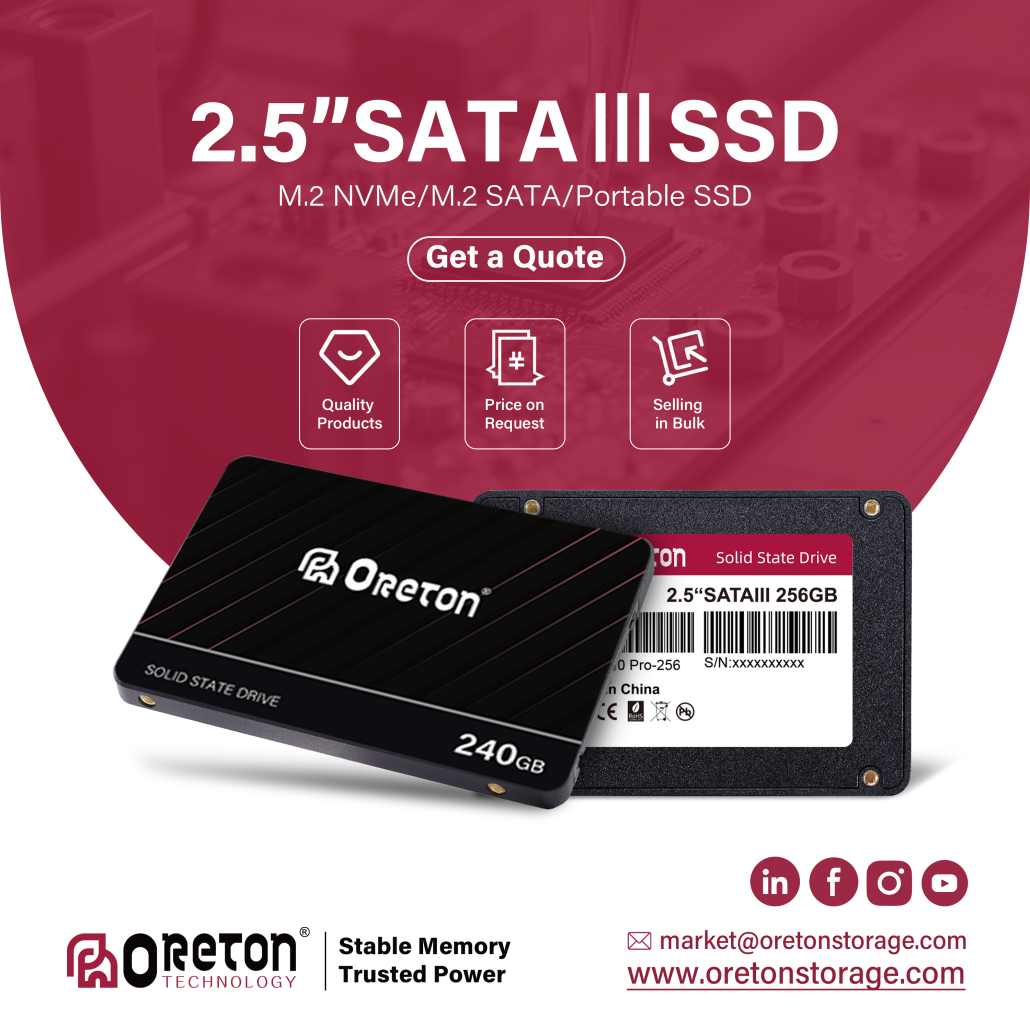
Benefits include:
- Much faster system responsiveness
- Funzionamento silenzioso
- Consumo di energia ridotto
- Better durability against physical shock
Although the SATA interface limits maximum transfer speeds to around 550 MB/s, the improvement over HDDs in everyday use is dramatic.
SSD NVMe
NVMe SSDs also use NAND flash memory but communicate through the PCIe interface instead of SATA.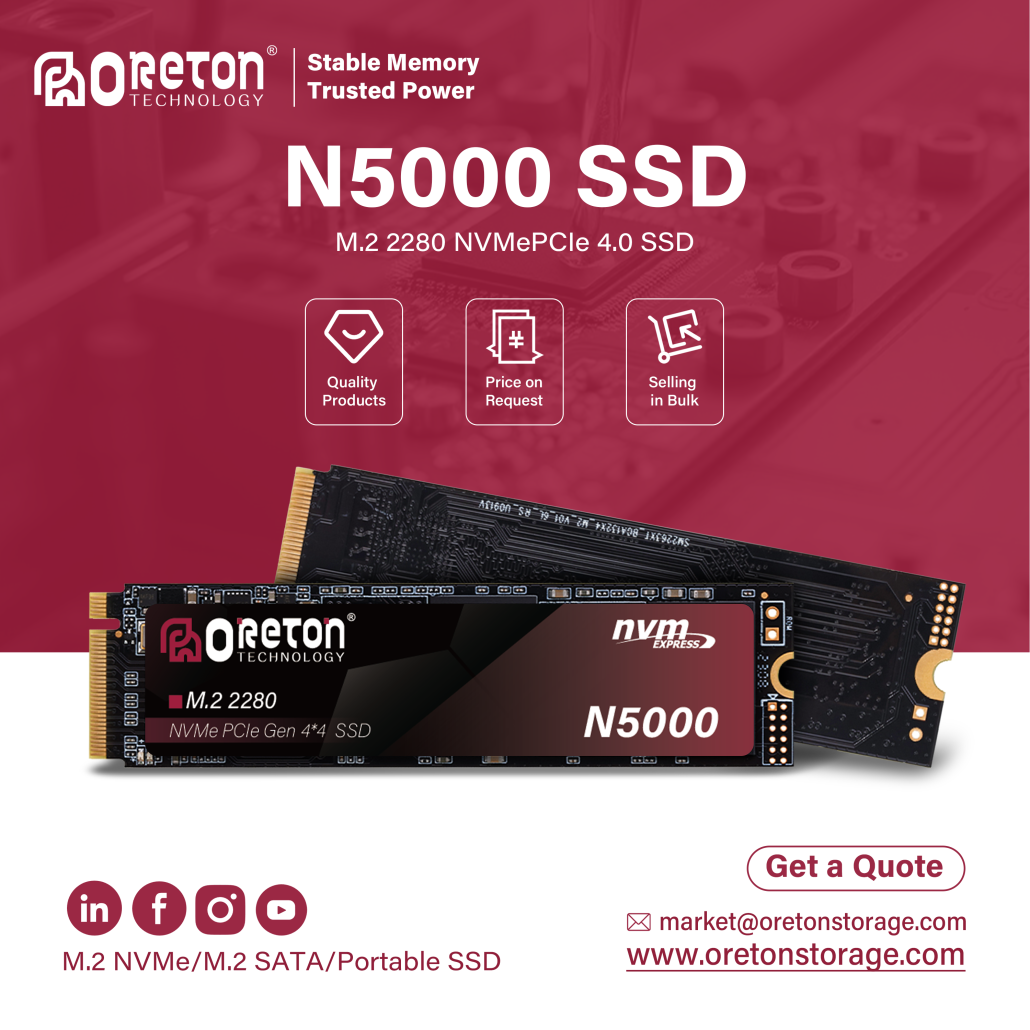
This provides:
- Much higher bandwidth
- Lower latency
- Faster random read and write performance
- Better handling of demanding workloads
Modern PCIe Gen4 and Gen5 NVMe SSDs can achieve sequential speeds several times higher than SATA SSDs, but the practical benefit depends heavily on the application.
Booting Your Computer
One of the first tasks users perform every day is turning on their computer.
During startup, the operating system loads thousands of files, drivers, and background services before the desktop becomes usable.
HDD
Because an HDD must physically locate files across spinning disks, startup often takes one minute or longer, especially on older systems with many startup applications.
SSD SATA
Replacing the HDD with a SATA SSD usually reduces boot time dramatically. Windows loads much faster, and the system becomes responsive much sooner.
For many office users, this single upgrade makes an older PC feel significantly newer.
NVMe SSD
NVMe SSDs can shorten startup times even further, although the difference compared with a SATA SSD is usually much smaller than the jump from an HDD.
This illustrates an important principle:
Moving from an HDD to any SSD delivers the biggest improvement in user experience.
Opening Large Office Files
Business users spend much of their day working with documents, spreadsheets, presentations, and PDFs.
Consider opening:
- A 500 MB Excel workbook
- A presentation with hundreds of slides
- A large PDF technical manual
HDD
Large files may take several seconds—or even longer—to open, particularly if other programs are running simultaneously.
SSD SATA
Applications launch quickly, and documents typically open with minimal waiting.
NVMe SSD
NVMe drives may reduce loading time slightly, but for most office workloads, the improvement over SATA SSDs is relatively modest.
For typical business productivity, SATA SSDs already provide an excellent experience.
Multitasking Throughout the Workday
Modern office environments rarely involve running just one application.
A typical workstation may have:
- Dozens of browser tabs
- Client di posta elettronica
- Microsoft Teams or Zoom
- Excel
- Word
- PDF readers
- Accounting software
As multiple applications access storage simultaneously, system responsiveness becomes increasingly important.
An HDD can struggle under these mixed workloads, causing noticeable delays while the drive constantly seeks different files.
Both SATA and NVMe SSDs greatly reduce these delays, allowing users to switch between applications much more smoothly.
Video Editing and Creative Workflows
Professional creators place far greater demands on storage.
Video editing involves:
- Importing large media files
- Generating previews
- Reading multiple high-resolution video streams
- Writing cache files
- Exporting finished projects
Applications such as Adobe Premiere Pro, DaVinci Resolve, e Adobe After Effects continuously read and write large amounts of data.
In these scenarios:
- HDDs often become a major bottleneck.
- SATA SSDs provide a significant improvement.
- NVMe SSDs deliver the smoothest editing experience, especially when working with 4K or higher-resolution footage.
For content creators, storage performance directly affects workflow efficiency.
AI Applications Are Creating New Storage Demands
The rapid growth of AI has introduced workloads that differ from traditional office applications.
Many AI tools now load large models or datasets before generating results.
Tra gli esempi figurano:
- LM Studio
- Ollama
- Adobe Photoshop with Generative Fill
- ComfyUI
- Stable Diffusion
Local AI models can occupy tens or even hundreds of gigabytes.
During startup, the storage device is responsible for loading these models into memory before inference begins.
While computation ultimately depends on the CPU or GPU, faster storage helps reduce waiting time when loading models, switching projects, or accessing large datasets.
As AI becomes increasingly common in business environments, storage responsiveness is becoming more valuable than ever.
Copying and Transferring Large Files
Large file transfers are common in many industries.
Tra gli esempi figurano:
- Backing up project files
- Moving video footage
- Copying virtual machines
- Archiving business data
NVMe SSDs provide clear advantages when transferring data between equally fast storage devices.
However, real-world transfer speed is always limited by the slowest component.
Ad esempio:
- Copying from an NVMe SSD to a USB flash drive is limited by the USB device.
- Copying to a network-attached storage (NAS) system depends largely on network bandwidth.
Understanding the complete data path is just as important as understanding SSD specifications.
Installing Large Applications
Modern software packages continue to increase in size.
Applications such as:
- Microsoft Visual Studio
- Adobe Creative Cloud
- Software CAD
- Engineering simulation tools
often contain tens of thousands of individual files.
Installing these applications on an HDD can take considerably longer than on an SSD.
SATA SSDs already provide major improvements, while NVMe SSDs further reduce installation time for larger software packages.
Choosing the Right Storage for Different Users
The fastest SSD isn’t always the most cost-effective solution.
Instead, storage should match the intended workload.
| Scenario utente | Condizioni di conservazione consigliate |
|---|---|
| PC da ufficio | SSD SATA |
| Istruzione | SSD SATA |
| Retail POS Systems | SSD SATA |
| Business Laptops | SATA SSD or NVMe SSD |
| Mini PC | NVMe SSD (or SATA where supported) |
| Montaggio video | NVMe SSD |
| AI Development | PCIe Gen4 or Gen5 NVMe SSD |
| PC industriali | SATA SSD or NVMe SSD depending on platform requirements |
For many commercial deployments, a quality SATA SSD still provides an excellent balance of performance, compatibility, and cost.
Higher-performance NVMe SSDs become increasingly valuable as workloads involve large datasets, professional media production, or AI applications.
Productivity Is About Saving Time
Productivity improvements are often measured in seconds rather than hours.
Imagine a company with 100 employees.
If each employee saves just 30 seconds every time they boot their computer, open large files, or launch applications—and those tasks occur multiple times each day—the accumulated time savings across an entire year become substantial.
More importantly, smoother systems reduce frustration, minimize workflow interruptions, and help employees stay focused on their work instead of waiting for software to respond.
This is why many organizations view storage upgrades not simply as hardware improvements, but as investments in operational efficiency.
Conclusione
Storage plays a far greater role in everyday productivity than many users realize. While benchmark numbers provide useful technical comparisons, real-world performance is measured by how quickly a computer responds during daily tasks.
For users upgrading from an HDD, switching to a SATA SSD often delivers the most dramatic improvement in responsiveness. For professionals working with large media files, AI applications, or demanding creative software, NVMe SSDs provide additional performance that helps streamline complex workflows.
The best storage solution is therefore not always the fastest available, but the one that best matches the needs of the workload.
A Oreton, we understand that different markets and applications require different storage strategies. Whether supporting office desktops, Mini PCs, industrial systems, retail terminals, or high-performance workstations, we focus on delivering reliable SSD solutions that balance performance, compatibility, and long-term stability—helping partners build systems that perform efficiently in real-world environments.