





Upgrading your PC often leads to one common question:
👉 Should you buy DDR4 or DDR5 memory?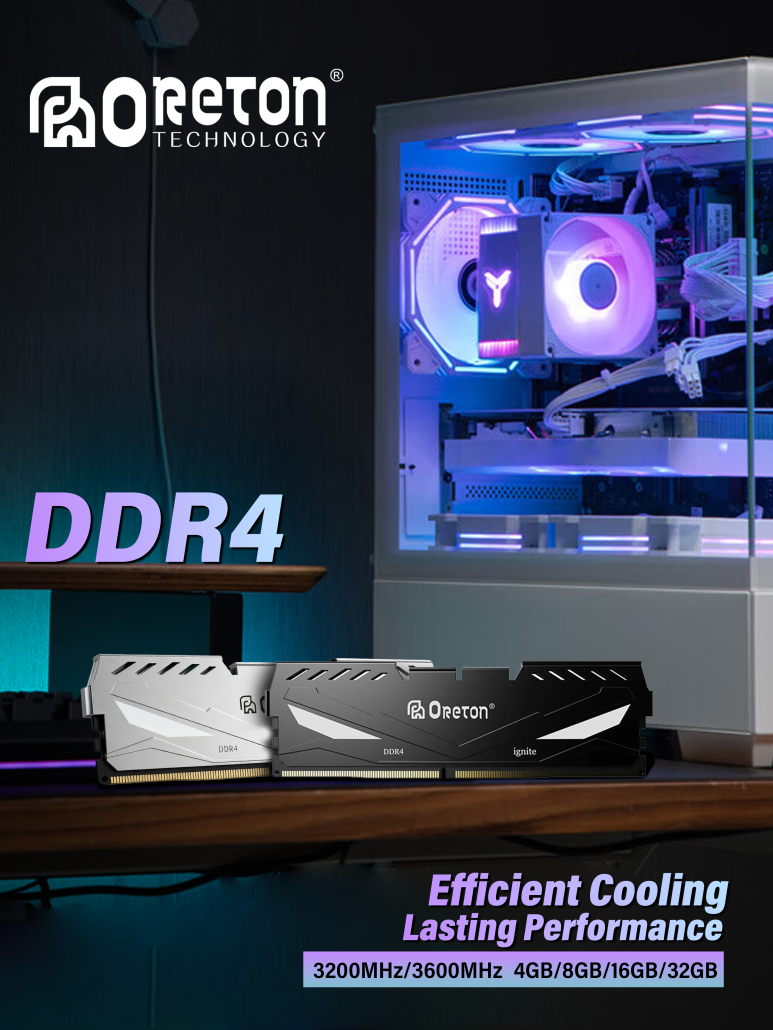
At first glance, both are RAM. Both help your computer run applications, multitask, and load data faster than storage devices. But in practice, DDR4 and DDR5 are built on different architectures, offer different performance levels, and fit different types of users.
For everyday consumers, the challenge is not understanding technical terms—it is knowing whether the upgrade actually makes sense for your own usage.
This guide explains the real differences between DDR4 and DDR5, what matters in daily use, and how to choose wisely.
1. What Are DDR4 and DDR5?
DDR stands for Double Data Rate, a type of memory used in desktops and laptops.
DDR4 and DDR5 are two different generations of system memory:
- DDR4 = mature, widely used, affordable
- DDR5 = newer generation with higher bandwidth and improved architecture
DDR5 does not simply replace DDR4 by being “faster.” It also introduces structural improvements that affect future scalability, power delivery, and capacity options.
2. Speed: How Much Faster Is DDR5?
One of the biggest selling points of DDR5 is higher speed.
Typical ranges:
| Tipo di memoria | Common Speeds |
|---|---|
| DDR4 | 2666MT/s – 3600MT/s |
| DDR5 | 4800MT/s – 7200MT/s+ |
This means DDR5 can transfer more data per second, which benefits workloads that depend on memory bandwidth.
Esempi:
- gaming in CPU-heavy titles
- creazione di contenuti
- multitasking with many apps
- prestazioni della grafica integrata
However, not every user will feel a dramatic difference in daily tasks like browsing or office work.
3. Latency: Why Faster Numbers Don’t Tell the Full Story
Many buyers only look at speed, but latenza also matters.
Latency is the delay before data starts moving. Early DDR5 kits often had higher latency than DDR4, which reduced some real-world gains. Modern DDR5 kits have improved significantly, but this is why “higher MHz” does not always mean proportionally better performance.
Simple rule:
- Higher speed helps bandwidth
- Lower latency helps responsiveness
- Good balance matters most
4. Capacity and Future Upgrades
DDR5 was designed with higher capacity in mind.
This matters because modern software is becoming more demanding:
- larger games
- more browser tabs
- AI-assisted tools
- creative workloads
- multitasking across multiple monitors
If you plan to keep your PC for several years, DDR5 offers a stronger long-term platform.
5. Power Design Improvements
DDR5 introduced an important architectural change:
👉 PMIC (Power Management Integrated Circuit) moved onto the memory module.
In simple terms, this helps power regulation happen closer to the RAM itself, improving efficiency and signal stability.
For average users, this may not be directly visible—but it contributes to the maturity and scalability of the platform.
6. Real-World Performance: Does It Matter?
The answer depends on what you do.
Everyday Use
Web browsing, office tasks, streaming, light study use:
👉 Difference is usually small
A good DDR4 setup already feels smooth.
Gioco
Results vary by game and system.
- GPU-limited games: small difference
- CPU-heavy esports titles: DDR5 can help more
- Newer platforms benefit more from faster memory
Creazione di contenuti
Video editing, large files, multitasking, virtual machines:
👉 DDR5 shows more value
Bandwidth and larger capacities can improve workflow smoothness.
Budget Builds
If cost matters most:
👉 DDR4 often offers better value
You may save money and invest more into GPU or SSD instead.
7. Platform Compatibility: Very Important
You cannot freely mix DDR4 and DDR5.
Key points:
- DDR4 and DDR5 use different slots
- Motherboards support one type or the other (some model variants differ)
- CPU generation also determines support
Always check:
- motherboard specification
- CPU compatibility
- maximum supported speed
- number of slots
This is one of the most common upgrade mistakes.
8. Price: Is DDR5 Worth Paying More For?
Prices change over time, but generally:
- DDR4 = lower entry cost
- DDR5 = higher upfront cost, better future path
The smarter question is not “which is cheaper today?” but:
👉 How long will you keep this system?
If you upgrade often, DDR4 can still make sense.
If you want a newer platform for years, DDR5 may be the better investment.
9. What Should You Choose?
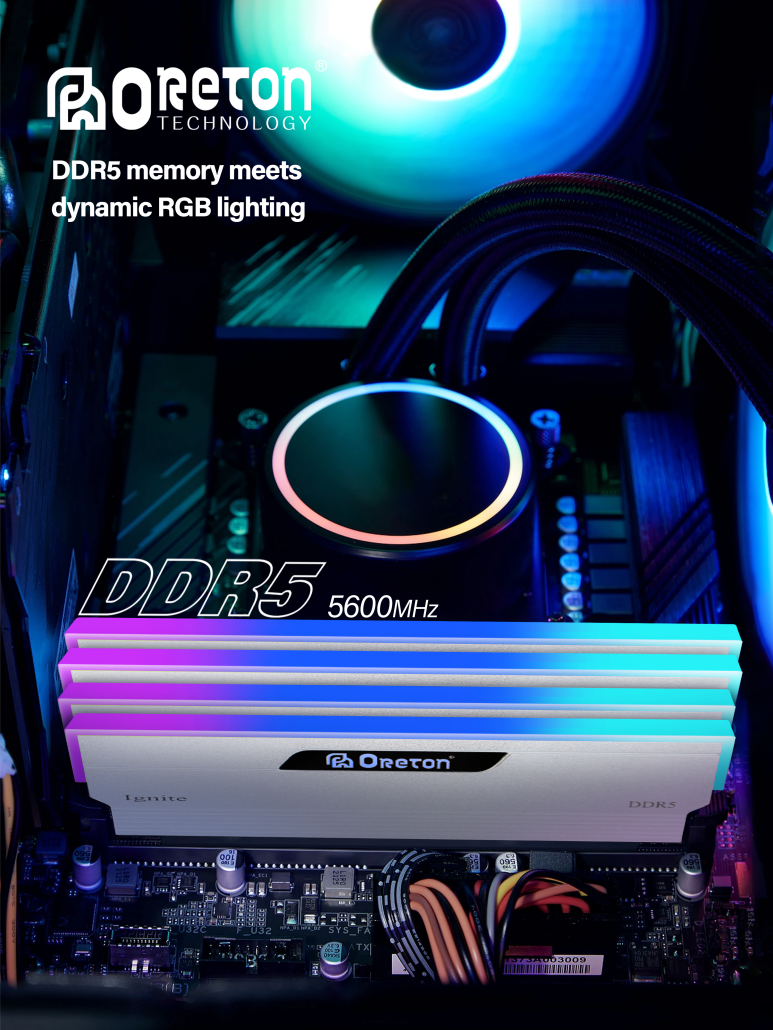
Choose DDR4 if you:
- want the best budget value
- already own a DDR4 motherboard
- mainly do everyday tasks or mainstream gaming
- prefer mature and cost-effective platforms
Choose DDR5 if you:
- are building a new PC
- want longer upgrade potential
- use demanding apps or multitask heavily
- want higher memory speeds and newer platform features
10. Common Buying Advice
Many users overspend on RAM they do not need.
A balanced system matters more than chasing numbers.
Esempi:
- 16GB quality RAM often beats oversized low-value upgrades
- Spending extra on GPU or SSD may help more than extreme RAM speeds
- Compatibility matters more than marketing labels
11. Final Takeaway
DDR4 is not “obsolete,” and DDR5 is not automatically necessary.
The right choice depends on:
- your budget
- your platform
- your workload
- your upgrade timeline
For many users:
- DDR4 remains a smart value option
- DDR5 is the stronger long-term choice
The best memory upgrade is the one that matches how you actually use your PC.
Informazioni su Oreton
At Oreton, we provide both DDR4 and DDR5 memory solutions designed for stable real-world performance.
Whether you need cost-efficient DDR4 for mainstream systems or high-speed DDR5 for newer platforms, our products are built with strict quality control and validated for consistent operation.
Because memory should do more than meet specifications—it should work reliably every day.