





When choosing a memory upgrade, users often focus on capacity and frequency. For example, a 16GB DDR4-3200 module and a 32GB DDR4-3200 kit may appear to differ mainly in capacity.
However, the number of memory modules installed in a system can also affect how the memory controller accesses DRAM.
A configuration with one DIMM and a configuration with two DIMMs can operate differently depending on the CPU’s integrated memory controller, motherboard design, memory channel configuration, BIOS settings, and the modules themselves.
Ce qui fait que DIMM population an important consideration when evaluating memory performance and system compatibility.
1. What Is DIMM Population?
DIMM population refers to how many memory modules are installed in the available memory slots on a motherboard.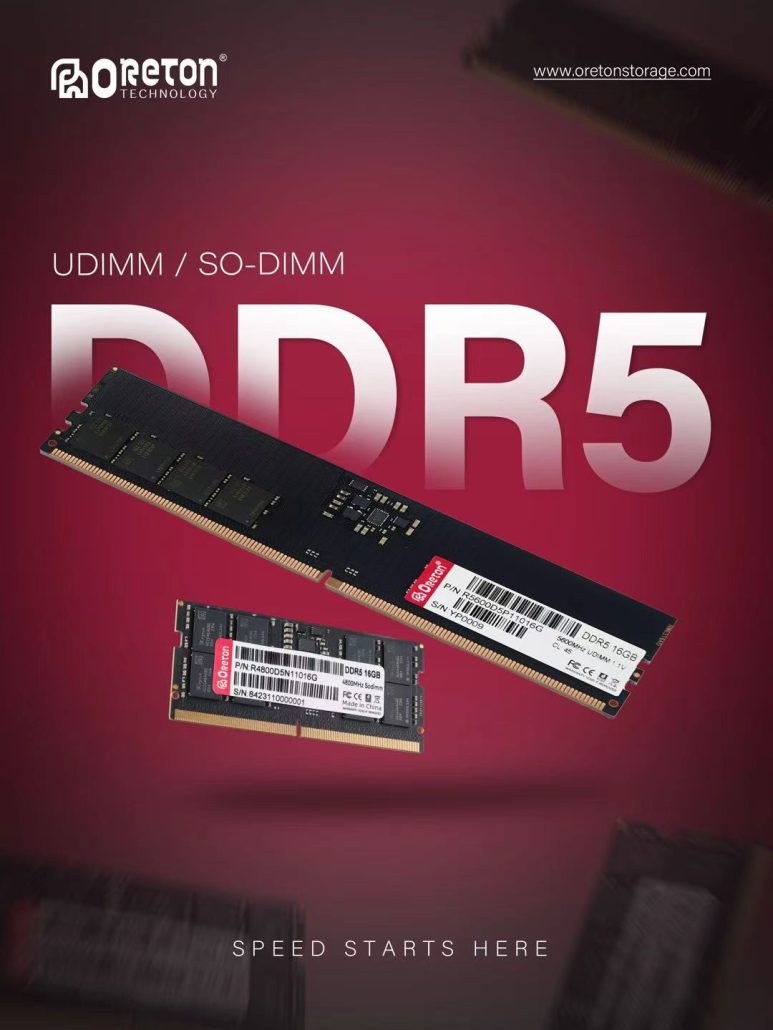
Par exemple :
- 1 × 16GB — one 16GB DIMM
- 2 × 8GB — two 8GB DIMMs
- 1 × 32GB — one 32GB DIMM
- 2 × 16GB — two 16GB DIMMs
These configurations can provide the same total capacity.
Par exemple :
1 × 16GB = 16GB
et
2 × 8GB = 16GB
The total capacity is identical, but the way the memory controller accesses the modules can be different.
This distinction becomes especially important when the motherboard and CPU support multiple memory channels.
2. Single DIMM Does Not Always Mean Single Channel
One common misunderstanding is that installing one DIMM automatically means the system is operating in single-channel mode.
In typical desktop platforms, a single DIMM installed in one channel means that only that memory channel is populated.
However, the exact behavior depends on the platform and motherboard architecture.
For example, a typical dual-channel desktop platform may have two memory channels:
Channel A + Channel B
If only one DIMM is installed in Channel A, the system generally has memory resources available through only that populated channel.
When another compatible DIMM is installed in Channel B, the CPU’s memory controller may access both channels.
C'est pourquoi DIMM count and memory channel configuration are closely related, but they are not exactly the same concept.
The motherboard manual determines which slots correspond to which channels and which configurations are supported.
3. Single DIMM vs Dual DIMM
The basic difference can be illustrated with two 16GB configurations:
Single DIMM
1 × 16GB
One memory module provides the entire 16GB capacity.
Dual DIMM
2 × 8GB
Two memory modules provide the same 16GB total capacity.
If the motherboard supports dual-channel operation and the two modules are installed in the appropriate slots, the second configuration can allow the memory controller to use both memory channels.
Therefore, even though both systems have 16GB of RAM, their memory access configuration may be different.
This is one reason why memory capacity alone does not completely describe system memory performance.
4. Why Does Dual-Channel Access Matter?
Memory channels provide independent paths between the memory controller and DRAM.
When a system operates with two populated channels in a supported dual-channel configuration, memory transfers can be distributed across the channels.
This can increase the available memory bandwidth compared with using only one channel.
A simplified representation is:
Canal unique
CPU / Memory Controller
↓
Channel A
↓
DRAM
Double canal
CPU / Memory Controller
↙ ↘
Channel A Channel B
↓ ↓
DRAM DRAM
The exact bandwidth available depends on the memory data rate and platform architecture, but the important concept is that more active memory channels provide more opportunities for data transfer.
However, higher theoretical bandwidth does not automatically translate into the same percentage increase in every application.
5. Memory Bandwidth and Real-World Performance
Memory bandwidth describes how much data can theoretically be transferred between the CPU and memory over a given period.
For a simplified example, a DDR4-3200 memory channel provides a theoretical transfer rate of approximately:
3,200 MT/s
A supported dual-channel configuration provides two memory channels, increasing the theoretical aggregate bandwidth available to the system.
But applications do not all use memory bandwidth in the same way.
A workload that frequently moves large amounts of data may benefit more from additional bandwidth than a workload that is primarily limited by CPU processing, storage performance, or software behavior.
Par exemple :
- Integrated graphics can be relatively sensitive to memory bandwidth.
- Some content creation workloads can benefit from higher memory throughput.
- Scientific and data-processing workloads may have significant memory bandwidth requirements.
- Typical office applications may show a smaller difference.
- Storage-intensive workloads may be limited by SSD performance rather than DRAM bandwidth.
Therefore, the effect of changing from one DIMM to two DIMMs depends heavily on the workload.
6. 1 × 16GB vs 2 × 8GB
This is one of the most common comparisons when building or upgrading a PC.
Both configurations provide 16GB of total memory:
1 × 16GB
versus
2 × 8GB
If the platform supports dual-channel operation and both 8GB modules are installed correctly, the 2 × 8GB configuration can provide access through two memory channels.
The 1 × 16GB configuration, meanwhile, may operate through only one populated channel.
This means the two configurations can have different memory bandwidth even though their total capacity and nominal memory speed are identical.
However, there are also practical differences.
Avec 1 × 16GB, upgrading later can be simpler because another 16GB module can potentially be added.
Avec 2 × 8GB, both channels may already be populated, but the system can benefit from the dual-channel configuration from the beginning.
The appropriate choice therefore depends on the platform, upgrade plan, workload, and available DIMM slots.
7. 1 × 32GB vs 2 × 16GB
The same principle applies to higher capacities.
Consider:
1 × 32GB
et
2 × 16GB
Both provide 32GB of total memory.
If the motherboard and CPU support the required configuration, two 16GB modules can populate two memory channels.
However, the modules themselves also need to be compatible with the platform.
Factors such as:
- DRAM IC density
- Memory organization
- Rank configuration
- Fréquence
- Timing
- Tension
- SPD information
- Capacité du contrôleur de mémoire de l'unité centrale
can all influence whether the intended configuration operates correctly and at the expected parameters.
This is why a memory configuration should be evaluated as a complete platform rather than by capacity alone.
8. DIMM Population Can Affect System Compatibility
Adding more memory modules does not only change memory capacity.
It can also increase the electrical and signaling demands placed on the memory controller and motherboard.
As DIMM population changes, the platform may need to manage:
- Signal integrity
- Memory training
- Command and address signaling
- Timing parameters
- Memory controller loading
- Module organization
- Frequency support
For this reason, a memory kit that works at a particular frequency in a 2-DIMM configuration may not necessarily operate at the same frequency when additional DIMMs are installed.
The supported configuration depends on the CPU’s memory controller, motherboard layout, BIOS, DIMM type, memory density, and the specific platform.
9. More DIMMs Do Not Automatically Mean Better Performance
It is important to distinguish more DIMMs de more memory channels.
Adding another DIMM can enable another memory channel when the platform is designed that way.
But adding more DIMMs beyond the supported channel configuration does not necessarily continue increasing bandwidth.
For example, a motherboard may have four DIMM slots but only two memory channels.
In such a design:
DIMM 1 + DIMM 2
may populate Channel A and Channel B.
Adding two additional modules:
DIMM 1 + DIMM 2 + DIMM 3 + DIMM 4
does not create four memory channels.
Instead, multiple DIMMs may share the available channels.
The additional modules increase capacity, but they do not create additional independent memory channels.
C'est pourquoi DIMM count and channel count should not be treated as the same specification.
10. DIMM Population and Memory Rank Are Different
DIMM population is also different from Memory Rank.
These two concepts are sometimes confused because both describe aspects of memory organization.
DIMM population refers to how many physical memory modules are installed in the system.
Memory Rank refers to the organization of DRAM devices within a memory module.
For example, a system could use:
1 × Dual-Rank DIMM
or:
2 × Single-Rank DIMMs
These are different configurations.
The first describes one physical module containing two ranks.
The second describes two physical modules, each containing one rank.
Therefore:
DIMM count ≠ Rank count
and:
Dual DIMM ≠ Dual Rank
Understanding this distinction is important when discussing memory performance and compatibility.
11. DDR4 and DDR5 Platforms Can Behave Differently
DIMM population should also be evaluated according to the memory generation.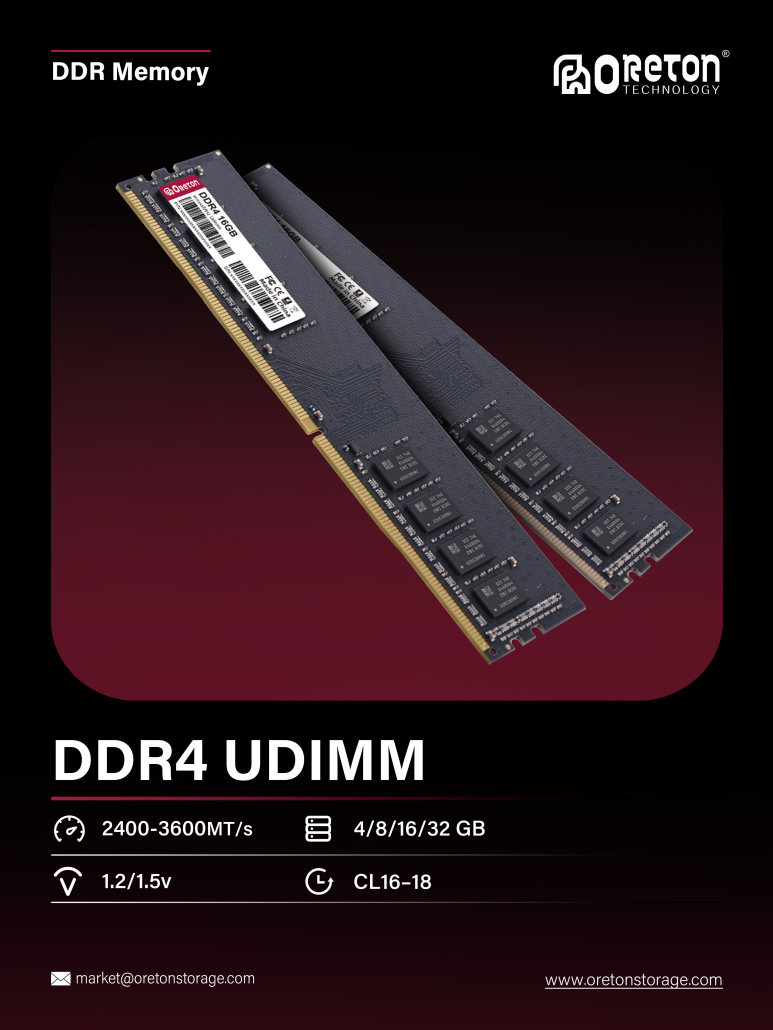
DDR4 and DDR5 have different architectures and platform implementations.
DDR5 introduces changes such as:
- Higher data rates
- On-die ECC
- PMIC on the module
- Different internal organization
- Updated memory controller behavior
These changes mean that DDR5 platform validation cannot simply copy the assumptions used for DDR4.
For example, a motherboard may have different supported frequency ranges depending on whether one or multiple DIMMs are installed.
The CPU’s integrated memory controller also plays an important role.
As a result, memory manufacturers and OEM customers need to evaluate the actual target platform rather than relying only on the nominal specification printed on the module.
12. Memory Training Becomes Important in Different DIMM Configurations
Before a system can operate normally, the memory controller may perform Memory Training during the boot process.
During training, the platform can determine or adjust parameters related to signal timing and memory operation.
Changing the DIMM configuration can change the electrical characteristics of the memory subsystem.
Par exemple :
1 DIMM → 2 DIMMs
can change:
- Signal loading
- Timing margins
- Training requirements
- Supported operating frequency
This is one reason why adding another memory module can sometimes result in a system operating at a lower frequency than expected.
It does not necessarily mean that the memory module itself has a problem. The final operating parameters are determined by the interaction between the DIMM, CPU memory controller, motherboard, BIOS, and memory configuration.
13. Motherboard Slot Selection Matters
When installing two DIMMs, the physical slots used can matter.
A motherboard with four memory slots may label them:
A1 / A2 / B1 / B2
The recommended two-DIMM configuration is often a specific pair of slots, such as A2 + B2.
However, this varies between motherboard designs.
Using the recommended slots allows the modules to populate the intended memory channels and can help the system achieve the expected memory configuration.
Therefore, memory installation should follow the motherboard manufacturer’s recommended DIMM population rules.
For OEM system builders, this also means that memory validation should be performed using the actual motherboard configuration intended for production.
14. Workload Determines How Much Dual-Channel Matters
The performance effect of dual-channel memory depends on the workload.
Applications that frequently access large amounts of data may benefit more from additional memory bandwidth.
Integrated graphics are a common example because they use system memory as graphics memory.
Other workloads may show smaller differences because their bottleneck lies elsewhere.
Par exemple :
CPU-limited workload
The processor may be the primary bottleneck.
GPU-limited workload
The discrete GPU may determine overall performance.
Storage-limited workload
The SSD or storage subsystem may determine the response time.
Memory-bandwidth-limited workload
Additional memory bandwidth can have a more noticeable impact.
This is why memory configuration should always be evaluated together with the target application.
15. Dual DIMM and System Upgrade Planning
There is also a practical trade-off between current performance configuration and future expansion.
Consider a motherboard with four DIMM slots.
Configuration A
1 × 16GB
Advantages may include:
- One slot remains available for expansion.
- Future capacity upgrades can be straightforward.
Potential consideration:
- Depending on the platform and slot configuration, only one memory channel may be populated.
Configuration B
2 × 8GB
Advantages may include:
- Two memory channels can be populated on a typical dual-channel platform.
- The system can start with a dual-channel configuration.
Potential consideration:
- Two slots are already occupied.
- A future upgrade may require replacing the existing modules rather than simply adding another module, depending on the desired capacity.
Neither configuration should be evaluated only from the perspective of capacity.
The right configuration depends on the system’s performance requirements and upgrade strategy.
16. OEM Memory Validation Requires the Complete Configuration
For OEMs and system integrators, memory validation should not stop at testing an individual DIMM.
The actual system configuration needs to be considered.
A complete validation process may include:
DIMM Configuration
1 DIMM, 2 DIMMs, and other supported configurations.
Memory Channel
Single-channel and dual-channel operation where applicable.
Capacité
Different module capacities and total memory configurations.
Fréquence
JEDEC and supported performance profiles.
Timing
Primary and relevant secondary timings.
Rank
Single-Rank and Dual-Rank configurations.
Plate-forme
Different CPU and motherboard combinations when required.
Memory Training
Boot behavior and stability across repeated power cycles.
Stress Testing
Long-duration memory workloads under realistic system conditions.
This approach helps identify compatibility issues that may not appear during standalone module testing.
17. Why Memory Specifications Need to Be Viewed as a System
A memory module does not operate independently.
Its actual operating condition is determined by the interaction between:
DRAM IC + DIMM Design + Rank Configuration + SPD + CPU Memory Controller + Motherboard + BIOS + DIMM Population + Workload
This explains why two systems using the same memory module can produce different results.
It also explains why memory manufacturers need to consider more than the nominal frequency and capacity when developing and validating products.
18. Oreton’s Approach to Memory Configuration
For memory products used in OEM and system integration projects, configuration compatibility is an important part of product development.
At Oreton, memory solutions are evaluated with consideration for the complete platform, including DRAM IC selection, module organization, Rank configuration, SPD parameters, frequency, timing, and target motherboard and CPU platforms.
Different DIMM configurations can also be validated according to the requirements of the target system.
The goal is not simply to achieve a high memory frequency, but to develop memory solutions that provide a practical balance of:
Performance + Compatibility + Stability + Quality + Consistency
This is particularly important for OEM projects where the same memory configuration may need to be deployed across multiple systems or production batches.
Conclusion
Single DIMM and Dual DIMM configurations can provide the same total memory capacity while operating differently at the system level.
The key difference is not simply the number of physical memory modules. It is how those modules interact with the available memory channels, CPU memory controller, motherboard, BIOS, and workload.
A useful way to understand the relationship is:
DIMM Population → Memory Channel Configuration → Available Bandwidth → Workload Performance
while other factors such as Rank, DRAM density, timing, memory training, and platform compatibility can further influence the final result.
For users, this means that choosing memory should involve more than comparing capacity and frequency.
For OEMs and memory manufacturers, it means that DIMM configuration and platform validation are important parts of delivering stable and consistent memory solutions.