





Understanding CPU Lanes, Chipset Sharing, and Real-World Bandwidth Limits
Many SSD performance complaints start with the same assumption:
“The SSD supports PCIe Gen4 x4, so it should always run at full speed.”
In reality, PCIe performance is not defined by the SSD alone.
It is defined by how lanes are allocated, shared, and scheduled across the entire platform.
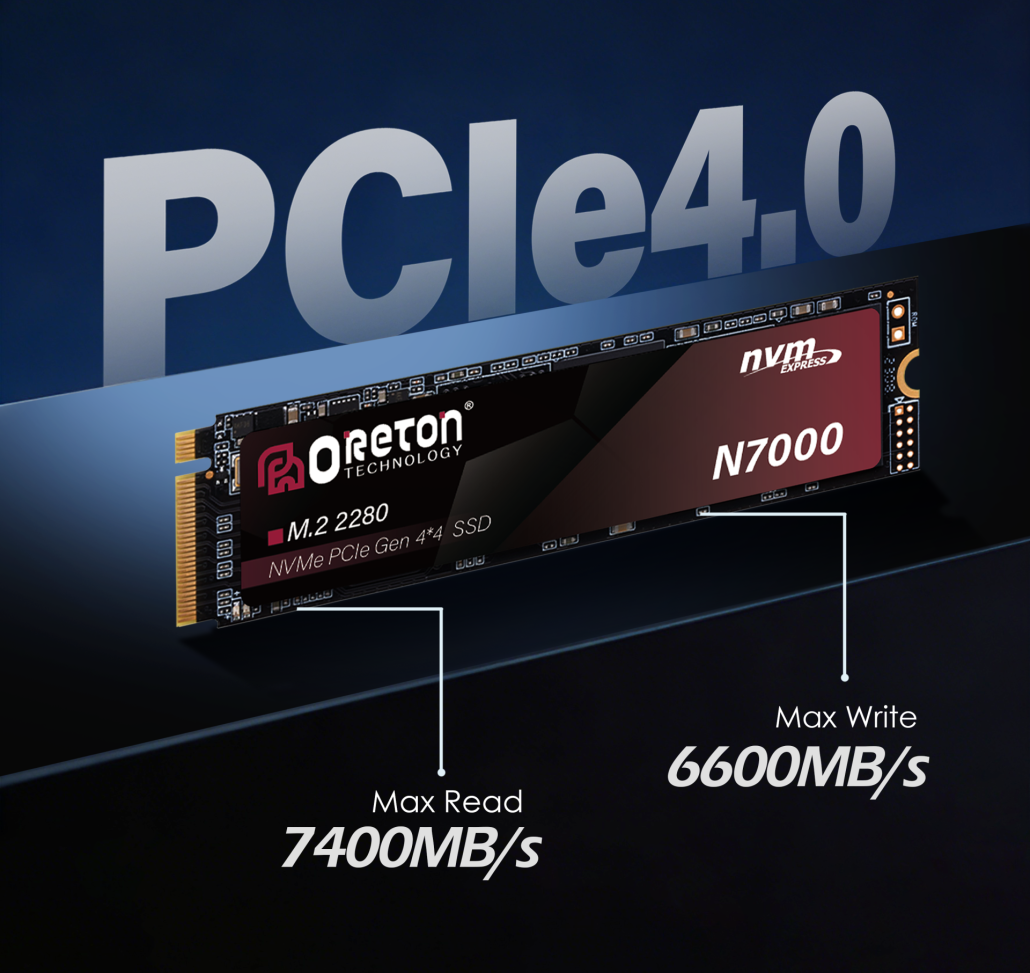
This article explains why SSDs often fail to reach their theoretical bandwidth — even when everything looks “compatible” on paper.
1. PCIe Lanes Are a Shared Resource, Not a Guarantee
PCIe lanes are finite.
Every CPU platform has a fixed number of lanes, and all high-speed devices compete for them.
Typical Desktop Platform Example
| Composant | Lane Source |
|---|---|
| GPU | CPU PCIe lanes |
| Primary M.2 SSD | CPU or chipset (platform dependent) |
| Secondary M.2 SSD | Chipset PCIe lanes |
| USB controllers / LAN | Chipset shared bandwidth |
The key misunderstanding is assuming that every M.2 slot has a direct, independent path to the CPU.
Most do not.
2. CPU Lanes vs Chipset Lanes: A Critical Difference
CPU-Connected Lanes
-
Direct path to the CPU
-
Lowest latency
-
Full PCIe bandwidth
-
Usually reserved for GPU and one primary M.2 slot
Chipset-Connected Lanes
-
Routed through the chipset
-
Shared with USB, SATA, LAN, Wi-Fi, etc.
-
Limited by the CPU–chipset uplink
Why This Matters
Even if an SSD supports PCIe Gen4 x4:
-
On CPU lanes → full speed is possible
-
On chipset lanes → bandwidth is shared and capped
This is why two identical SSDs can perform very differently depending on which slot they are installed in.
3. The Chipset Bottleneck Most People Ignore
The chipset communicates with the CPU through a single uplink, typically equivalent to PCIe x4.
What Shares That Link?
-
Secondary M.2 SSDs
-
USB controllers
-
Ethernet
-
Wi-Fi
-
SATA controllers
When multiple devices are active, they compete for the same upstream bandwidth.
Practical Result
| Scénario | SSD Behavior |
|---|---|
| SSD only, idle system | Near-peak speed |
| SSD + USB transfer | Noticeable slowdown |
| SSD + network + I/O | Unstable throughput |
| Sustained mixed load | Speed far below benchmark |
This is not a defect — it is expected behavior.
4. M.2 Slot Sharing and Lane Reassignment
Many motherboards dynamically reassign lanes depending on slot usage.
Common Examples
-
Using a second M.2 slot disables SATA ports
-
Installing an SSD reduces GPU lane width (x16 → x8)
-
Two M.2 slots share bandwidth and throttle each other
These trade-offs are usually documented — but rarely read.
“It fits” does not mean “it runs independently.”
5. Multi-Device Bandwidth Contention in Real Systems
OEM systems rarely operate in isolation.
Typical configurations include:
-
SSD
-
GPUs or iGPUs
-
USB peripherals
-
Network traffic
-
External storage
Under real workloads, PCIe scheduling becomes dynamic.
Why Benchmarks Don’t Catch This
La plupart des benchmarks SSD :
-
Test one device at a time
-
Run on idle systems
-
Ignore background traffic
Real deployments do not.
6. A Simple Example: Same SSD, Different Results
| Installation | Expected | Actual Behavior |
|---|---|---|
| Primary M.2 (CPU lanes) | Full Gen4 speed | Stable, consistent |
| Secondary M.2 (chipset) | Same speed | Variable, lower |
| External NVMe (USB) | Haut | Interface-limited |
The SSD did not change.
The lane topology did.
7. What OEMs and System Builders Should Do Differently
Instead of asking:
“Does this SSD support PCIe Gen4?”
Ask:
-
Which lanes does this slot use?
-
What else shares those lanes?
-
What happens under simultaneous I/O?
Practical Design Guidelines
-
Place system SSDs on CPU-connected lanes
-
Avoid stacking high-bandwidth devices on chipset lanes
-
Validate performance under mixed workloads
-
Read motherboard lane diagrams, not just specs
Conclusion: PCIe Speed Depends on Topology, Not Labels
PCIe generation numbers describe capability, pas guaranteed performance.
Real SSD speed is shaped by:
-
lane source (CPU vs chipset)
-
sharing behavior
-
system load conditions
Understanding PCIe lane allocation explains why SSDs often run “slower than expected” — and why this is normal, predictable, and avoidable with proper system design.
At Oreton, SSD recommendations are made based on platform topology and workload reality, not just interface generation — helping OEM partners achieve stable, predictable performance across real deployments.