





Understanding SSD reliability in consumer and commercial applications
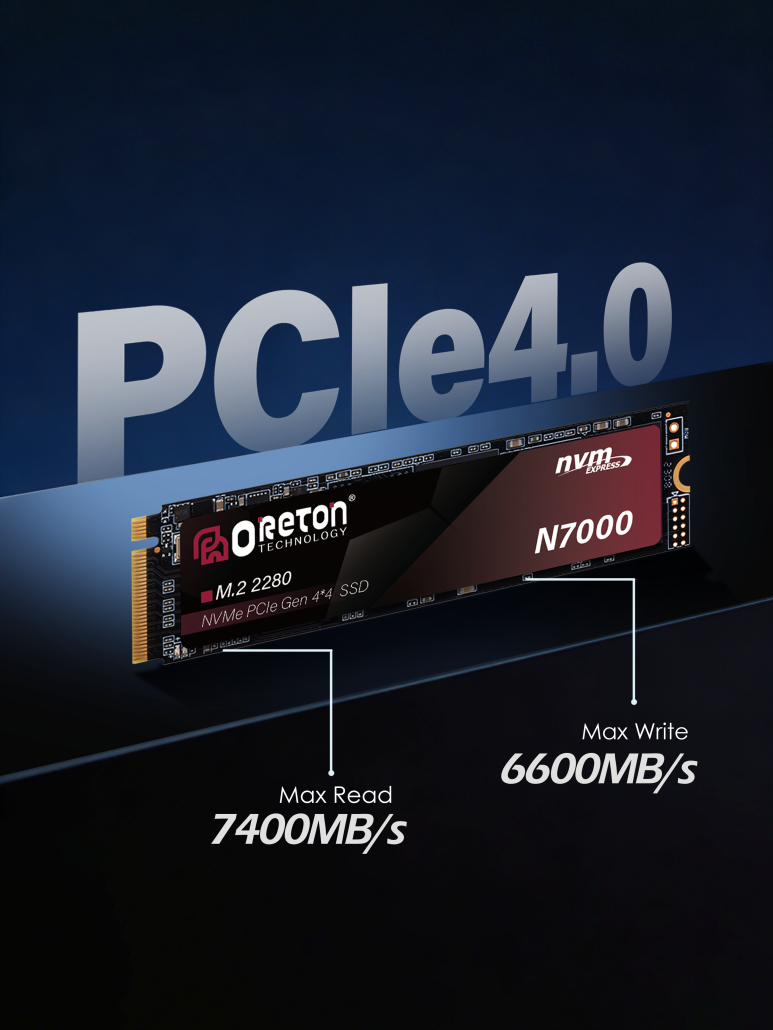
Solid-state drives (SSDs) have transformed modern computing. Compared to traditional hard disk drives, they offer faster boot times, quicker application launches, lower power consumption, and improved resistance to physical shock. Whether in gaming PCs, office systems, workstations, industrial devices, or enterprise deployments, SSDs have become the standard storage solution.
Yet despite their reputation for reliability, SSDs are not immune to problems.
A common misconception is that SSDs either work perfectly or suddenly fail without warning. In reality, most SSD-related issues develop gradually and are influenced by a combination of factors, including workload patterns, thermal conditions, component quality, firmware behavior, and overall system design.
Understanding these factors is valuable not only for individual users looking to protect their data, but also for distributors, system integrators, and OEM customers responsible for deploying large numbers of systems.
This article explores the most common SSD problems, what causes them, how to recognize warning signs, and what can be done to improve long-term reliability.
SSD Failure Doesn’t Always Mean Hardware Failure
When users encounter SSD-related issues, they often assume the drive itself is defective. However, many storage problems originate elsewhere.
An SSD may appear to be “failing” when the actual cause is:
- Insufficient free storage space
- Firmware-related issues
- Excessive operating temperatures
- System configuration problems
- Driver conflicts
- Power interruptions
- Compatibility limitations
This distinction is important because solving the problem often requires understanding the underlying cause rather than simply replacing hardware.
Why SSD Performance Sometimes Slows Down Over Time
One of the most common complaints among SSD users is:
“My SSD used to feel fast, but now everything seems slower.”
Unlike a brand-new SSD tested under ideal conditions, a drive in daily use operates under constantly changing workloads.
Several factors contribute to performance degradation.
The Impact of Drive Utilization
As SSDs fill up, the controller has fewer available NAND blocks to work with.
Modern SSDs continuously manage data through processes such as:
- Nivellierung der Abnutzung
- Müllabfuhr
- Block management
When free space becomes limited, these processes become less efficient.
This is one reason why a nearly full SSD often performs noticeably worse than the same drive with substantial free capacity available.
For both consumers and businesses, maintaining adequate free space is one of the simplest ways to preserve performance.
SLC Cache Limitations
Many consumer SSDs use dynamic SLC caching to improve burst write performance.
During short transfers, write speeds may appear extremely fast.
However, when large amounts of data are written continuously, the cache can become saturated.
Once this happens, write performance may drop significantly until the SSD has time to reorganize data internally.
This behavior is normal, but users often interpret it as a malfunction.
For workloads involving frequent large file transfers, sustained performance can be more important than peak benchmark numbers.
Heat: The Hidden Enemy of SSD Stability
As SSD interfaces have evolved from SATA to PCIe Gen4 and Gen5, performance has increased dramatically.
However, higher performance often brings greater thermal challenges.
An SSD controller generates heat while processing data. Under sustained workloads such as:
- Video editing
- Übertragung großer Dateien
- AI datasets
- Software development
- Enterprise applications
temperatures can rise rapidly.
When temperatures exceed safe operating thresholds, many SSDs automatically reduce performance to protect internal components.
This behavior, known as thermal throttling, helps prevent damage but can create noticeable slowdowns.
For high-performance systems, proper cooling and airflow are becoming increasingly important.
In commercial deployments, thermal planning should be considered part of system design rather than an afterthought.
Firmware: The Part of SSDs Most Users Never See
Firmware serves as the operating logic of an SSD.
It controls:
- Data placement
- Error correction
- Nivellierung der Abnutzung
- Cache management
- Performance optimization
Because firmware operates invisibly, users rarely think about it until problems appear.
Firmware-related issues may result in:
- Unexpected slowdowns
- Compatibility problems
- System instability
- Detection failures
In rare cases, firmware bugs have affected entire product lines across the storage industry.
This is why SSD validation extends beyond hardware testing. Reliable firmware development and validation are equally important to long-term product quality.
Understanding NAND Wear and SSD Lifespan
Unlike hard drives, SSDs do not contain moving parts.
However, NAND flash memory cells gradually wear as data is written and erased over time.
Manufacturers use endurance metrics such as TBW (Terabytes Written) to estimate expected lifespan.
For many users, the concept of SSD wear creates unnecessary concern.
In reality, modern SSDs are remarkably durable.
A typical office or home user may only write a fraction of the data required to approach the drive’s endurance limits.
However, endurance becomes more important in environments such as:
- Video production
- Surveillance systems
- Database applications
- Industrial logging
- Enterprise workloads
In these scenarios, SSD selection should consider not only performance, but also endurance ratings and workload requirements.
Data Integrity Matters as Much as Speed
Consumers often evaluate SSDs based on speed alone.
Yet for businesses, data integrity is frequently more important than benchmark performance.
Potential risks include:
- Unexpected power loss
- System crashes
- Corrupted writes
- File system errors
- Firmware abnormalities
Modern SSDs incorporate technologies such as:
- Error correction codes (ECC)
- Bad block management
- Advanced wear leveling
to reduce these risks.
Nevertheless, no storage device should replace a proper backup strategy.
The fastest SSD in the world cannot recover data that exists nowhere else.
Compatibility Issues Are More Common Than Many Users Realize
Another frequent source of confusion is compatibility.
Two M.2 SSDs may look identical externally while supporting entirely different protocols.
Examples include:
- SATA M.2 SSDs
- NVMe PCIe SSDs
- PCIe Gen3 SSDs
- PCIe Gen4 SSDs
- PCIe Gen5 SSDs
Not every motherboard supports every configuration.
Users sometimes purchase a drive based solely on form factor, only to discover that their system cannot fully utilize it—or cannot recognize it at all.
For system builders and OEM customers, compatibility validation remains a critical part of product planning.
The Risk of Low-Quality Components
Not all SSDs are built using the same quality standards.
While specification sheets may appear similar, significant differences can exist in:
- NAND-Qualität
- Controller selection
- Firmware development
- Validation processes
Low-quality components can increase the likelihood of:
- Premature performance degradation
- Higher failure rates
- Reduced endurance
- Inconsistent behavior across production batches
For consumers, these risks may affect a single system.
For businesses deploying hundreds or thousands of units, the consequences can be far more significant.
Why Consistency Matters in OEM and Commercial Deployments
For enterprise customers and OEM partners, SSD reliability extends beyond individual drive performance.
Large-scale deployments require consistency across every production batch.
A common challenge within the storage industry is component variation over time.
Changes in NAND suppliers, controller revisions, or firmware versions may result in products that behave differently despite sharing the same model name.
For system integrators and commercial customers, this can complicate:
- Validation processes
- Technical support
- Inventory planning
- Long-term maintenance
This is why many professional buyers place significant emphasis on supplier validation procedures, quality control systems, and long-term supply stability.
Consistency often matters more than achieving the highest benchmark score.
Preventing SSD Problems Before They Occur
While no storage device can guarantee zero failures, several practices can significantly improve reliability.
For individual users:
- Maintain sufficient free space
- Ensure adequate cooling
- Keep firmware updated when appropriate
- Use proper backup strategies
- Purchase from reputable suppliers
For businesses and OEM customers:
- Validate products before deployment
- Evaluate component consistency
- Consider workload requirements carefully
- Assess long-term supply capabilities
- Prioritize reliability alongside performance
Proactive planning is often far less costly than resolving failures after deployment.
Schlussfolgerung
SSDs have become one of the most reliable and efficient storage technologies available today, but like any technology, they are not immune to challenges.
Performance slowdowns, thermal limitations, firmware issues, endurance concerns, compatibility problems, and component quality variations can all influence long-term reliability.
For consumers, understanding these factors helps improve purchasing decisions and extend the lifespan of their systems.
For OEM customers, distributors, and system integrators, reliability involves an even broader perspective—one that includes validation processes, component consistency, supply stability, and long-term deployment performance.
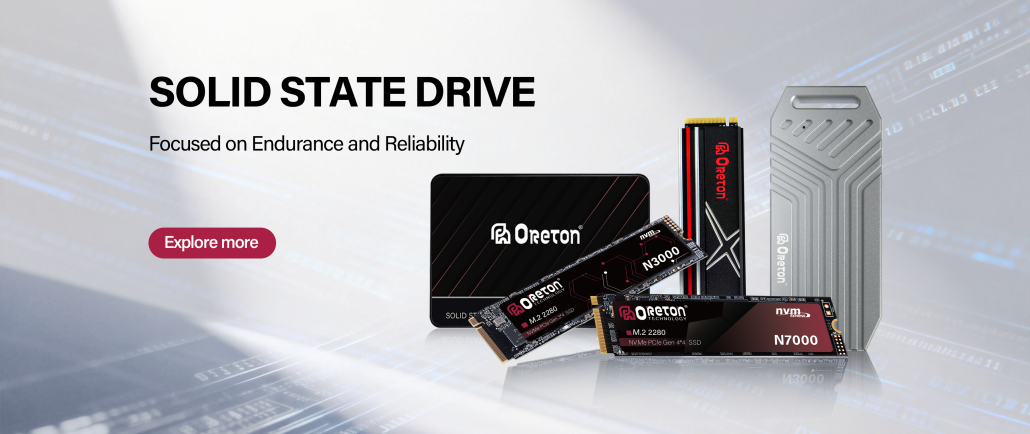
Unter Oreton, we believe reliable storage solutions are built on more than specifications alone. Through careful component selection, rigorous validation, and a focus on production consistency, we strive to deliver SSD products that support both everyday users and large-scale commercial deployments with dependable long-term performance.
In the end, the most valuable SSD is not necessarily the fastest one on paper—it is the one that continues to perform reliably throughout its service life.