





Modern SSDs proudly advertise sequential speeds of 7,000 MB/s, 10,000 MB/s, or even higher.
On paper, that looks like a massive leap from older 3,000–3,500 MB/s drives.
Yet for many users, daily experience barely changes.
This disconnect isn’t marketing deception — it’s a misunderstanding of how storage performance actually works in real systems.
Two Very Different Performance Metrics
Before comparing SSDs, it’s critical to separate sequential performance from random performance.
Sequential Performance
Measures how fast large, continuous blocks of data can be read or written.
Typical benchmark conditions:
-
Large block size (128 KB or higher)
-
High queue depth
-
Ideal thermal and system conditions
Random Performance
Measures how efficiently the SSD handles small, scattered data requests.
Typical real-world conditions:
-
Small block size (4K–16K)
-
Low queue depth
-
Mixed read/write access
-
Background system activity
Most everyday tasks fall firmly into the second category.
Where Each Metric Actually Matters
| Workload Type | Dominant Metric | Why |
|---|---|---|
| OS boot | Random read, latency | Thousands of small system files |
| App launch | Random read | Small assets loaded from different locations |
| Multitasking | Random IOPS | Parallel small requests |
| File copy (large files) | Sequential read/write | Continuous data streams |
| Video export | Sustained sequential write | Long-duration workloads |
| Game loading | Mixed, mostly random | Asset access patterns vary by engine |
This is why an SSD with half the sequential speed can still feel just as responsive — or sometimes faster.
Why 7,000 MB/s Doesn’t Feel “Twice as Fast”
Sequential speed scales linearly only under sequential workloads.
Daily system activity looks very different.
Typical Desktop Behavior
-
Queue depth often stays at QD1–QD4
-
Data requests are fragmented
-
CPU scheduling and memory caching intervene
At low queue depth, latency dominates — not bandwidth.
Even PCIe Gen5 SSDs rarely operate near their peak speeds during normal use.
Real-World Comparison Example
PCIe 3.0 vs PCIe 4.0 System Drive
| Scenario | PCIe 3.0 SSD | PCIe 4.0 SSD |
|---|---|---|
| OS boot time | ~11.5 s | ~10.8 s |
| Browser launch | Near-instant | Near-instant |
| Office app load | Minor difference | Minor difference |
| Large file copy | Slower | Significantly faster |
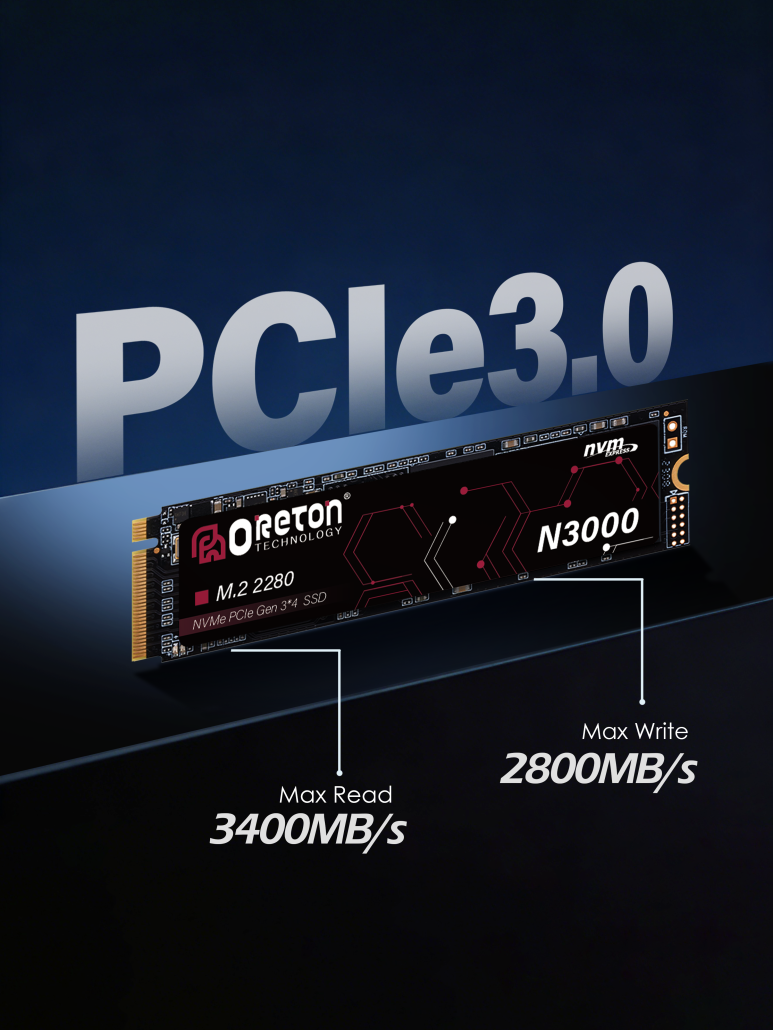
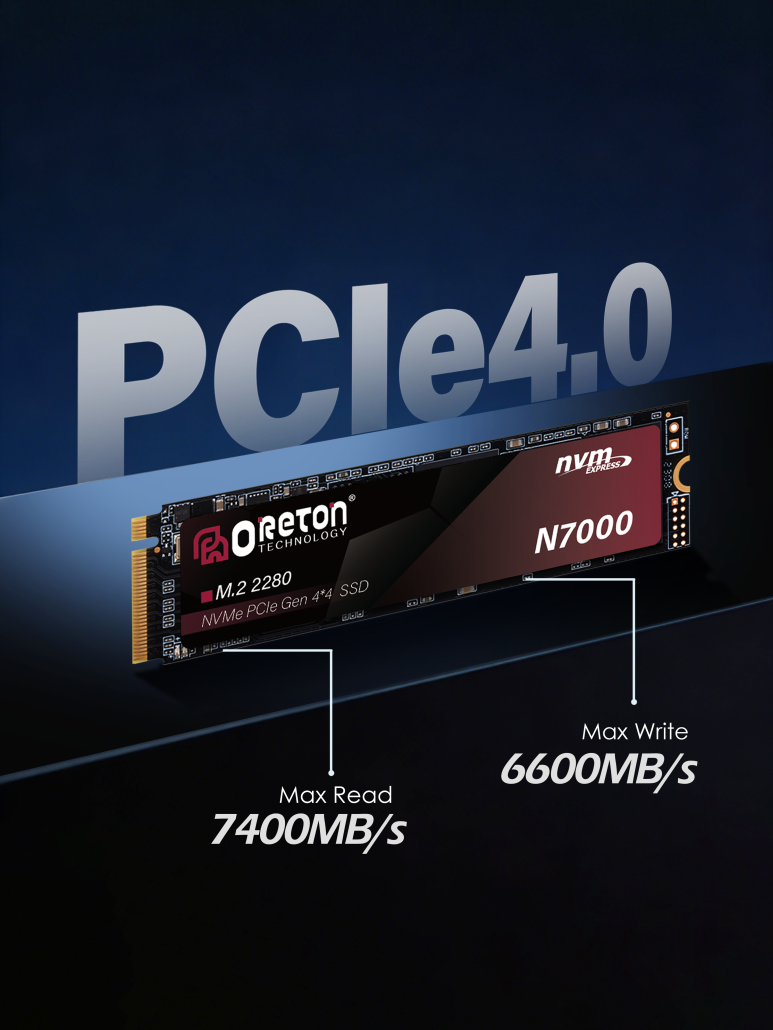
The difference is measurable — but not transformative for daily interaction.
Random Performance: The Hidden Differentiator
Random performance depends on more than interface bandwidth:
Key Influencing Factors
-
Controller efficiency
-
Firmware scheduling
-
NAND access behavior
-
Write amplification control
-
Thermal consistency
Two SSDs with identical PCIe interfaces and similar sequential speeds can behave very differently under light workloads.
This is why balanced SSDs often outperform “headline speed” models in real systems.
Choosing the Right SSD by Usage Role
System Drive (OS + Applications)
What matters most:
-
Low latency
-
Consistent random read/write
-
Thermal stability
What matters less:
-
Extreme sequential speed
Recommendation logic:
Well-optimized PCIe 3.0 or mainstream PCIe 4.0 SSDs are usually sufficient.
Work Drive (Creative / Professional Tasks)
What matters most:
-
Sustained sequential throughput
-
Thermal control under load
-
Write consistency
Recommendation logic:
PCIe 4.0 delivers meaningful gains here, especially for video, rendering, and large asset workflows.
External SSD
What matters most:
-
Interface compatibility (USB, Thunderbolt, USB4)
-
Controller efficiency
-
Random responsiveness for previews and app launches
Key insight:
The port often limits performance more than the SSD itself.
When Higher Sequential Speed Does Make Sense
Higher sequential bandwidth becomes valuable when:
-
File sizes are consistently large
-
Transfers are long and uninterrupted
-
The system platform fully supports the interface
-
Thermal throttling is properly managed
Without these conditions, peak numbers remain largely theoretical.
Performance Is a System-Level Outcome
SSD performance is not a single number.
It is the result of:
-
Workload characteristics
-
Interface limitations
-
Controller behavior
-
Platform support
Sequential speed shows maximum capability.
Random performance shows day-to-day usability.
Understanding the difference allows smarter decisions — and avoids paying for performance that never gets used.