





Maximizing Performance in Laptops and Mini PCs without Hitting Bottlenecks
Small form factor (SFF) PCs and laptops have become increasingly popular in 2026 due to their portability and compact design. But when it comes to upgrading storage, PCIe SSDs can offer impressive performance gains — yet they also come with practical limits.
1️⃣ Why PCIe SSDs Are Attractive for SFF PCs
- ⚡ High sequential speeds: PCIe 4.0/5.0 SSDs offer significantly faster read/write than SATA SSDs.
- 🖥️ Responsive multitasking: Faster random access speeds improve application launch and system responsiveness.
- 🎮 Better gaming load times: Open-world games and asset-heavy titles benefit from higher throughput.
الملاحظة: SFF systems often come with limited upgrade options, so a PCIe SSD can provide a substantial performance boost without replacing the entire system.
2️⃣ Practical Limits in Small PCs
Despite their advantages, PCIe SSDs in SFF PCs face constraints:
| Factor | القيود | Impact |
|---|---|---|
| الهامش الحراري | Compact cases have limited airflow | High-speed PCIe 4.0/5.0 drives may throttle under sustained load |
| ممرات PCIe | Laptops often support x2 instead of x4 | Reduces peak throughput, diminishing the performance advantage |
| Power budget | Smaller PSUs or batteries | High-speed drives consume more power, slightly reducing battery life |
| Motherboard compatibility | Some SFF boards may not fully support PCIe 5.0 | Newer drives may run at PCIe 3.0 speeds |
الوجبات الجاهزة: إن theoretical speed of the SSD may not translate fully into real-world gains in very compact systems.
3️⃣ Real-World Gains You Can Expect
| حالة الاستخدام | PCIe SSD Impact | الملاحظات |
|---|---|---|
| تمهيد نظام التشغيل | 10–15 sec | Noticeably faster than SATA SSD, similar to larger desktops |
| App launch | فوري | Especially in multitasking and office workflows |
| Game load times | 15–25% improvement | Large open-world games benefit most |
| File transfers | Up to 2–3x faster than SATA | Heavy media projects see tangible gains |
البصيرة الرئيسية: بالنسبة لـ daily use, the performance difference between PCIe 3.0 and 4.0 in small PCs may be minor. PCIe 5.0 is mostly future-proofing or for content creators with large datasets.
4️⃣ When PCIe SSDs Make Sense in SFF PCs
- ✅ Upgrading laptops or mini PCs without replacing the motherboard
- ✅ Users who handle large media files or CAD projects
- ✅ Gamers with open-world or AAA titles
- ✅ Environments where multitasking and app responsiveness matter
Tip: If your workload is limited to office apps, web browsing, or light gaming, a PCIe 3.0 or high-end SATA SSD often provides enough speed at lower cost.
5️⃣ Conclusion
PCIe SSDs can bring significant performance gains to small form factor PCs, but it’s important to consider thermal limits, PCIe lane width, and power constraints.
Practical advice: Choose the PCIe generation based on your actual workload, not just marketing numbers. A well-chosen PCIe SSD upgrade can transform a compact PC, extending its life and improving responsiveness for daily tasks or professional applications.
نبذة عن أوريتون
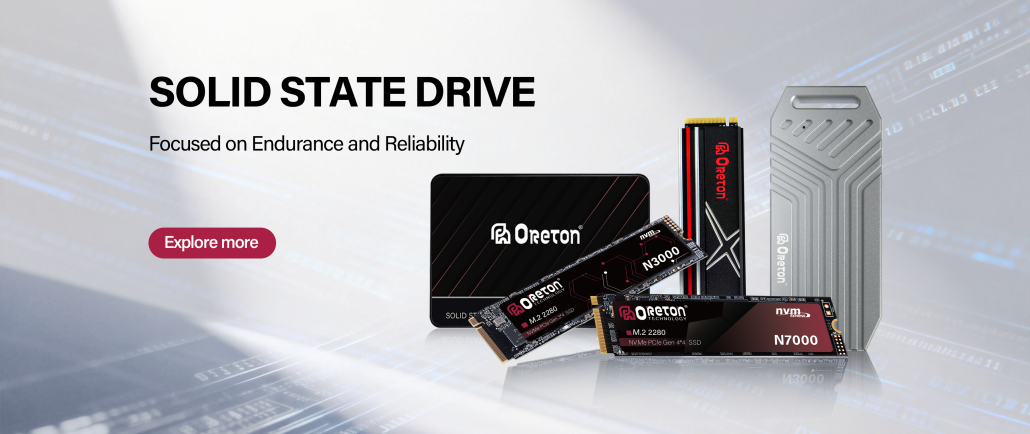
Oreton offers high-quality PCIe SSDs and SATA SSDs, optimized for stability, reliability, and real-world performance. من mini PCs and laptops إلى enterprise deployments, Oreton ensures your storage delivers consistent speed and long-term reliability.